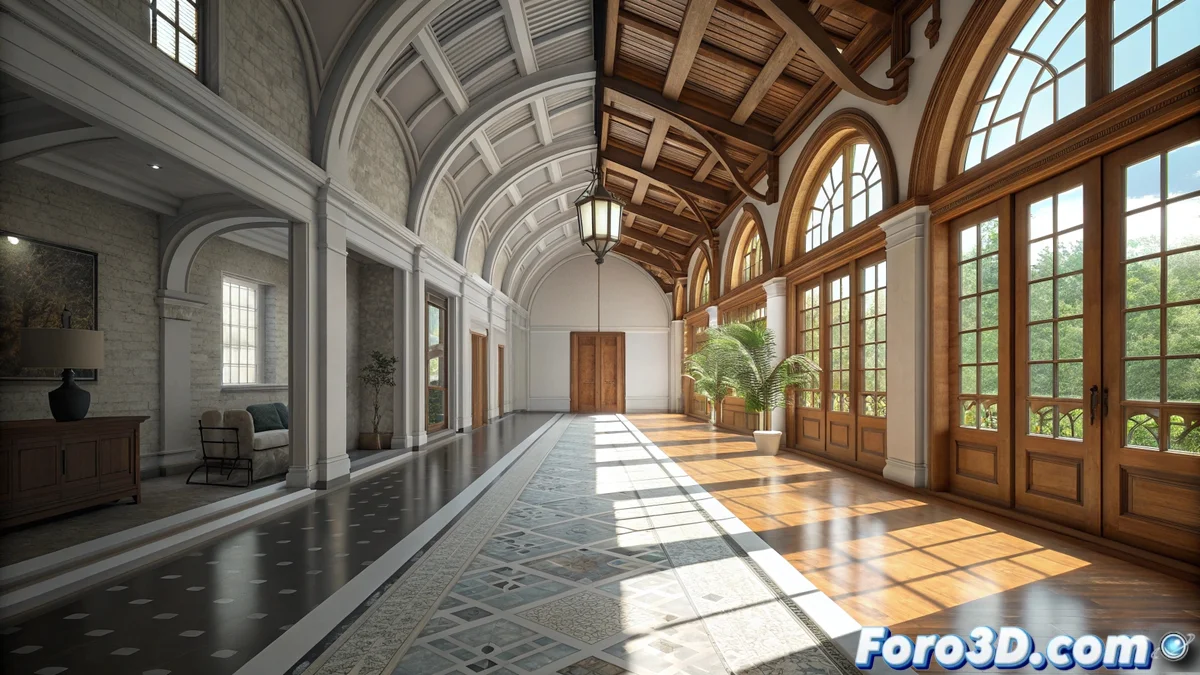
Path Tracer in Unreal Engine and Unity: Key Differences
The main game engines, Unreal Engine and Unity, now include systems that simulate how light behaves in the real world. This technology, known as path tracing or path tracing, calculates the path of photons to generate global illumination, reflections, and shadows with great realism. Although the goal is similar, the way to access and use this power varies greatly between both platforms. 🎮
Simulating Physical Light in Real-Time Engines
Both solutions work on the same principle: tracking millions of paths that light could take, from its source to the virtual camera. This allows creating images with a quality that was previously only achievable with offline renderers. The main difference is not in the calculation itself, but in how each engine integrates this function into its workflow for the artist. One offers it as a mature tool within its main renderer, while the other deploys it as a feature in development within a specific pipeline.
Common Features of Both Systems:- Require powerful hardware (high-end GPU) to process the samples.
- Work in a progressive manner, accumulating samples over time to reduce noise.
- Their ideal use is for producing high-quality still images or cinematics, not for running at real-time frame rates.
The choice between one or the other usually depends more on the engine and the rendering pipeline used in the main project, rather than absolute technical superiority.
Unreal Engine's Integrated Approach
In Unreal Engine, the Path Tracer is a feature of the real-time renderer. The user can activate it directly in the editor without changing the base rendering mode. This ensures total visual coherence, as it uses the same shading stack and materials that the engine uses for real-time rendering. The artist can preview the result while the system accumulates samples, which is perfect for validating a scene's lighting or for final captures.
Advantages of Unreal's Path Tracer:- Direct and stable integration within the main workflow.
- Uses the same lights and materials as raster rendering, without conversions.
- Accumulative preview in the editor speeds up the work.
Unity's Experimental Approach
Unity implements its Path Tracing within the High Definition Render Pipeline (HDRP). Currently, it is categorized as an experimental feature. To use it, it is necessary to configure the camera with a specific accumulation component and manually change its rendering mode. Being within HDRP, it leverages all the features of this pipeline, such as its advanced physically-based materials system. Its development remains active and receives improvements with each new engine version.
Key Aspects of Unity's Path Tracing:- Available only within HDRP, not in the Universal Render Pipeline (URP).
- Requires manual camera configuration to activate accumulation mode.
- Its experimental nature implies it may evolve and change in future updates.
Which One to Choose for Your Project?
The decision is more strategic than technical. If your project is already in Unreal Engine, its Path Tracer offers a direct and reliable path for generating high-fidelity renders. If you work in Unity with HDRP, its Path Tracing solution is powerful, although you must consider its experimental status. In both cases, these systems represent a huge leap for producing cinematic-quality visual content directly within the engine, shortening production cycles. 🚀