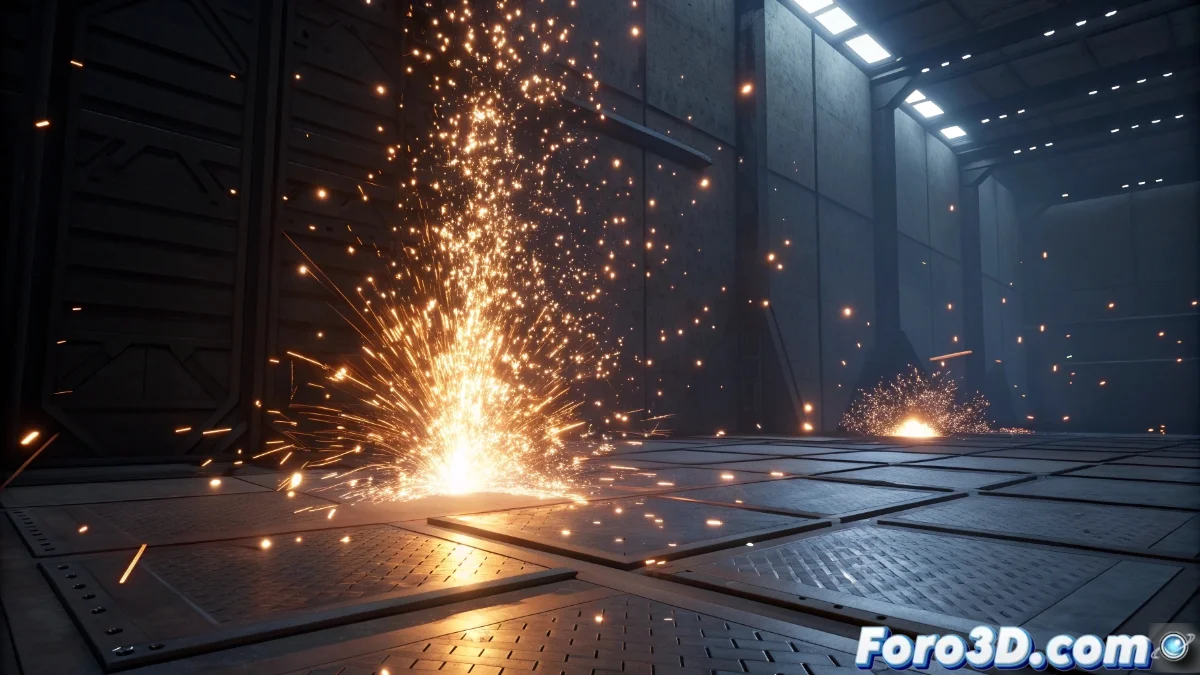
Particle Collisions with Niagara in Unreal Engine 5
The Niagara particle system in Unreal Engine 5 incorporates an advanced collision module that allows for the simulation of realistic physical interactions between particles and the virtual world environment. This component automatically manages impacts, adjusting parameters such as friction, restitution, and damping to achieve natural behaviors. An essential tool for immersive visual effects! 🎯
Collision Module Configuration
To activate collisions, it is necessary to add the Collision module to the particle emitter within the Niagara editor. It is crucial to define the project's collision channels to ensure particles interact only with desired objects. Options like Collision Mode allow selection between continuous or per-frame detection, while Bounce and Friction settings control rebound and deceleration upon impact. Furthermore, collision events can trigger secondary effects, such as the generation of new particles or sounds, enriching the visual experience. 🌟
Key steps for configuration:- Access the particle emitter in Niagara and add the Collision module from the available panel
- Define collision channels for specific interactions with static or dynamic surfaces
- Adjust parameters like Bounce and Friction for realistic behavior upon impact
Collisions in Niagara not only simulate physics but open the door to dynamic effects that elevate the realism of any scene.
Optimization and Performance Management
Collision detection can consume significant resources, especially with a high volume of particles. To maintain optimal performance, it is recommended to limit complex collisions to essential particles and use LODs (Levels of Detail) that reduce collision precision at far distances. Adjusting the collision radius and avoiding interactions with unnecessary geometry are key practices. Unreal Engine 5 includes profiling tools to monitor the cost in real-time, allowing for adjustments that balance quality and efficiency. ⚙️
Optimization strategies:- Use LODs to reduce the complexity of collisions on distant particles
- Adjust the collision radius to minimize unnecessary calculations
- Utilize profiling tools to identify real-time bottlenecks
Impact on the Visual Experience
Well-configured collisions not only enhance realism but also contribute to user immersion. Particles that elegantly avoid obstacles can feel more coherent than some behaviors in multiplayer environments, highlighting Niagara's precision. By integrating collision events with secondary effects, such as spawning additional particles, dynamic and enveloping scenes are created that fully leverage Unreal Engine 5's capabilities. 💥