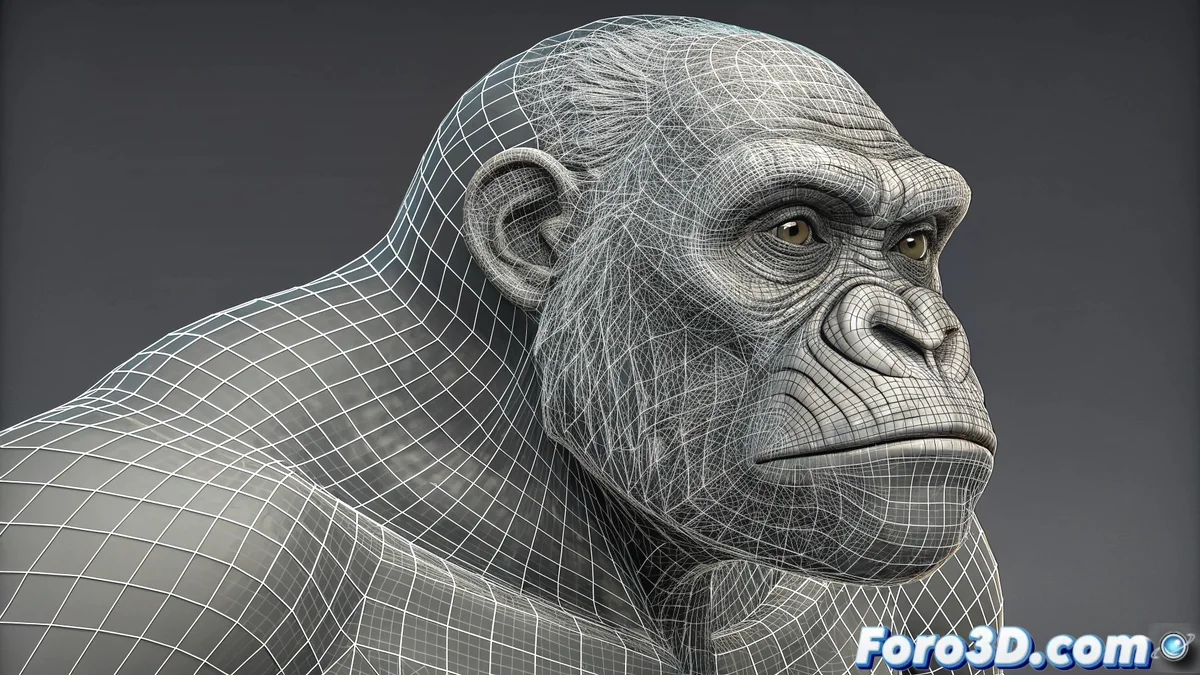
The Ingenious Solution for Complex Animations in 3ds Max
When working with detailed facial or body animations in 3ds Max, it's common to run into the 100-channel limitation of the Morph modifier. This seemingly insurmountable restriction, however, has an elegant solution through the strategic stacking of multiple modifiers. A workaround that demonstrates the flexibility of the software's modifier stack system.
The Art of Organizing Modifiers Like Layers
The technique consists of treating each Morph modifier as a specific segment of your complete animation. The first modifier handles the first 100 morph targets, the second modifier the next 100, and so on. This layered approach not only solves the technical problem but also offers organizational advantages for particularly extensive or complex animations.
Step-by-Step Implementation
- Apply first Morph modifier with the first 100 targets
- Add second Morph modifier in the stack for targets 101-200
- Distribute targets logically among modifiers
- Maintain consistent nomenclature for control
Efficient Organization Strategies
The key to success lies in how you distribute the morph targets among the different modifiers. Grouping by temporal sequences, facial regions, or expression types greatly facilitates the subsequent animation process. Advance planning avoids confusion and makes the adjustment work more intuitive throughout the project.
Additional Advantages of the Method
- Modular organization of complex animations
- Ability to enable/disable groups of morphs
- Better performance when working with subsets
- Flexibility for selective editing
A demonstration of how technical limitations can inspire creative solutions that end up improving the overall workflow.
For character animators and technical artists, mastering this technique means breaking free from the chains imposed by software limitations. The ability to virtually expand without limit the number of available morph targets opens new possibilities for ultra-detailed facial animations and complex expressions 🎭.
And now you can create those hyperrealistic facial animations you've always wanted, although you'll probably spend more time organizing your modifiers than actually animating... because sometimes the technical solution becomes a parallel project 😅.