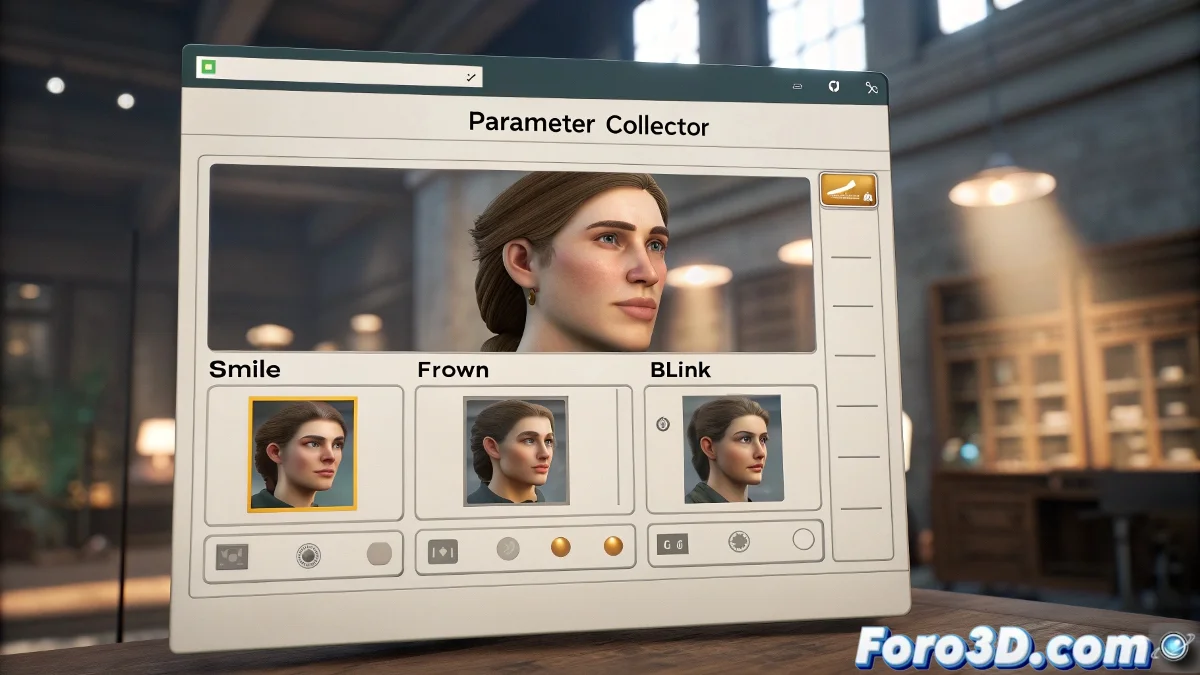
Organizing Facial Sliders in 3ds Max
As you dive into the world of facial animation with Morph Targets in 3ds Max, it's common for your workspace to quickly fill up with sliders. Each one controls a gesture, a smile, or a blink, but as you add more, the screen can start to resemble the control panel of a spaceship. And no one wants to feel like they're piloting a plane in the middle of a storm! 🛩️
Creating a Window with All the Controls
The solution to this visual chaos is to use tools like Parameter Collector or Custom Attribute Interface. These tools allow you to gather all those sliders into a compact and floating window that you can move freely and keep out of your way while you work. This not only helps you save visual space but also streamlines your workflow. Simply add the Morph Targets you already have in your Morpher modifier and link them from there, without losing control. It's like having a remote control for all your facial expressions! 🎮
How to Do It Step by Step
The process is quite straightforward. First, open Animation > Parameter Collector. From there, you can add the morph channels you already have connected one by one. Name your set of controls, choose how they are displayed (sliders, spinners, etc.), and save it so you can reuse it later. This way, you create your own "mini app" for facial control inside 3ds Max. Imagine controlling all the expressions of a Low Poly dragon from a single window! 🐉
- Open Parameter Collector: Your control center for sliders.
- Add morph channels: One by one, to keep things organized.
- Customize and save: Name and choose how to display your controls.
It's a good idea to group the sliders by facial areas: eyebrows, mouth, eyes... This way, you avoid gestures mixing like the character is going through an existential crisis. And remember, save frequently, because if something goes wrong, 3ds Max will show no mercy. Sometimes, the save button is more expressive than the Morphs you're editing. And who knows, maybe your character ends up with more expressions than you expected! 😜
With these tips, organizing your facial sliders in 3ds Max will be a piece of cake. And remember, every expression you animate is one step closer to bringing your characters to life. So keep practicing and have fun in the process! ✨