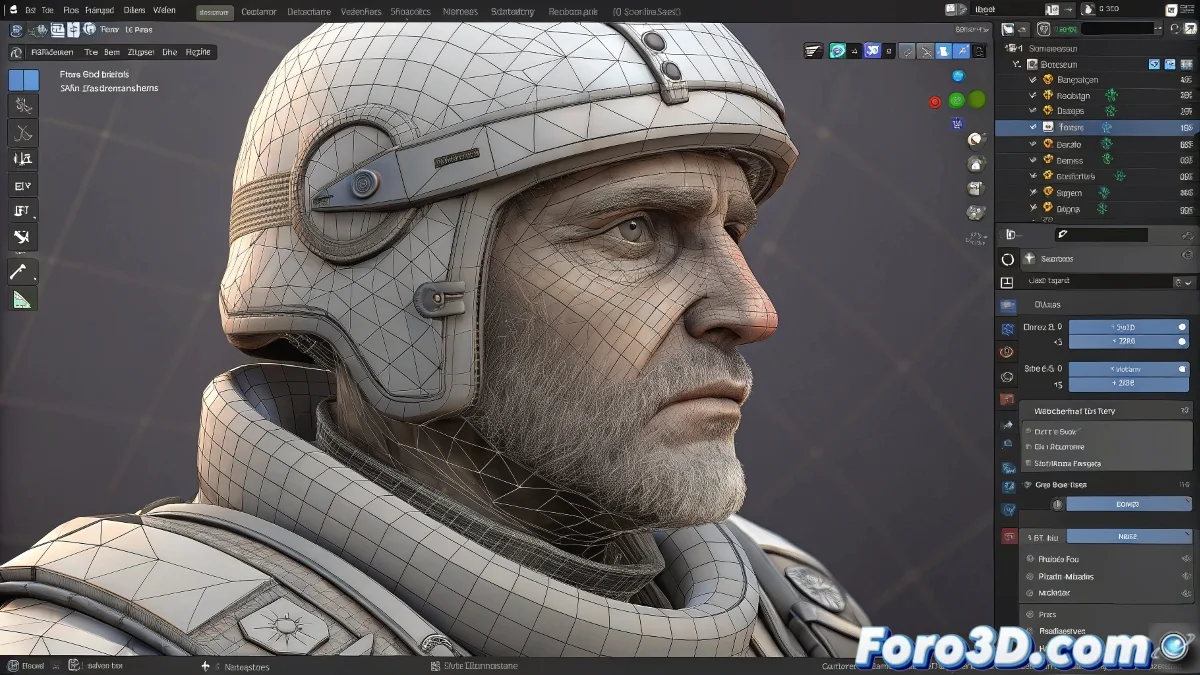
OpenSubdiv in Blender: The Secret to Smooth and Efficient Subdivisions
Tired of Blender crawling when subdividing complex models? 🐢 OpenSubdiv is Pixar's technology that Blender adopted to turn your meshes into ultra-smooth surfaces... without turning your workstation into an oven! 🌡️💻 Discover how this silent tool is revolutionizing professional modeling.
What exactly does OpenSubdiv do?
For modelers:
- Subdivides while maintaining sharp edges where you need them
- Allows working with low-poly and seeing high-poly in real time
- Optimizes creases and control edges
For animators:
- Maintains precise deformations in subdivisions
- Accelerates viewport with GPU rendering
- Works with shape keys and weight painting
How to activate it (and make the most of it)
- Add the Subdivision Surface modifier
- Switch from Simple to OpenSubdiv
- Adjust levels (2-3 is usually sufficient)
- Enable Optimal Display to see low-poly in viewport
OpenSubdiv is like having an assistant that polishes your models while you work: you don't see it, but the results shine on their own.
Key advantages vs traditional subdivision
| Feature | Simple Subdivision | OpenSubdiv |
|---|---|---|
| Performance | CPU (slow) | GPU (fast) |
| Sharp edges | Requires edge crease | Automatic handling |
| Animation | Heavy | Smooth |
| Compatibility | Universal | Requires modern GPU |
5 mistakes that ruin the magic
- Using excessive levels (more isn't always better!)
- Forgetting to mark edges with Crease (Shift+E)
- Having messy topology (it shows more when subdividing)
- Not using Optimal Display in viewport
- Ignoring Sculpt mode with active subdivision
Recommended professional workflow
1. Base modeling (clean low-poly) 2. Add OpenSubdiv Level 2 3. Mark edges with Crease 4. Sculpt/details (if necessary) 5. Animation/rendering with active subdivisionWith OpenSubdiv, that character that used to take hours to render now moves like silk in your viewport. And the best part: you don't even need to touch the advanced settings! That's how easy it is to work with studio technology (courtesy of Pixar and Blender). 🎬✨
Fun fact: OpenSubdiv was born to solve Pixar's problems with Toy Story 3, where models required extreme subdivisions. Today you use it for free in Blender - the virtuous circle of open-source software. 🧸