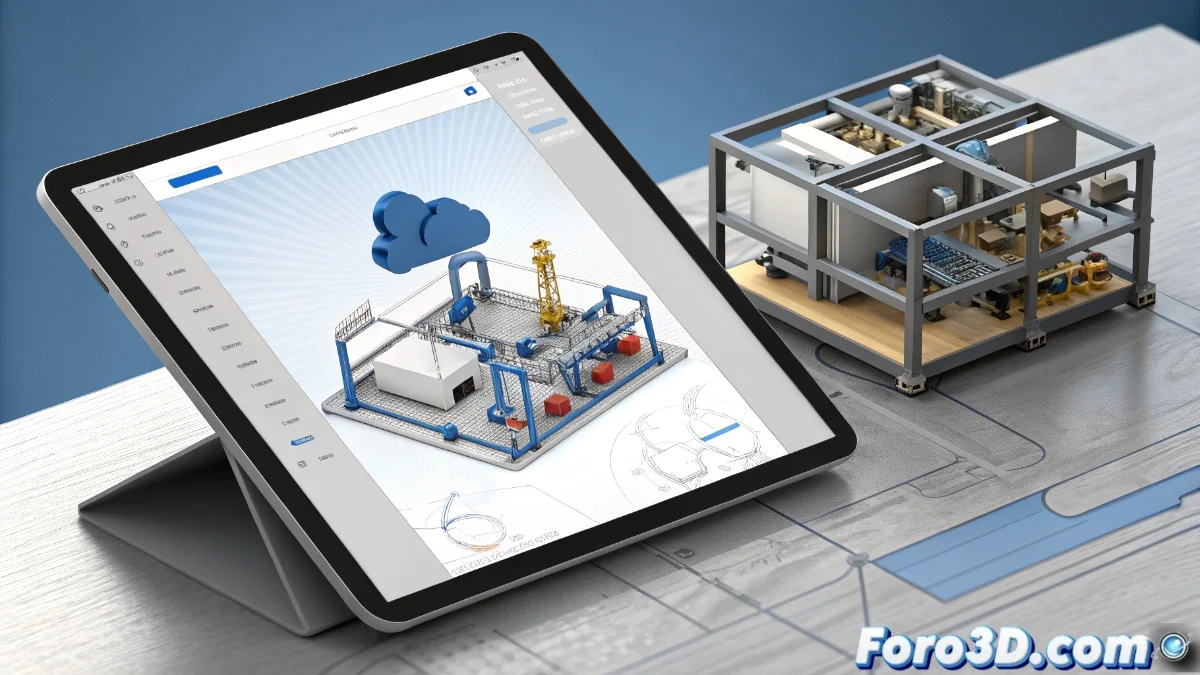
Onshape vs SolidWorks: comparison between cloud and desktop CAD
The computer-aided design landscape presents two radically different approaches: Onshape as a completely cloud-based solution versus SolidWorks as a traditional desktop application. This technological divergence redefines how professionals approach product development in the digital era 🚀.
Contrasting technological approaches
While Onshape operates on a subscription model with a free plan that includes full modeling capabilities, SolidWorks maintains the traditional perpetual license model. Onshape's free version offers parametric modeling, assemblies, and drawing creation, though it limits private documents. SolidWorks provides a robust environment with advanced simulations and rendering, requiring an initial investment in powerful hardware 💻.
Main features of each platform:- Onshape Professional removes restrictions and adds product data management with advanced version control
- SolidWorks includes specialized structural analysis and photorealistic rendering tools integrated
- Onshape's business model is based on subscriptions while SolidWorks requires a significant initial purchase
The modern irony: some invest in expensive hardware for SolidWorks while others access Onshape for free from old tablets, later discovering that professional features outweigh the cost of avoided equipment
Advantages of the cloud paradigm
Onshape's cloud-based architecture allows universal access from any internet-connected device, eliminating local installations and hardware maintenance. Automatic changes are saved instantly, and multiple users collaborate in real time on the same design. This workflow contrasts with SolidWorks, which requires local installation, per-seat licenses, and manual processes for sharing files 📊.
Benefits of distributed collaboration:- Immediate access from web browsers without specific technical requirements
- Real-time updates with full version history
- Reduction of IT infrastructure costs and server maintenance
Considerations for professional environments
For users requiring advanced simulations or complex structural analysis, SolidWorks maintains advantages in specialized engineering processes that demand intensive local computing power. Onshape Professional responds with enterprise features such as granular permissions, custom workflows, and integration with ERP systems. The final choice depends on the context: Onshape ideal for distributed collaboration and iterative projects, while SolidWorks retains leadership in specialized engineering 🔧.
Decisive factors for professionals:- Local computing requirements versus remote access flexibility
- Team collaboration needs versus specialized individual work
- Available initial budget versus recurring subscription costs
The future of CAD design
Technological evolution is redefining professional mechanical design, where cloud platforms like Onshape democratize access while traditional solutions like SolidWorks maintain strengths in specialized environments. The decision between both models represents more than a technical preference: it reflects different work philosophies and adaptation to the digital transformation of the industrial sector 🌐.