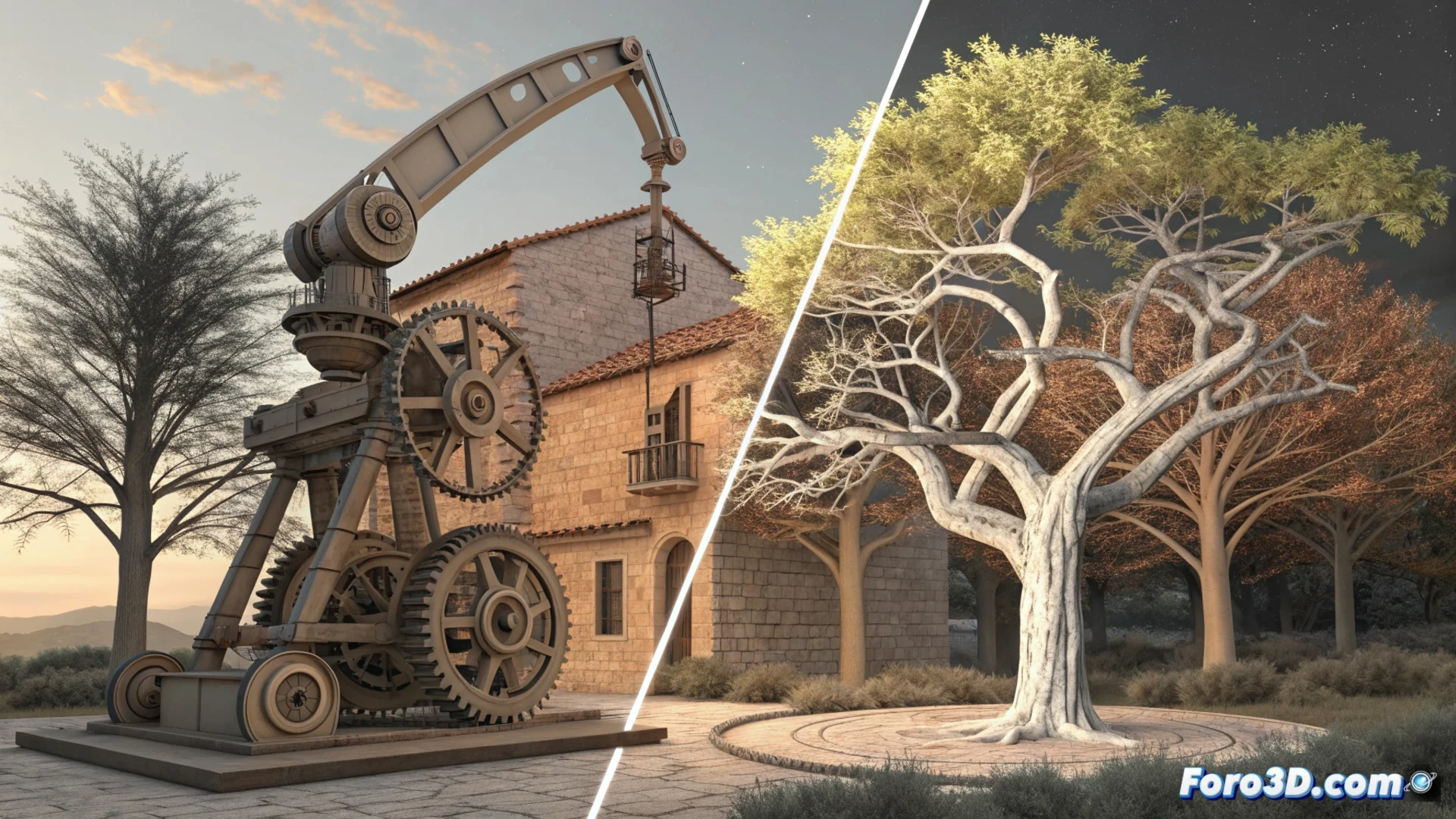
Onshape Manages Versions with Branches and Merges Like Git
The cloud-based CAD design platform, Onshape, incorporates a powerful system for managing versions that takes Git's functionality as a reference. This approach allows users to organize their work in a non-linear manner, creating independent development lines within a single document. 🌀
Create Branches to Explore Without Limits
By creating a branch, a parallel copy of the design is generated where geometry can be modified, added, or deleted with complete freedom. This change history remains separate from the main branch, allowing experimentation with alternative or radical ideas without risking stable work. It is an ideal tool for developing multiple concepts in isolation.
Key advantages of using branches:- Allows testing high-risk design changes in a safe and isolated environment.
- Facilitates developing components or features in parallel, assigning a branch to each team member.
- Eliminates the need to maintain multiple files with confusing names for each project variant.
Imagine proposing five variants for a robotic arm and, instead of managing five separate files, simply creating a branch for each idea. In the end, you only merge the best one and delete the rest.
Merge Branches to Unify Work
The merging branches process (merge) is where changes from one branch are integrated into another. Onshape automatically compares the two versions, detects differences, and presents them to the user in a clear visual interface. The designer reviews these changes and decides which ones to keep and which to discard to resolve possible conflicts.
How merging works:- Onshape automatically detects differences between geometries, sketches, and operations.
- The user reviews a visual summary of conflicts and makes decisions on which versions to integrate.
- Upon confirmation, the selected changes are incorporated into the target branch, unifying the work into a linear and organized history.
Optimize Collaboration and Control
This workflow based on branches and merges optimizes both individual and team work. It provides a complete record of who modified what and when, prevents team members from overwriting each other's work, and allows reverting to any previous point in the design with ease. It is an efficient way to maintain order in creative processes that could otherwise become chaotic. 🚀