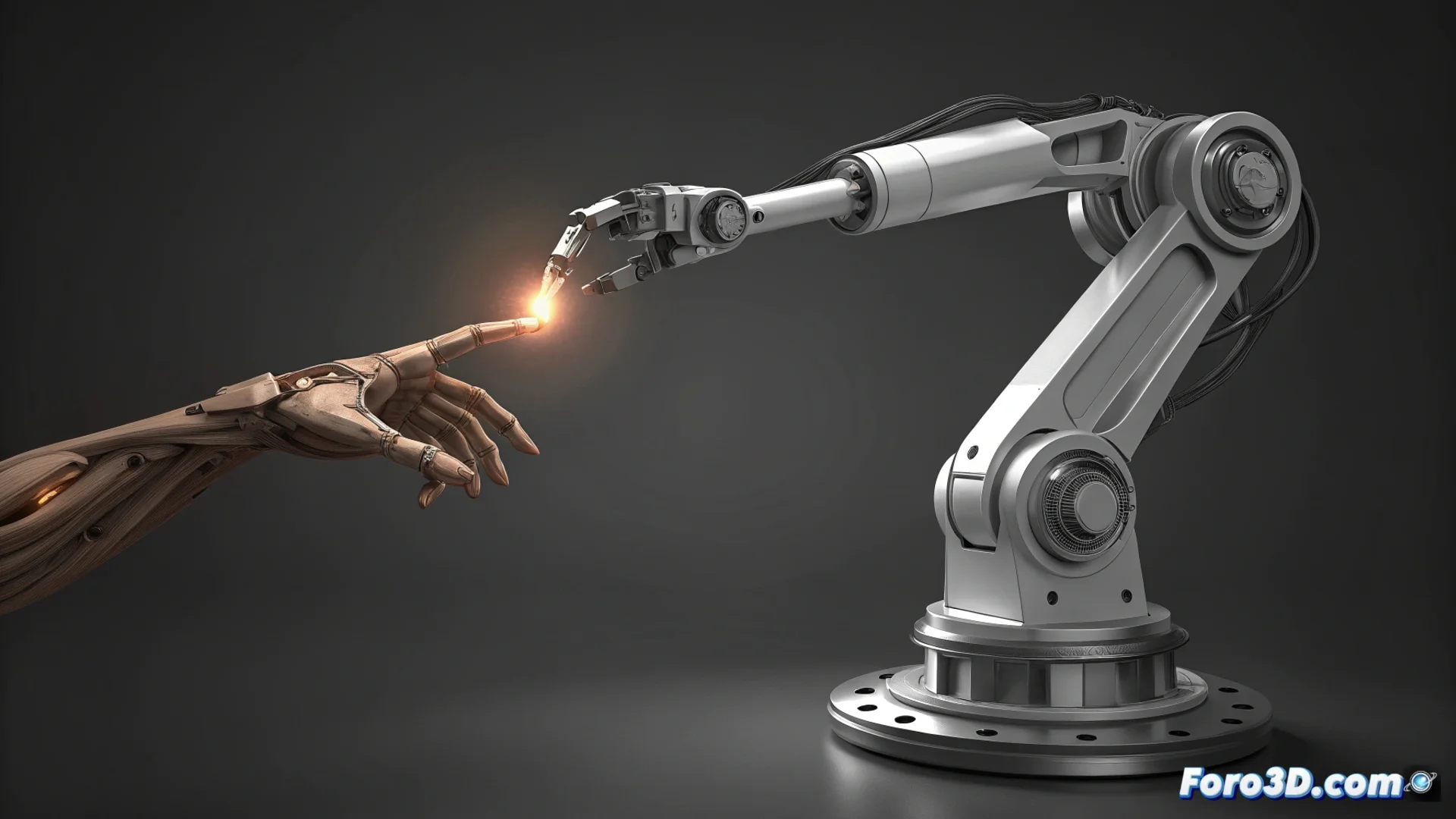
On-Axis Movement and Why It Looks Robotic in 3D Animation
In the world of 3D animation, there is a type of rotation called on-axis or gimbal rotation, where an object rotates exclusively on one of the scene's global axes: X, Y, or Z. This movement, although mathematically perfect, produces a result that our eye perceives as artificial and lifeless. Physical reality rarely presents such isolated and pure rotations. 🌀
The Artificial Rigidity of Perfect Rotation
The core problem with on-axis movement is its unnatural precision. Objects and beings in the real world move influenced by forces like inertia, gravity, and the limitations of their joints. An arm lifting never describes a geometrically perfect arc; the rotations of the shoulder, elbow, and wrist combine in multiple planes. A car turning doesn't just rotate on its vertical axis; its body also leans. Ignoring these secondary micro-movements is what makes an animation look robotic.
Characteristics that reveal pure on-axis movement:- Isolated rotation: The object rotates on a single global axis without deviations.
- Perfectly linear curves: In the graph editor, the rotation channels show straight lines.
- Lack of overlap: All parts of the model move in unison and stop at the same time.
A cube rotating perfectly on its Y-axis for ten seconds is an engineer's dream, but a nightmare for an animator who wants to give it soul.
Techniques for Animating Naturally and Avoiding the Machine Effect
The goal is not to eliminate global axes entirely, but to mask their pure use. The key lies in simulating the organic complexity of physical movement through additional layers of animation. 🎬
Practical strategies to implement:- Use local space: Animate rotations in the local space of the bone or object, not just in the scene's global space. This automatically introduces variations in the axes.
- Apply overlap and follow-through: Slightly delay the movement of secondary parts like hair, clothing, or limbs. Not everything should start and end at the same time.
- Manipulate animation curves: In the graph editor, it is crucial to smooth the entries and exits of keyframes. Avoid linear transitions and add small fluctuations to the curves.
Integrate Imperfections to Gain Realism
The final solution involves breaking mechanical perfection intentionally. Introducing minimal rotations, just a few degrees, on axes that are not the main one of the movement simulates natural imperfections. A character turning their head can subtly tilt it slightly (X-axis) or tilt it sideways (Z-axis). This small detail adds fluidity and a sense of weight that pure on-axis movement can never offer. Mastering this concept is fundamental for your animations to stop looking synthetic and convey the illusion of life. ✨