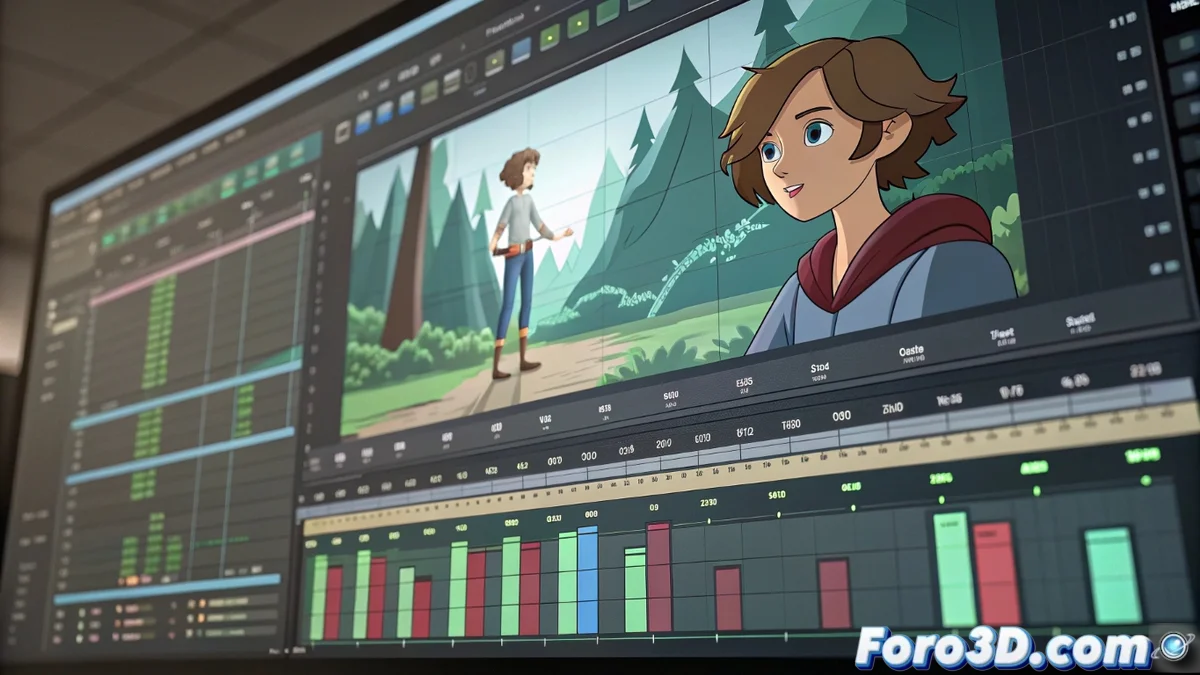
Olive Video Editor: an unexpected ally for sound design
Generally associated with the creation and editing of moving images, Olive Video Editor hides a functionality that surprises many: a powerful integrated audio workstation. Its multitrack timeline offers exceptionally detailed control, positioning it as a free and viable solution for bringing sound to life in independent audiovisual projects, such as short films or animation pieces. 🎬
Absolute precision in audio synchronization
The heart of good sound design lies in perfect synchronization. Olive excels in this aspect by allowing adjustments at the individual frame level, something crucial for tasks like dialogue dubbing in animation, where every syllable must match the lip movement. The snapping tool (magnetization) is essential for aligning sounds with video cuts quickly and accurately.
Key use cases for this precision:- Dialogues and dubbing: Sample-by-sample adjustment so the voice fits the characters' animation.
- Foley effects: Placing sounds of footsteps, hits, or object manipulations at the exact moment of the visual action.
- Musical hit points: Synchronizing accents or music transitions with important visual changes in the narrative.
The magic of sound in cinema is not only in what is heard, but in the exact moment it is heard. Frame precision is the designer's tool to create that magic.
Building complex soundscapes with multiple layers
A professional soundtrack is built by superimposing multiple audio layers. Olive handles this competently, allowing the organization of independent tracks for ambient music, dialogues, special effects, and ambient sounds. Although its native audio processing tools (equalization, compression) are limited compared to a dedicated DAW, it offers very practical dynamic control through automation curves.
Workflow for a multilayer mix:- Organization by tracks: Assign a specific sound type to each track (e.g., dialogues on track 1, music on track 2, ambiences on track 3).
- Volume automation: Use curves to create fade-ins (fade in) and fade-outs (fade out), attenuate music during conversations, or enhance a sound effect.
- Balance and cohesion: Adjust the relative levels of each track to achieve a balanced mix where all elements are audible without saturating.
A practical and accessible approach
It's important to have realistic expectations: Olive does not aim to replace specialized audio software like Reaper or Audacity for mastering tasks or complex plugin processing. Its strength lies in the visual and sound integration within the same environment. For the audiovisual creator who needs an all-in-one solution to synchronize a character's whisper with their pixelated lips or the creak of a door with its movement, this video editor can be the unexpected ally they already have on their team. Simplicity and synchronization control are its greatest virtues. 🎧