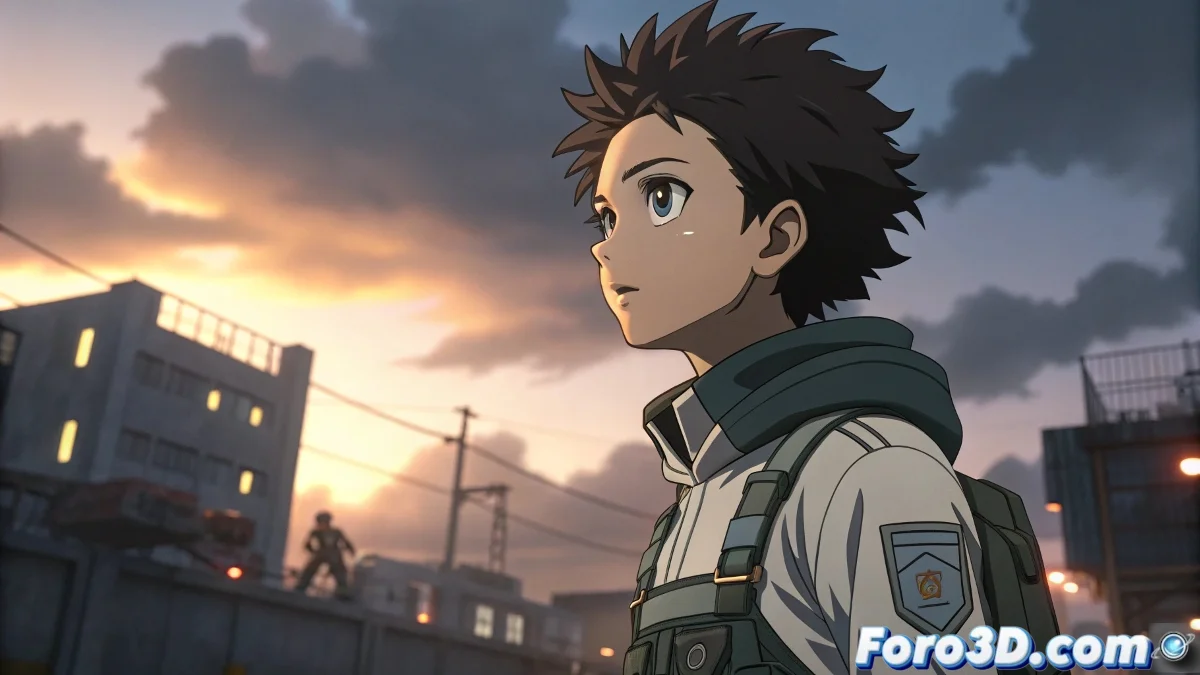
Octane Edge Tools Generates Anime Outlines in Blender
The new free tool Octane Edge Tools, developed by Lino Grandi, Product Manager for Octane in Blender at Otoy, lands in the shaders ecosystem with a clear purpose: to facilitate the creation of renders with stylized outlines, perfect for technical illustration or anime-style art directly in Blender using OctaneRender.
A Fast, Clean, and Fully Integrated Solution
Octane Edge Tools is based on Blender's Geometry Nodes system to generate edges from the model's geometry, allowing these outlines to be processed as real meshes. Subsequently, OctaneRender's Toon Material and Toon Light are applied, yielding stylized and customizable results.
The workflow is agile: you can control the outline thickness globally, per object, or even locally on specific parts of the model. You can also decide whether you want outlines on complete loops or individual edges. It's a level of control that many have wished for without having to resort to external solutions or addons that seem like dark magic with Python.
Ideal for Anime Art, Cel Shading, or Technical Documentation
Although the tool shines in anime or toon shading styles, it can also be used to generate clean technical renders, which is very useful for those working in industrial design or product presentations. The style recalls techniques used in engines like Unreal Engine with cel shading materials, but with the power of Octane at render time.
Additionally, its author is no newcomer: Lino Grandi is known both for his anime-style animations and for developing tools that democratize that style within the Blender+Octane environment.
What About Blender? Doesn't It Already Have Cel Shading?
Yes, but not exactly. There is an experimental branch of Blender developed in collaboration with DillonGoo Studios, focused on non-photorealistic rendering. However, official integration with the main Blender will not occur until after the release of Blender 5.0, scheduled for November.
So if you need well-defined outlines for your anime short or your 3D medical infographic... Octane Edge Tools is currently your best option.
This is the link to download the tool. And in this other link you can view the manual.