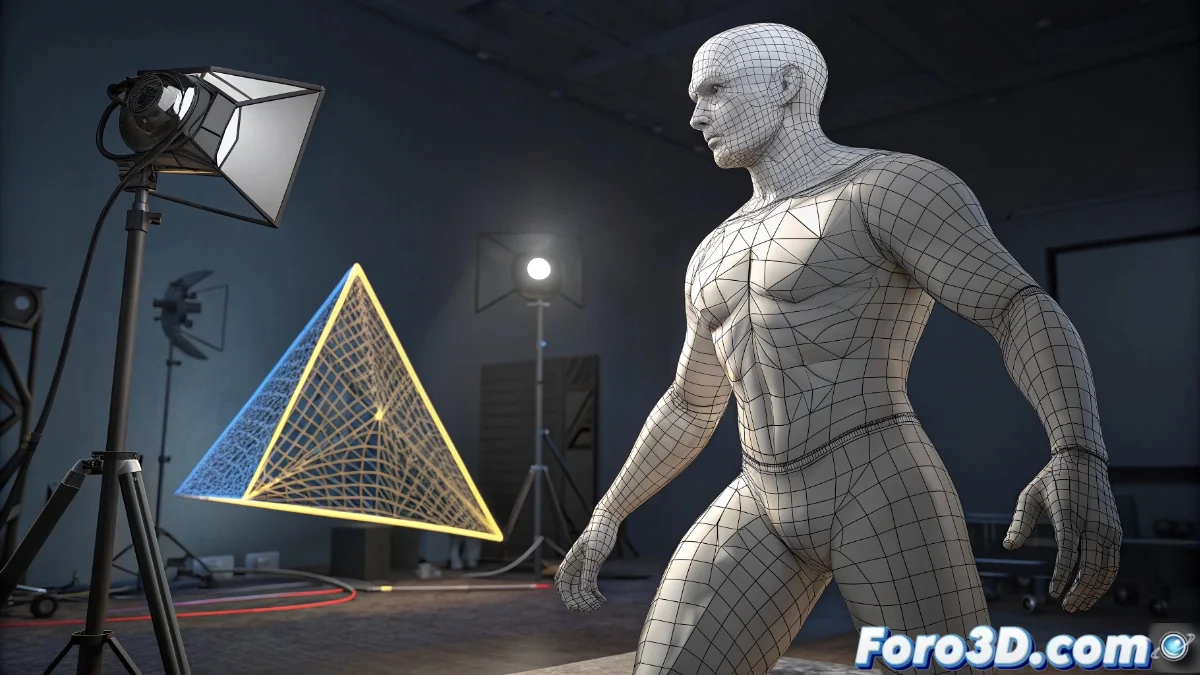
New Triangulate Modifier in Blender: Automatic Mesh Conversion
The latest Blender update incorporates the Triangulate modifier, a revolutionary tool that transforms any geometry into triangular faces without modifying the base mesh structure. This functionality is essential for optimizing models intended for game engines and technical applications. 🎯
Optimization of Professional Workflows
The Triangulate modifier stands out for its ability to process complex meshes while maintaining topological integrity, eliminating distortion issues in detailed geometries. Its non-destructive implementation allows reverting changes and adjusting parameters at any stage of the project.
Main advantages:- Automatic conversion to triangles for compatibility with rendering engines and video games
- Complete preservation of the original topology avoiding loss of details
- Flexible integration with other modifiers for advanced control
Automatic triangulation represents a significant advancement in preparing assets for 3D production pipelines.
Customization and Technical Applications
Users can select from multiple triangulation methods such as Beauty for aesthetically optimized results or Fixed for specific technical requirements. This versatility makes it indispensable in physical simulations where geometric stability is crucial.
Available configurations:- Selection of triangulation algorithm according to project needs
- Native compatibility with standard export formats (FBX, OBJ)
- Optimized preparation for simulation calculations and real-time rendering
Impact on Productivity
This tool eliminates manual face conversion, automating a process that traditionally consumed considerable time in complex projects. The intelligent implementation of the Triangulate modifier marks a milestone in the evolution of professional 3D modeling tools. ✨