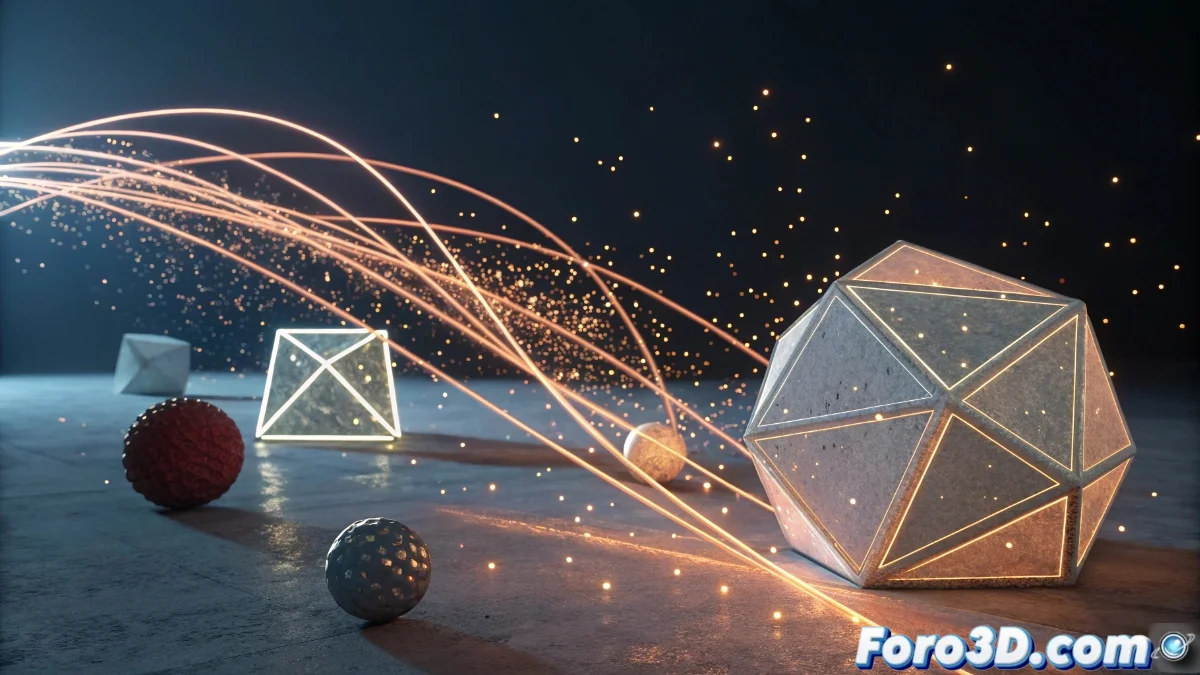
Progressive Appearance Feature in Blender 5
The latest Blender update has revolutionized the way objects are introduced into scenes through a gradual materialization system. This innovation allows precise control over transparency and geometric structure over time, opening up a wide range of creative possibilities for smooth transitions and stunning visual effects 🎬.
Setting up the progressive appearance effect
To implement this effect, users must go to the object properties panel and enable visibility animation. From there, it is possible to define a custom interpolation curve that regulates how the element evolves from invisible to fully solid. Key settings include total duration, initial delay, and easing type, making it easy to create everything from subtle reveals to spectacular appearances.
Essential parameters:- Total duration: Controls the complete materialization time
- Initial delay: Sets an interval before the effect begins
- Easing type: Defines the acceleration or deceleration of the transition
Objects in Blender 5 now have more drama than a soap opera actor, appearing with a gradualness that generates real suspense.
Applications in professional projects
This tool is especially valuable in architectural visualizations, where buildings can materialize layer by layer during presentations. In product animations, components emerge sequentially to illustrate assembly processes, while in cinematic productions it is used for scene transitions or the appearance of fantastical elements.
Highlighted use cases:- Introduction sequences in architecture and design
- Explanatory animations of product assembly
- Visual effects for film and television
Integration and workflow
The feature integrates seamlessly with existing modifiers and the shading nodes system, allowing artists to incorporate it directly into their pipelines without relying on external add-ons. Additionally, its compatibility with particle simulations and physics significantly expands its creative applications, offering a versatile and powerful tool for any 3D animation project.