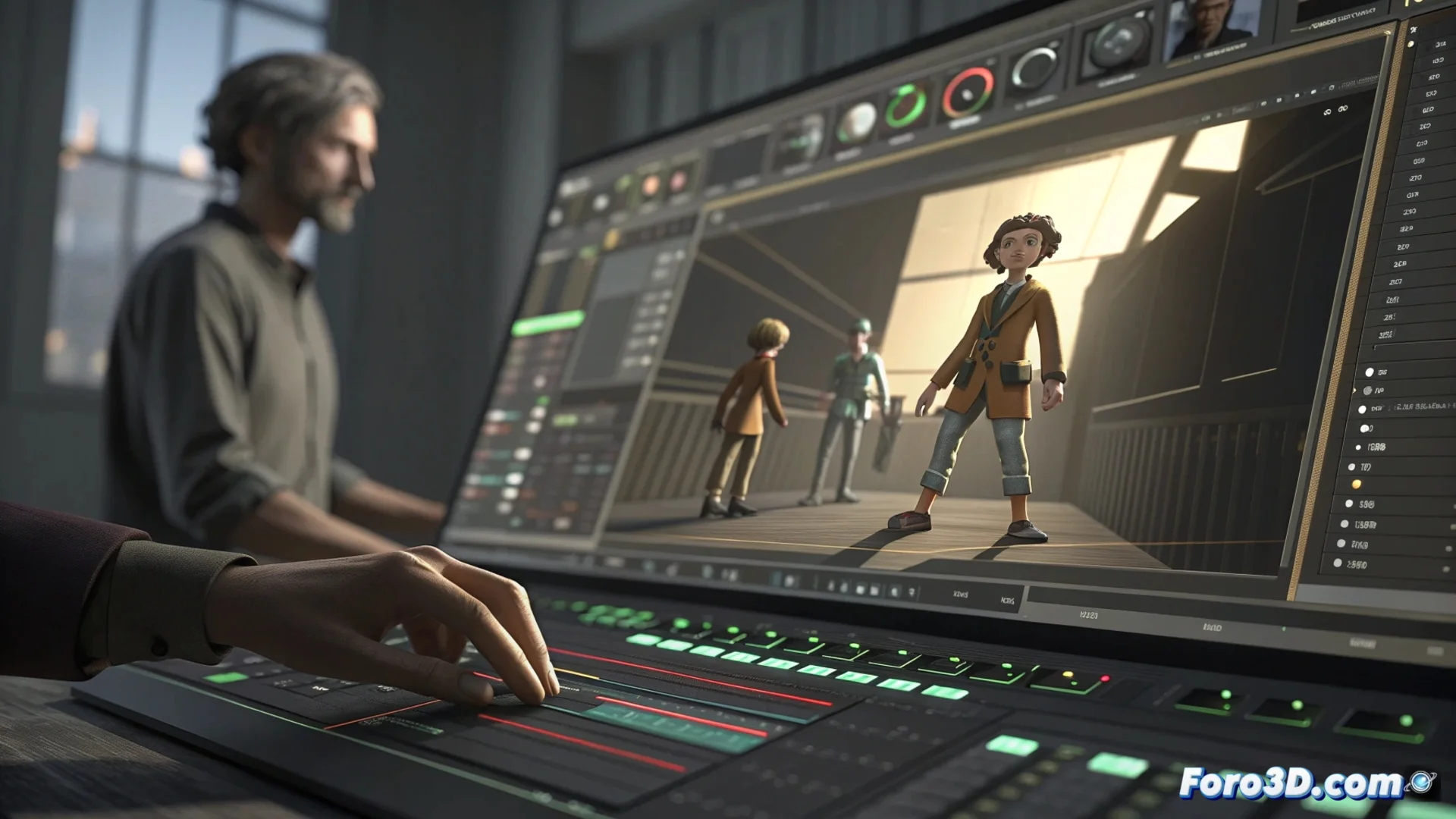
MotionBuilder Story Tool: Edit Animation Sequences Non-Linearly
Within Autodesk MotionBuilder is the Story Tool, a dedicated workspace for manipulating animation sequences with a non-linear approach. 🎬 This environment allows assembling, trimming, and blending various animated elements to build visual narratives in an agile and flexible way.
A Non-Linear Editor for Animators
The essence of this tool lies in its ability to organize different data sources into a single timeline. Artists can import mocap clips (motion capture) and combine them with frame-by-frame created animations. This facilitates testing different compositions, adjusting action durations, and refining transitions between shots without slow rendering processes.
Key Workflow Advantages:- Immediate Preview: Changes are reflected instantly in the graphics window, allowing evaluation on the fly.
- Total Control: Manipulate the order, speed, and overlap of animation clips like in a video editor.
- Fast Iteration: Speeds up the process of creating cinematics or complex narrative scenes by eliminating wait times.
The real challenge is sometimes not animating the character, but convincing the client that the real-time preview they see is not the final rendered product.
Directing Action in Real Time
Story Tool acts as a virtual director. The user controls playback, can pause at any frame, and make adjustments directly while the animation runs. 🎥 This interactive method allows testing different rhythms, chaining actions, and seeing the impact of each modification without interruptions, providing instant feedback for creative decisions.
Real-Time Directing Features:- Interactive Playback: Reacts to playback, allowing on-the-fly editing.
- Shot Simulation: Review and adjust the sequence like a film director would.
- No Rendering: Experiment with rhythm and editing by visualizing the result directly.
Fusing Animation Techniques
A main strength of this tool is integrating multiple sources. It can blend the naturalness of motion capture with the absolute control of keyframe animation. This is useful for correcting movements, adding layers of secondary action, or creating sequences where different body parts require different animation methods. The system manages this data so it interacts coherently in the final scene.
In summary, the Story Tool is a vital component for those producing cinematics, previz, or complex narrative animations. Its focus on non-linear preview and data integration provides a dynamic workflow that significantly shortens the production cycle. 🚀