Montoro Organs: Stone Giants in Teruel
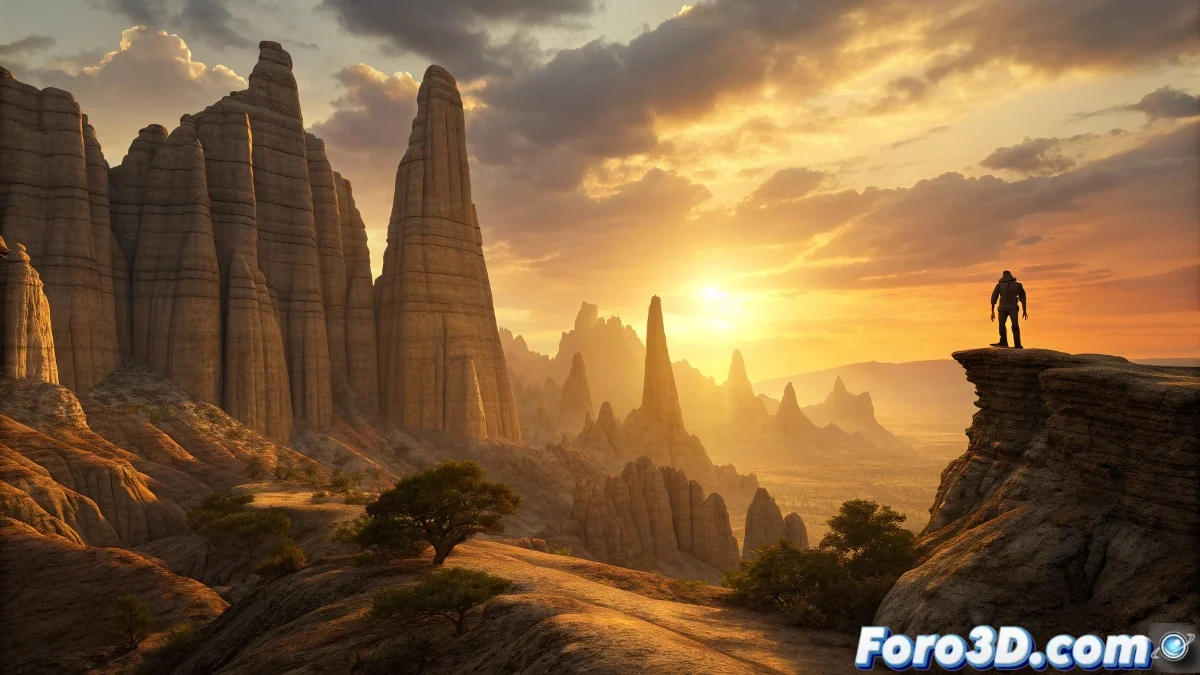
In the depths of the Turolense mountain range, the Montoro Organs rise like a natural cathedral sculpted by millennia of erosion. These imposing limestone spires, which can reach up to 200 meters in height, resemble the pipes of a monumental organ directed toward the sky. Local legends tell that they are not mere geological formations, but ancestral giants petrified by divine punishment, condemned to contemplate the passage of time forever. Their majesty and the mythical aura surrounding them make them a fascinating challenge for digital painting. 🗻
The Geology that Inspires Myths
What makes the Montoro Organs extraordinary is the combination of their visual spectacularity with the popular narratives they have generated. Geologically, they are the result of water's action on limestone over millions of years, creating those vertical striations that resemble enormous petrous musical instruments. But the human imagination, unable to accept such grandeur as mere natural chance, wove stories about colossal beings transformed into stone, adding a layer of mystery that endures in oral tradition.
Painting the Petrified Cathedral in Krita
Capturing the unique texture of these formations and the dramatic atmosphere enveloping them requires leveraging Krita's natural painting capabilities. The approach must combine work with textured brushes and the management of intense lights.
Initial Setup and Compositional Sketch
Open a new document in Krita with sufficient resolution for detailed work, for example 4000x3000 pixels at 300 dpi. Start with a quick sketch using a basic brush like the sketch brush 2 in red or light blue. Define the arrangement of the main spires, playing with their variable heights to create visual rhythm. Set a high horizon line to emphasize the monumentality of the formations. Work with separate layers from the beginning.
Recommended Initial Setup:- canvas 4000x3000 pixels at 300 dpi
- RGB color mode for digital painting
- layers: sketch, base, details, effects
- palette of ochres, grays, and blues
Blocking Shapes and Values
Create a new layer below the sketch and begin blocking the main masses of the rocky spires using a large brush like bristles-4_rough. Work in grayscale to focus on light and shadow values before introducing color. Define the areas of deep shadow between the columns and the lit faces, taking into account the light direction. Use photographic references of limestone to understand how light behaves on these surfaces.
In digital painting, correct values do more for an image than perfect colors.
Working the Rocky Textures
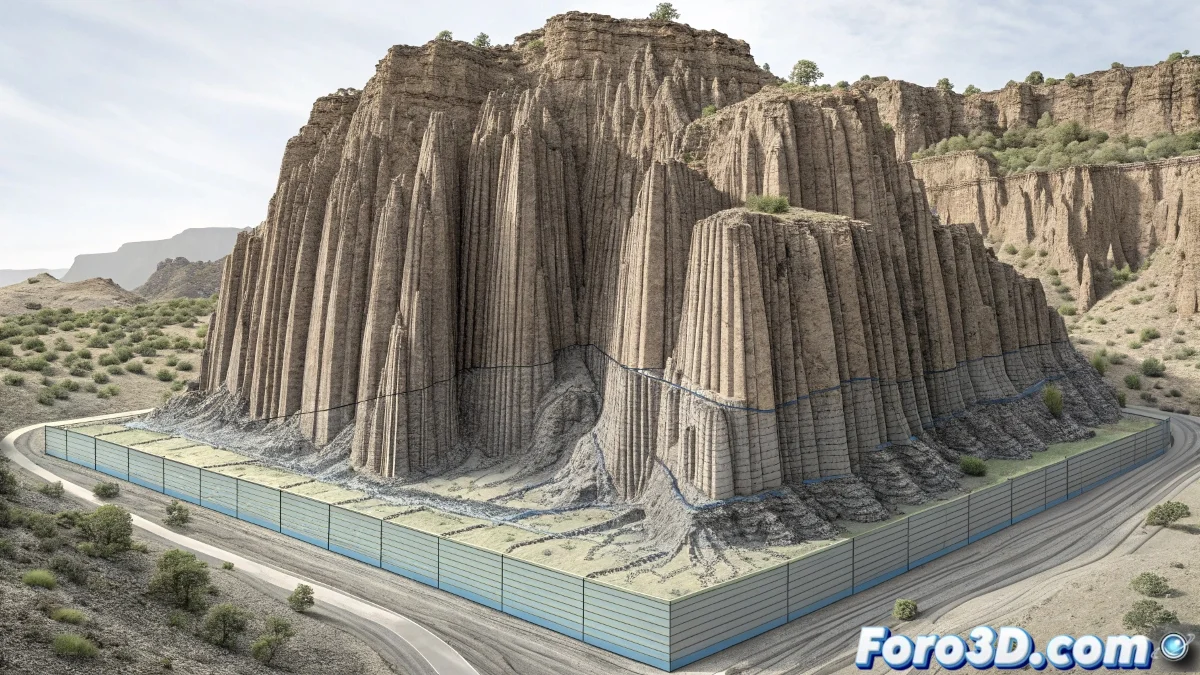
Once the values are established, create a new layer in multiply or overlay mode to begin developing the textures. The ideal brushes for the characteristic vertical striations are from the rock brushes or textured watercolor brushes categories. Play with pen pressure to vary the intensity of the marks. For erosion areas and cracks, use smaller, angular brushes, mimicking the effects of water and wind on limestone.
Krita Brushes for Geological Textures:- rock_brushes for striations and cracks
- dry_brushes for eroded effects
- texture_sponge for surface variations
- chalk for fine details and highlights
Color and Dramatic Atmosphere
Begin introducing color by working with adjustment layers or painting directly on a new layer in color mode. For limestone, use a base of warm ochres in the lit areas and cold blues in the shadows. The sky should complement the scene: an intense sunset with dramatic clouds can enhance the epic feel. Use the motion blur filter subtly on the clouds to suggest the passage of time, contrasting with the immutability of the stone. 🌅
Effects to Enhance the Drama:- adjustment layers for selective saturation
- focus filters on key areas
- light brushes for backlighting effects
- blending tools for smooth transitions
Upon finishing, you will have not only a landscape, but a painted legend where the rocks seem to remember that they were once giants, though now only their echoes respond to the wind. 🎨