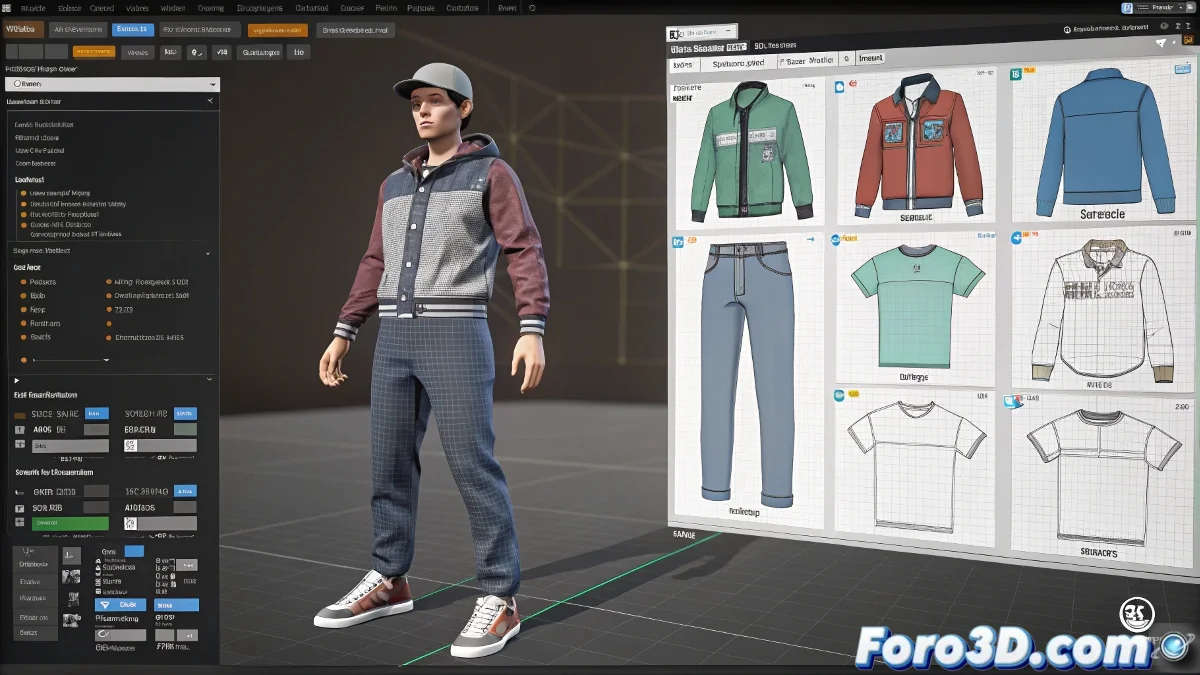
When Your Character Needs More Outfits Than an Influencer 💃
Creating 10 different animations for each clothing combination is a direct path to madness. The solution lies in modular systems, where a single animation moves all garments. That said, it requires more planning than getting dressed in the morning.
The Heart of the System: Skin Sharing
Setup in 3D Studio Max/Maya/Blender
- Create your main armor with all necessary bones
- Model each garment separately but in the same T pose
- Assign exactly the same bones to each garment:
- In Maya: Skin Cluster with same influences
- In Blender: Parent to Armature with Empty Groups
- In 3ds Max: Shared Skin modifier
- Export as FBX maintaining hierarchies
"Skin sharing is like your grandma's clothesline: all garments hang from the same system, but you can choose which ones to use" - Character Technician
Implementation in Game Engines
In Unreal Engine
- Use Skeletal Mesh Components for each garment
- Create a Character Blueprint with modular slots
- Control visibility with:
Set Master Pose Component
Set Visibility (boolean)
- For clipping: Enable Cloth Physics or use Morph Targets
In Unity
- Implement a modular Character Prefab
- Use independent SkinnedMeshRenderers
- Control garments with:
gameObject.SetActive()
renderer.enabled = false
- For clipping: Use Mesh Masking or specific LODs
Professional Anti-Clipping Techniques
| Problem | Solution | Performance Cost |
|---|---|---|
| T-shirt over body | "Low poly" version of the torso without hidden details | 🟢 Low |
| Skirts/pants | Morph targets that adjust legs | 🟡 Medium |
| Open jackets | Simple cloth physics | 🔴 High |
Key Optimization
- Texture Atlas: Use the same material for multiple garments
- Specific LODs: Simplified models for distant garments
- Occlusion: Disable rendering of non-visible garments
- Magic Shader: Use shaders that detect overlaps
Common Errors (and How to Avoid Them)
- 👻 "Ghost Bones": Ensure all garments use exactly the same bone names
- 📏 "Incorrect Scale": Export all garments from the same base scene
- 🔄 "Crazy Rotations": Freeze transformations before exporting
- 🐌 "Poor Performance": Combine static garments when possible
In the end, creating a good modular clothing system is like being your character's personal shopper: it requires organization, but prevents them from running out of options. And when it works, you'll be able to change their outfit faster than a teenager before a date. 👔👗👖