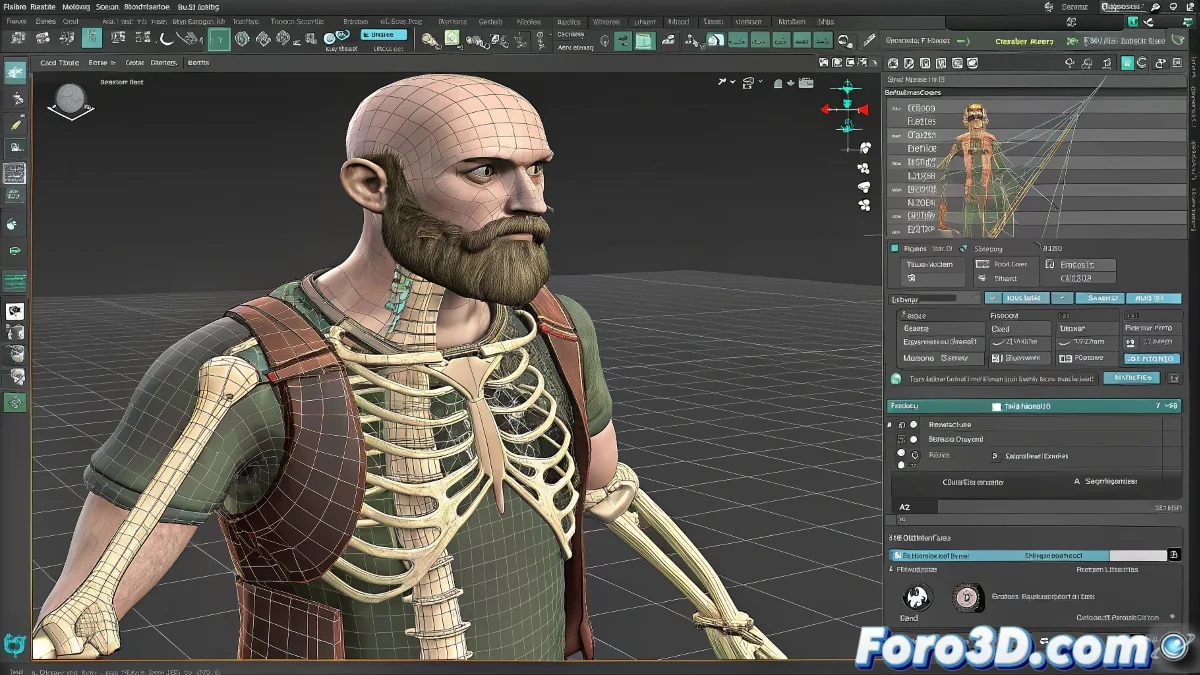
The Art of Modifying Bones Without Triggering a Digital Apocalypse 🦴💥
When your 3D character has a complete rig with polished controls and a perfectly weighted mesh, deciding to modify a single bone is like wanting to change the foundations of a skyscraper... while people live in it. Every adjustment can trigger a chain reaction of problems, especially if there are interconnected constraints and parameters.
Common Problems When Retouching Bones in Complex Rigs
Trying to lengthen or shorten bones in an established system usually generates:
- Unexpected deformations in unrelated areas
- Controllers that lose their original function
- Influence weights that go crazy
- Constraints that stop working correctly
The classic example of wanting to adjust the clavicle to improve shoulder movement can quickly turn into a therapy session with your 3D software. 😅
Strategies for Modifying Without Destroying
Before diving into editing, consider these options:
- Temporarily unlink the affected bone chain
- Work in pure edit mode for structural changes
- Reconfigure the constraints after adjustments
- Verify and correct the influence weights zone by zone
A wise rigger once said: It's better to lose an hour unlinking than to lose three days repairing collateral damage.
When It's Better to Start from Scratch
Sometimes, no matter how much you love your rig, the most efficient solution is:
- Export the mesh and weights as reference
- Create a new bone system from scratch
- Import the old weights as a base for adjustments
- Redesign the controllers with the new needs
This is especially true when working with legacy rigs or those that have suffered multiple patches over time. 🏗️
Remember: modifying a complex rig is like performing open-heart surgery... if the heart were made of code, parameters, and many hours of work. If you ultimately decide it's better to start over, it's not failure - it's evolution. And if someone asks, say it was an artistic decision. 😎