Modern Options for Practicing Animation in 3ds Max Without Headaches
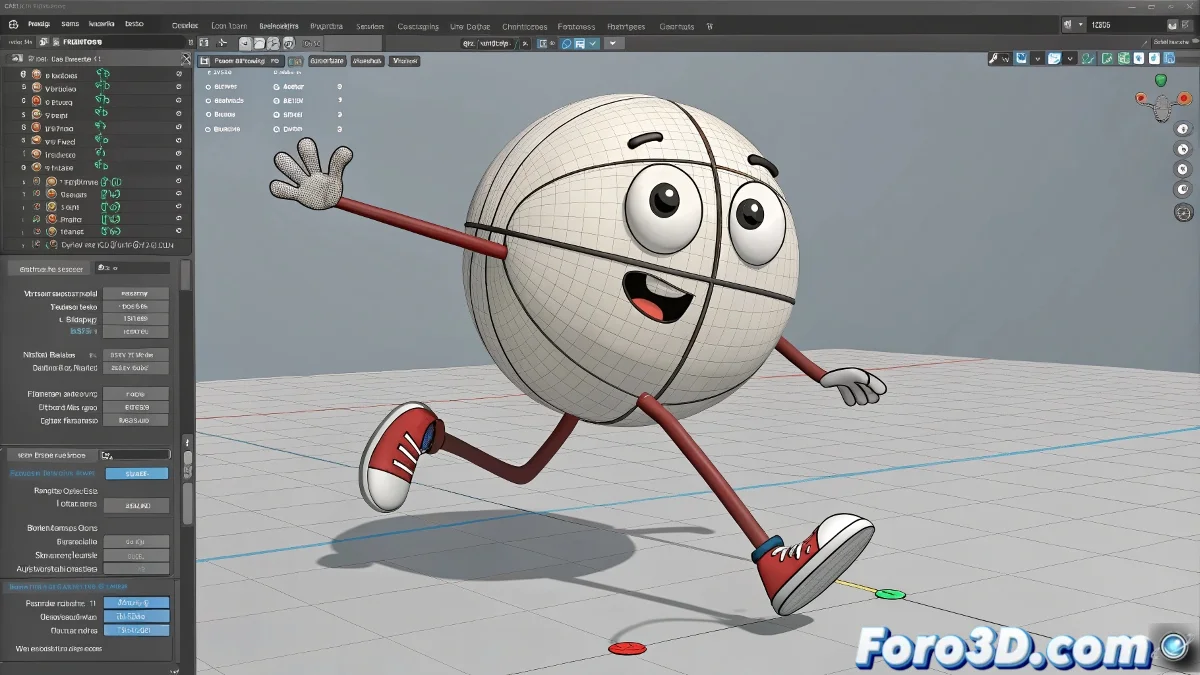
When someone starts in the world of 3D animation, the classic ball with legs is like white rice in rigging 🍚. Simple, practical, and perfect for learning fundamentals like timing, motion arcs, or body weight.
The Problem with Old Files
But of course, many of those rigs were created over a decade ago, when 3ds Max 2010 was still in the flower of digital life. Trying to open those files in a modern version of 3ds Max is like asking a cassette tape to play on Spotify 📼.
The Solution: Compatible and Updated Rigs
- Use 3ds Max 2020 or higher, where educational rigs work more stably thanks to the new control systems.
- Download current rigs from websites like Animation Mentor, 11 Second Club, or Highend3D. Many are free and designed for students.
- Search directly for ball with legs rig 3ds Max FBX if you prefer a more universal and easy-to-import format.
- If you want more flexibility, try building your own simple rig with bones and constraints 🦴.
What to Do If You Keep Using Old Versions
If for some sentimental or technical reason you're stuck with 3ds Max 2010, your best friend will be the .FBX format. Although you lose advanced controllers, you'll be able to import meshes and start practicing with a handmade rig. Along the way, you'll learn more about the rigging process than ever.
Final Tip for Animators in a Pinch
Ironic touch: If when opening your rig the ball ends up more broken than your weekend dreams... breathe, download a modern version, and move on 🚀. The ball with legs keeps walking, just now in HD.
Conclusion with Guaranteed Humor
Practicing animation doesn't have to turn into a trip to the past. With updated rigs and a bit of patience, anyone can take their first steps (or rather hops) in the world of 3D animation 🐾.