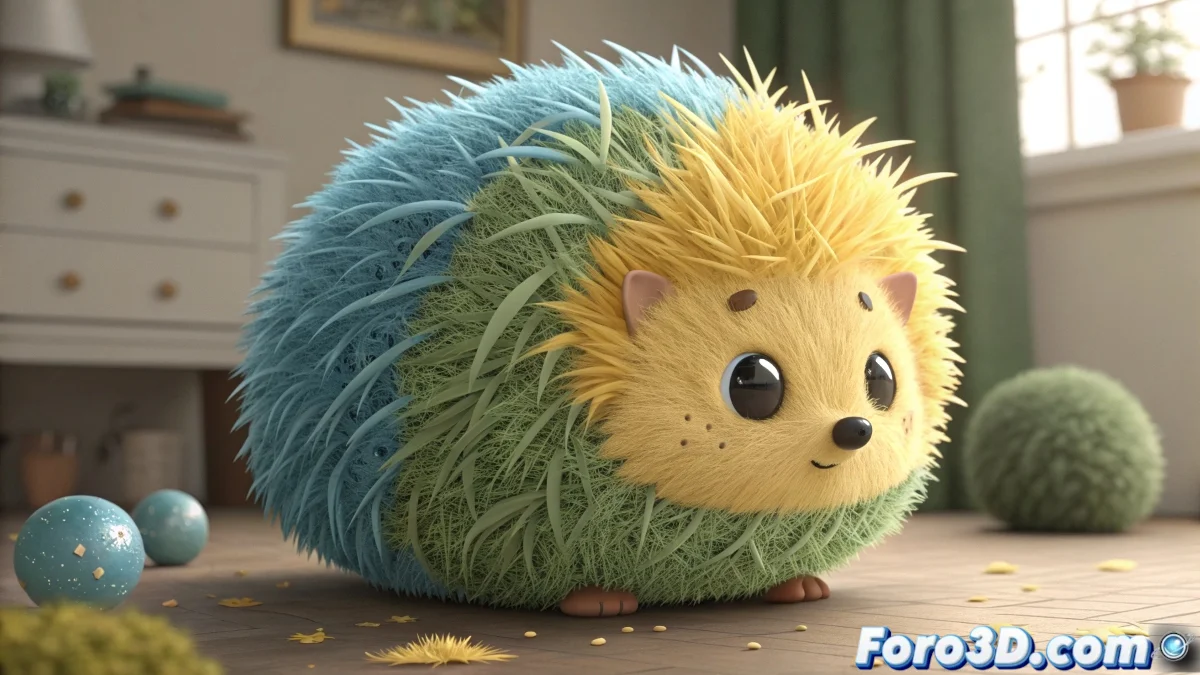
The Evolution of Digital Hair in 3ds Max
There was a time when ShagHair was the solution for adding some fur to models, but those days are long gone. 🦖 In modern 3ds Max, artists have much more powerful and integrated tools at their disposal. Working with hair is now a matter of choosing between the quite capable native solution or investing in professional-grade plugins that offer almost limitless control. The good news is that you no longer have to settle for results that betray the software's age.
Hair and Fur: The Integrated Option
The Hair and Fur (WSM) modifier comes included with 3ds Max and is an excellent starting point. It allows you to generate fibers directly onto any surface, whether for a lush mane or a creature's fur. 💇 It includes basic grooming tools, simple dynamics for simulation, and a dedicated material panel. For projects that don't require extreme realism, this tool can be more than sufficient at no additional cost.
For most projects, the native Hair and Fur system offers a perfect balance between quality and simplicity.
Plugins for Demanding Users
When a project demands a cinematic level, it's time to look towards specialized plugins. Ornatrix has established itself as a favorite for its layer-based workflow and excellent integration with render engines like V-Ray and Arnold. Meanwhile, HairFarm is known for its robustness in heavy scenes and its powerful simulation. 💪 The learning curve is steeper, but the results justify the investment.
- Artistic Control: Plugins allow for much more precise grooming and the creation of complex styles.
- Optimized Rendering: They generate geometry optimized specifically for each render engine, speeding up final render times.
- Natural Variation: It's possible to use Multi/Sub-Object materials to apply different colors and thicknesses on the same mesh.
Tips for a Smooth Workflow
Regardless of the chosen tool, some principles are universal. It's always better to start with a low number of hair guides and gradually increase the density. 🐌 This keeps the preview agile and allows you to adjust the overall shape quickly. Performing test renders with low anti-aliasing helps fine-tune materials and lighting without waiting for hours.
Creating hair in 3D can be compared to the arduous task of grooming a reluctant cat: it seems like an impossible mission at first, but with the right tools and a lot of patience, you eventually get a presentable result. 😸 The key is not to give up on the first attempt.