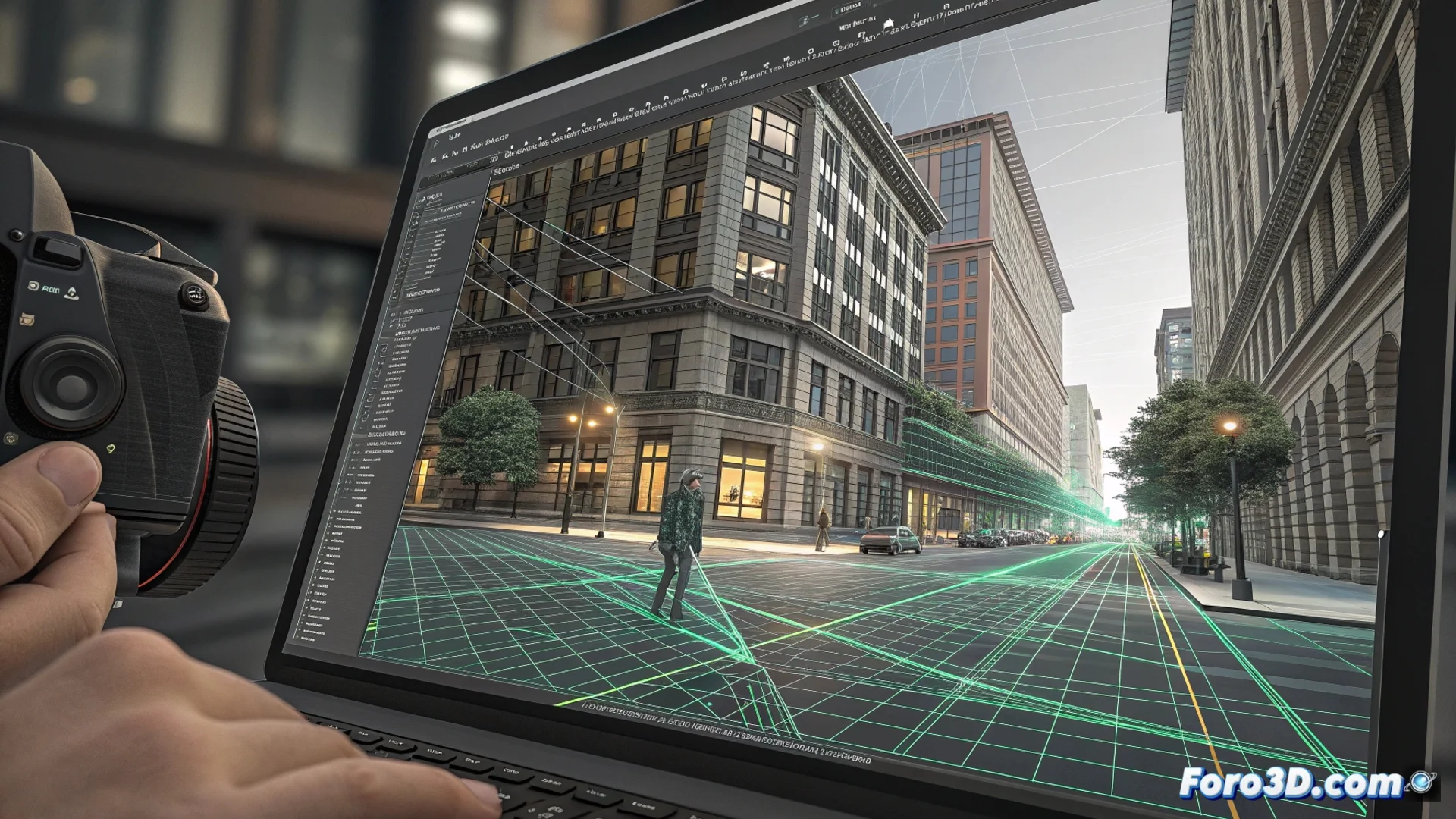
Mocha Pro Tracks Planes to Insert Graphics into Video
In the world of visual effects, tracking motion accurately is key. Mocha Pro stands out for its planar tracking engine, a technology that analyzes entire surfaces instead of loose points. This makes it exceptionally robust for integrating elements into complex scenes 🎬.
How Does Planar Tracking Work?
The user draws a shape over a flat area in the video, such as a wall or a screen. The software analyzes the texture and movement within that area, creating a detailed map. By tracking how that plane deforms in each frame, Mocha Pro calculates precise data on position, rotation, scale, and tilt.
Key Advantages of the Planar Method:- Persists through obstacles: The tracking continues even if the object is partially obscured, blurred, or lighting changes.
- Calculates perspective and distortion: Essential for anchoring 2D and 3D graphics realistically.
- Generates exportable data: Motion information is sent directly to applications like After Effects, Nuke, or Fusion for compositing.
The biggest challenge is sometimes not tracking the plane, but finding one with enough texture in a minimalist shot.
Applications Beyond Inserting Logos
Mocha Pro is useful for much more than just pasting a graphic. Its power is leveraged in professional workflows to solve common problems in post-production.
Advanced Use Cases:- Remove unwanted objects: Uses content-based fill to cleanly erase elements from the scene.
- Selectively stabilize shots: Smooths movement in a specific area without altering the camera's overall path.
- Correct lens distortion: Helps compensate for optical aberrations in video footage.
Integration into Professional Pipelines
This plugin integrates into VFX pipelines where precision is non-negotiable. Its module for tracking non-planar objects complements its main function. It offers a reliable solution where other point-based tracking methods may fail, ensuring inserted graphics are perceived as an original part of the shot 🧩.