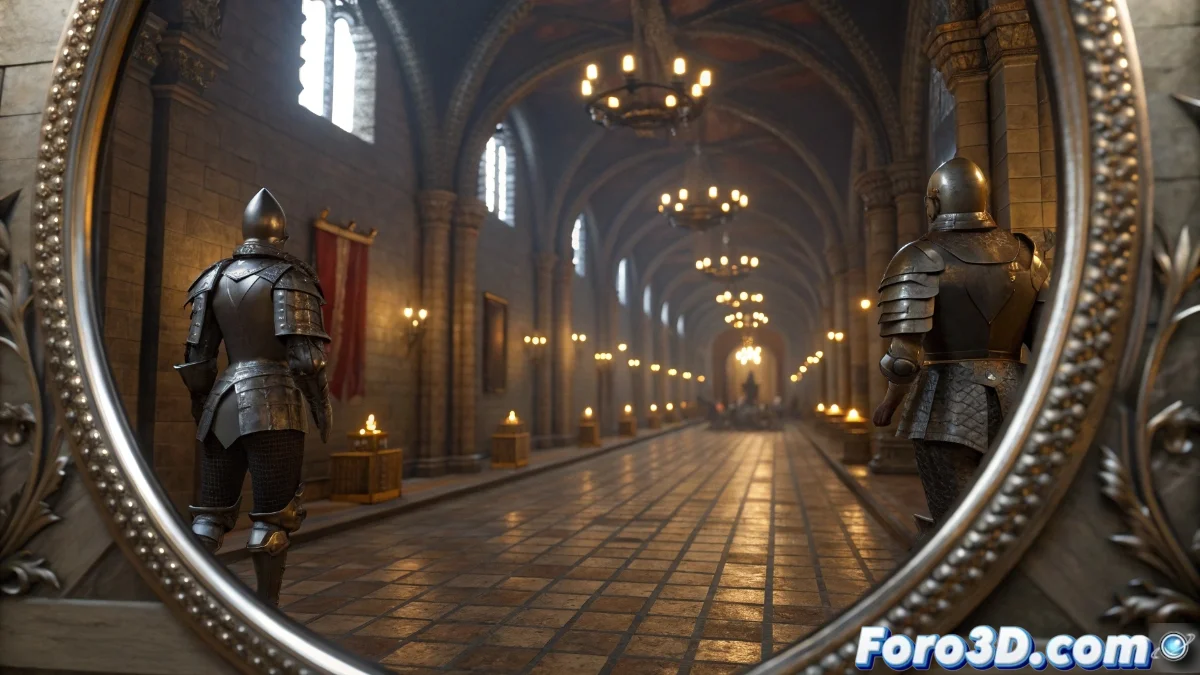
Mirror Systems in Unreal Engine 5: Setup and Optimization
The Unreal Engine 5 graphics engine incorporates advanced mirror systems that generate symmetric reflections of the environment geometry using innovative rendering techniques. These elements capture the scene from the mirror's perspective and apply specular transformations to duplicate visible objects, integrating the real-time reflections system with Lumen to ensure coherence in global illumination. 🔍
Specular Plane Setup
To implement a functional mirror, it is necessary to add a reflection plane to the scene and assign it a specific material. In the details panel, activate the reflection property and adjust the plane's dimensions according to the project's requirements. The correct orientation of the plane normal is essential, as it defines the direction and angle of symmetry for the reflection, allowing the system to automatically render the duplicated geometry on the other side of the plane. 🪞
Key setup steps:- Add a reflection plane and assign mirror material
- Activate the reflection property in the details panel
- Adjust size and orient the normal to define the symmetry angle
Real-time mirrors can reveal construction secrets, such as hidden geometry or temporary assets, acting as impertinent witnesses in the scene.
Performance Optimization in Reflections
Real-time mirrors can significantly impact performance by duplicating rendered geometry. To mitigate this impact, configure the reflection distance range and limit reflected objects using collision channels. In projects with multiple mirrors, opt for the planar reflections method instead of reflection captures for more precise control. Additionally, reducing the capture resolution in complex scenes helps maintain smoothness without compromising critical visual detail. ⚡
Optimization strategies:- Configure distance range and limit objects with collision channels
- Use planar reflections for multiple mirrors
- Reduce capture resolution in complex scenes
Practical Considerations and Troubleshooting
It is common for developers to encounter unwanted reflections, such as out-of-camera geometry or temporary elements. To avoid this, review the specular plane settings and adjust visibility parameters. Integration with Lumen ensures that reflections maintain visual coherence, but it is crucial to balance quality and performance using the mentioned optimization techniques. By mastering these aspects, you can create immersive experiences without sacrificing engine performance. 🛠️