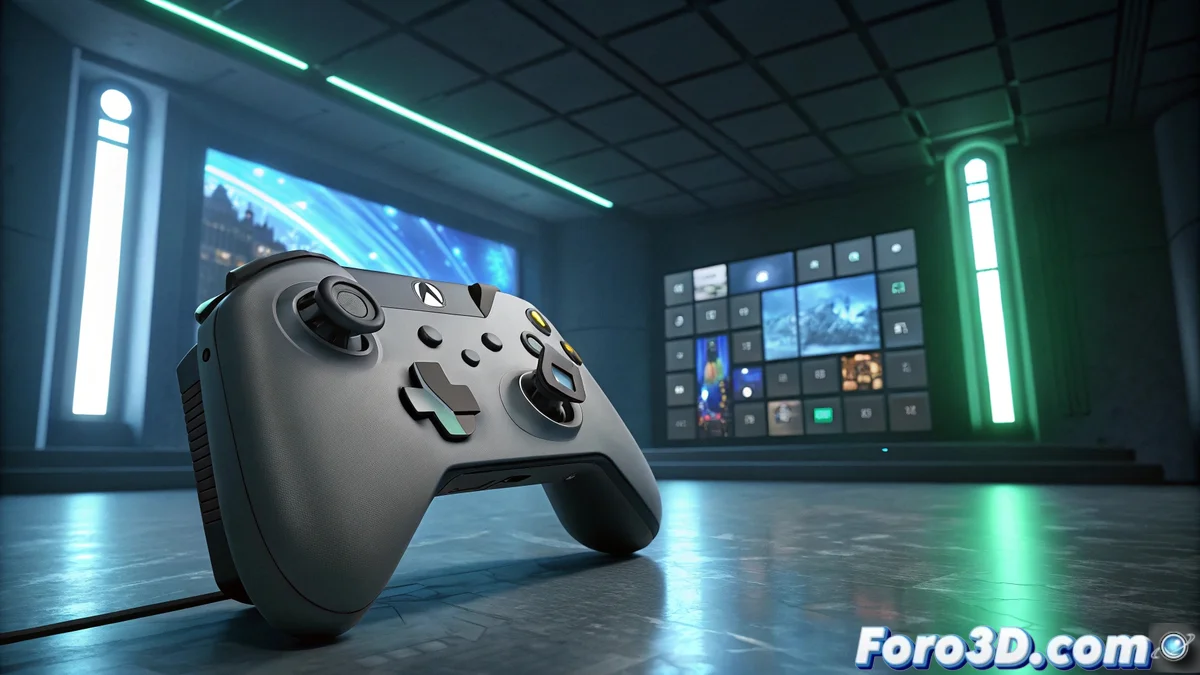
Microsoft presents the full-screen Xbox experience for Windows 11
Redmond's company has unveiled its new gaming interface that turns Windows 11 into a true video game console. This significant transformation is currently in testing phase with selected users from the Insider program. 🎮
Revolutionary features of the gaming interface
The Xbox Full Screen Experience represents a radical change in the way we interact with games on PC. It has been specifically designed to eliminate distractions and provide immediate access to all entertainment content. Developers have prioritized responsiveness and ease of use.
Highlighted features:- Optimized navigation for controllers and gamepads
- Native integration with Xbox Game Pass and Microsoft Store
- Advanced customization with themes and specific settings
This experience brings Windows 11 closer to the traditional console ecosystem while maintaining all the power of a gaming PC
Availability and progressive expansion
Initially restricted to specific devices, the FSE is now available to MSI Claw owners within the Insider Preview program. Microsoft thus demonstrates its commitment to expanding the reach of this technology to more hardware configurations.
Implementation plan:- Current phase: Testing with MSI Claw and selected devices
- Next stage: Collaboration with other hardware manufacturers
- Final goal: General release after gathering user feedback
Impact on user experience
Insider program users can test this functionality and contribute to its development by submitting feedback. The transition between the traditional desktop mode and this new gaming interface is notably smooth, without requiring system restarts when switching between applications. An interesting evolution that could redefine how we play on PC. 💻