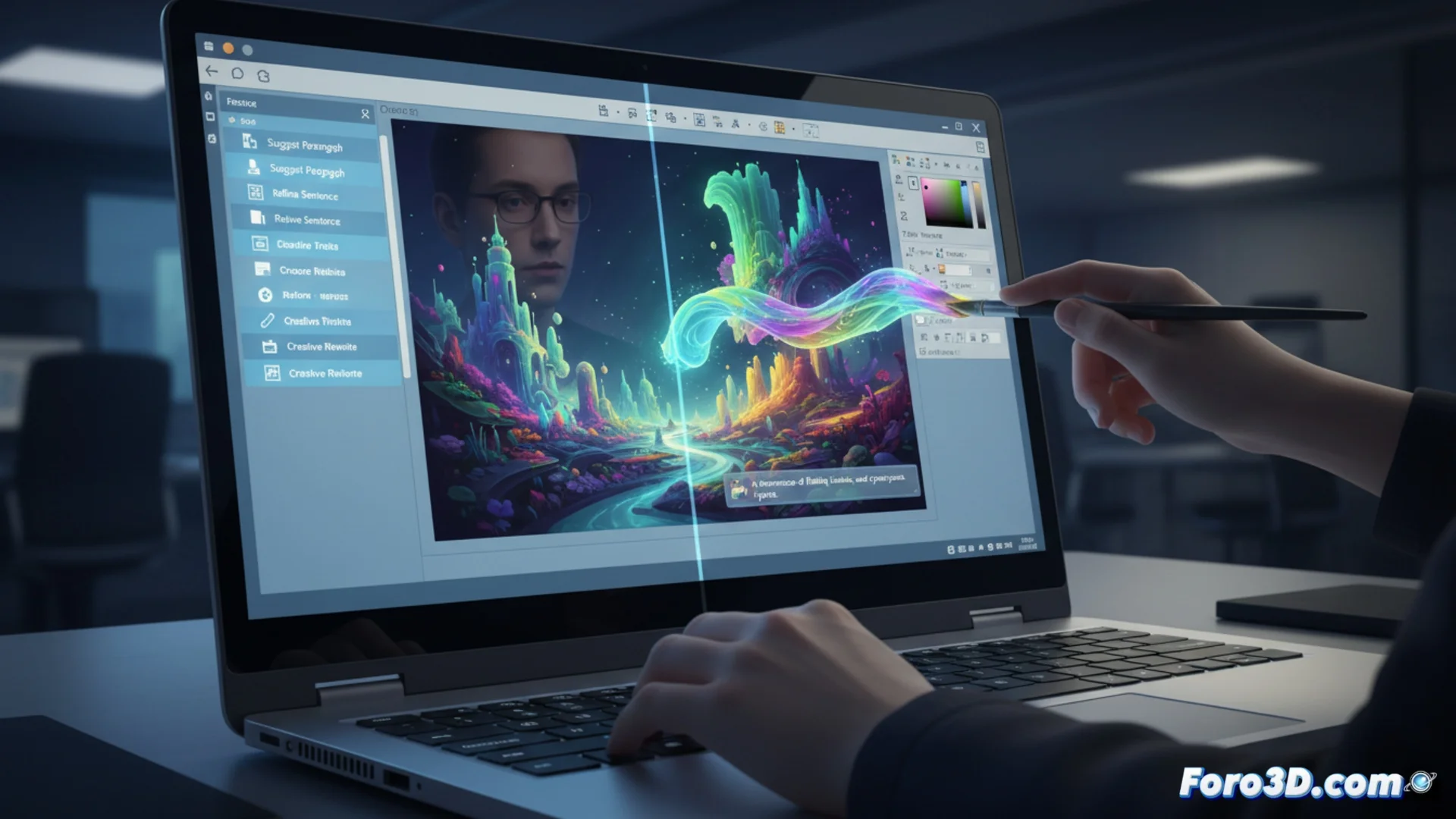
Microsoft Explores AI Features in Notepad and Paint
The Redmond company is testing artificial intelligence tools in two of its classic operating system applications. These new features are being rolled out progressively to those participating in the Windows Insider program, in the Canary and Dev channels. 🧪
New Features for Notepad
The plain text application now includes a feature called Cowriter. This assistant allows modifying, rephrasing, or adjusting the format of any text fragment using verbal commands. The user can, for example, request that a paragraph be more concise or adopt a professional tone.
Main Features of Cowriter:- It is activated with a button that has a pen and star icon in the top bar.
- It opens a side panel to manage all AI requests.
- It processes commands to rewrite, summarize, or change the style of the selected text.
This integration marks a significant step in adding intelligent capabilities to basic system utilities.
Paint Enhanced with Generative AI
The legacy drawing application receives the Cocreator tool, which already exists in Photos and Clipchamp. This feature enables creating illustrations from scratch based on a description written by the user.
How Cocreator Works in Paint:- The user writes a prompt or detailed textual instruction describing what they want to see.
- Various artistic styles can be selected to guide the result.
- It requires signing in with a Microsoft account that has available credits, as the service is not free.
Availability and Outlook
The features are being launched in a staggered manner, so not all Insider program testers will see them at the same time. While AI promises to draw perfect ovals, many users still rely on traditional manual tools, remembering that sometimes simple is enough. 🎨