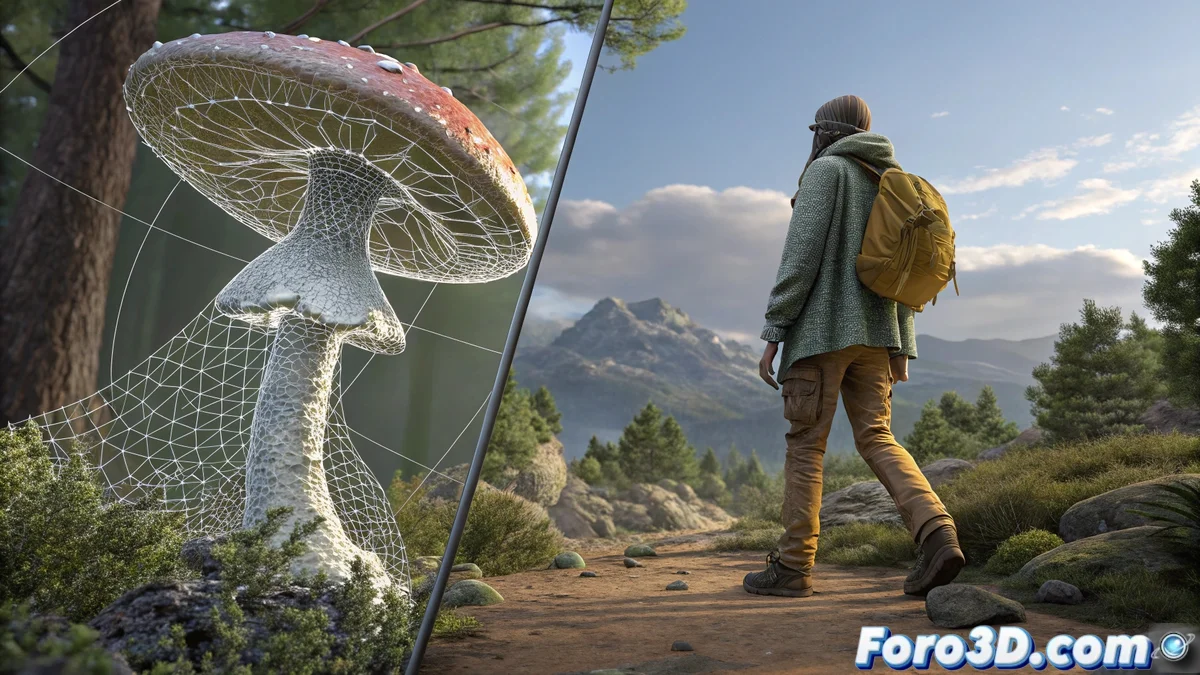
Meshroom vs Blender: Complementary Approaches in 3D Reconstruction from Photographs
3D reconstruction from images is an essential technique in digital design, and two standout tools are Meshroom and Blender. Although they pursue the same goal, their methodologies are notably different: Meshroom focuses on automation through a node system, while Blender prioritizes manual control via add-ons. 🎯
Differences in Workflow and Level of Control
Meshroom simplifies the process with a intuitive node-based interface, guiding the user from photo alignment to the generation of textured meshes. This reduces the learning curve and ensures consistent results with minimal intervention. On the other hand, Blender relies on add-ons like BlenderGIS or its native photogrammetry tool, where the artist must adjust parameters and supervise each phase manually, which demands more expertise but allows for detailed refinements. ⚙️
Key aspects of each software:- Meshroom: Ideal for users seeking precision and automation, with a structured workflow that minimizes errors.
- Blender: Offers total flexibility in parameter adjustment, suitable for projects requiring advanced customization.
- Computational resources: Both consume high processing power, potentially slowing down non-optimized systems.
The choice between Meshroom and Blender depends on your priorities: automated efficiency versus absolute creative control.
Integration in Creative Pipelines
Blender shines with its unified ecosystem, allowing editing, sculpting, or animating reconstructed models without leaving the software. Meshroom, on the other hand, generates files that must be imported into external programs for manipulation, adding an extra step. For projects that value speed and repeatability, Meshroom is optimal; in workflows where photogrammetry is just one stage, Blender is more versatile. 🚀
Practical advantages by tool:- Blender: Direct integration with modeling and animation tools, ideal for complex pipelines.
- Meshroom: Specialized and fast approach, perfect for repetitive tasks or non-expert technical users.
- Compatibility: Both export standard formats like OBJ or PLY, facilitating interoperability.
Final Considerations for Users
When deciding between Meshroom and Blender, evaluate your experience level, available hardware resources, and the scope of your project. Meshroom automates tedious tasks, while Blender empowers with immediate post-processing tools. Remember that, regardless of your choice, both softwares will require powerful equipment to handle intensive calculations. 🖥️