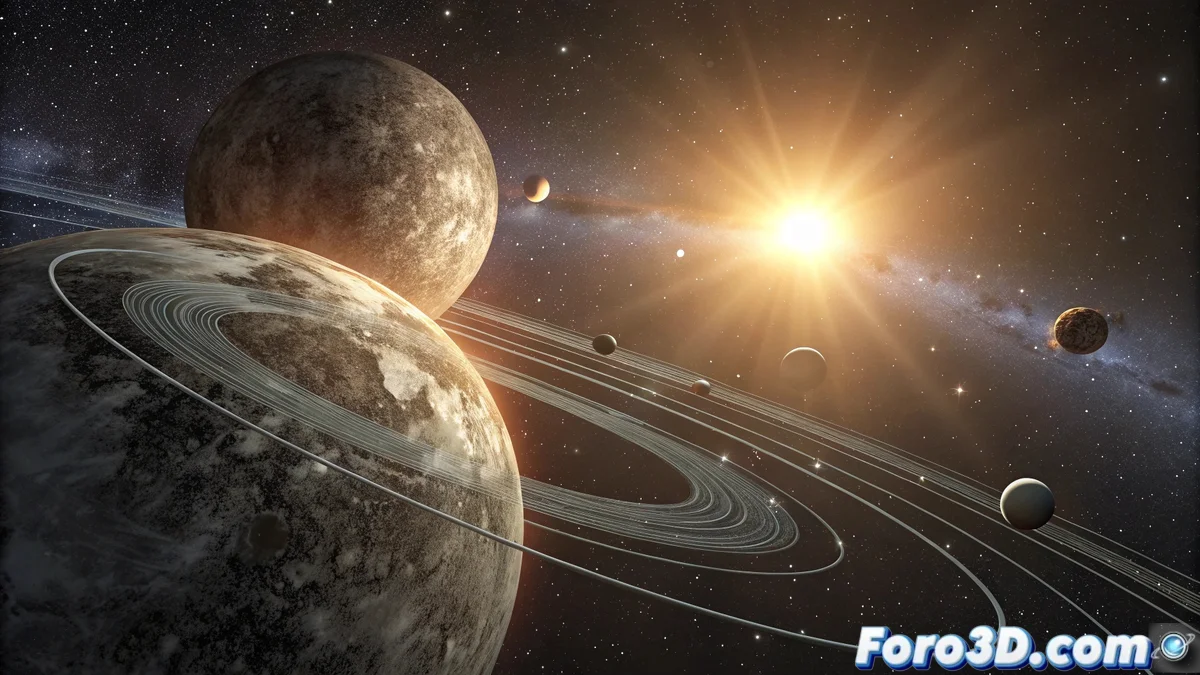
Mercury at Maximum Elongation: A Practical Guide to Observation and Modeling
Mercury's maximum elongation is one of the most anticipated astronomical events for observers, as it marks the moment when the planet reaches its maximum angular separation from the Sun from our earthly perspective. This phenomenon, which ranges from 23-28 degrees, provides privileged observation windows to contemplate the elusive inner planet 🌟
Historical Evolution of the Concept
Mesopotamian civilizations already recorded the apparent movements of Mercury, although its understanding as an inner planet took centuries to consolidate. The development of the heliocentric model revolutionized the interpretation of these events, enabling precise calculations that today are reflected in computerized ephemerides of extraordinary accuracy.
Unique Characteristics of Maximum Elongation:- Separation angle varying between 18° and 28° depending on the time of year
- Visibility during morning or evening twilight depending on the elongation
- Optimal observation duration of approximately 1-2 hours
Observing Mercury at its point of maximum elongation is like discovering a fleeting diamond that challenges the solar immensity
Three-Dimensional Modeling with SolveSpace
The precise recreation of this celestial phenomenon using SolveSpace allows for a visual understanding of the geometric relationships involved. This parametric modeling software offers ideal tools to represent the orbital positions and characteristic angles of maximum elongation 🚀
Detailed Initial Setup:- Open SolveSpace and select File → New to create a new project
- In Preferences → Units, set Angle Units to "degrees" and Length Units to "mm"
- Activate View → Coordinate System to visualize the global reference axes
- Create a new workgroup with Group → New Group and select "Assembly" as the type
Construction of the Miniature Solar System
The modeling process requires millimeter precision to faithfully represent the angular relationships that define maximum elongation. Follow these meticulous steps to achieve an exact representation:
Step-by-Step Implementation in SolveSpace:- Select Sketch → Circle and draw three concentric circles with diameters of 50mm, 75mm, and 100mm for Mercury, Venus, and Earth respectively
- Use Constraint → Distance to fix the orbital distances: 25mm from the center for Mercury, 37.5mm for Venus, and 50mm for Earth
- Insert Point → Coordinate at the center (0,0,0) to represent the Sun
- Place points on the orbits using Point → On Curve: Mercury at 23.9° east of the Sun, Earth opposite at 180°
- Apply Constraint → Angle between the Sun-Earth and Earth-Mercury lines, setting exactly 23.9 degrees
Visual Customization and Materials
The differentiated representation of each celestial element facilitates immediate understanding of the model. SolveSpace allows assigning distinctive colors and styles through the following specific configurations:
Appearance Configuration in SolveSpace:- Select each body and apply Style → Color: yellow RGB (255,255,0) for the Sun, gray RGB (128,128,128) for Mercury, blue RGB (0,0,255) for Earth
- Use Constraint → Diameter to set relative sizes: Sun 15mm, Mercury 2mm, Earth 4mm
- Activate View → Shaded Mode for solid visualization and View → Perspective for a realistic three-dimensional effect
- Configure View → Light Direction with values X:0.5, Y:0.5, Z:0.7 for natural lighting
Reference Elements and Export
The incorporation of visual guides and annotations transforms the model into a complete educational tool. These additions allow verification of astronomical parameters and professional sharing of results 📐
Advanced Annotation Techniques:- Create reference lines with Sketch → Line Segment connecting Earth-Mercury and Earth-Sun
- Use Constraint → Angle to verify that the angle between lines is 23.9° ± 0.1°
- Apply Text → Create to label each planet with Arial 12pt font in contrasting colors
- Export the model with File → Export → PDF at 300 DPI resolution for maximum quality
- For animations, use File → Export → STEP and process in external rendering software
Conclusion and Practical Applications
The three-dimensional modeling of Mercury's maximum elongation not only illustrates an astronomical phenomenon but also demonstrates the power of SolveSpace for scientific education. This practical approach allows amateur astronomers and educators to visualize complex celestial concepts through precise and customizable geometric representations 🌌