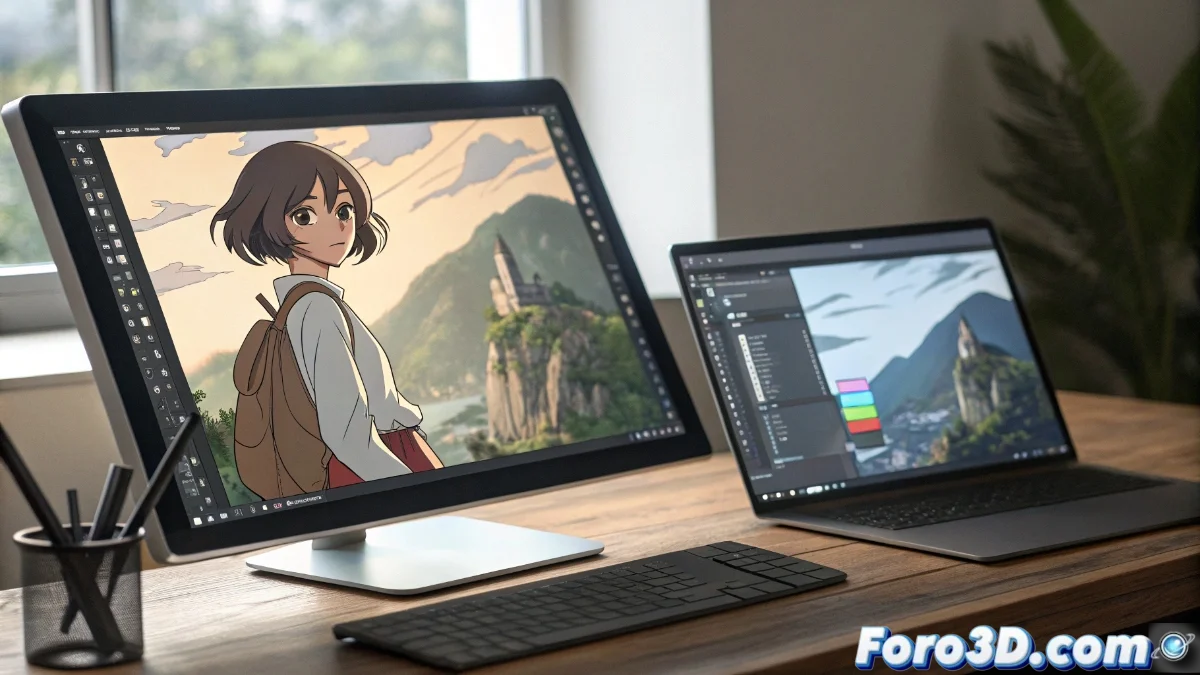
MediBang Paint vs Paint.NET: lightweight tools for digital artists
In the realm of digital art, choosing the right software can make a difference in productivity and creative results. MediBang Paint and Paint.NET are two popular options that, although lightweight and accessible, target audiences with specific needs. While one specializes in illustration and comics, the other provides quick solutions for basic editing. 🎨
MediBang Paint: a complete environment for creators
Designed specifically for illustrators and manga artists, MediBang Paint offers a suite of advanced tools that facilitate drawing and comic composition. Its interface is optimized for a natural workflow, with support for multiple layers and integrated resources like fonts and predefined materials. Cloud integration allows efficient collaboration on projects, making it an ideal option for those seeking a complete solution without the complexity of heavier programs.
Key features of MediBang Paint:- Wide range of customizable brushes adapted for illustration and inking
- Screentone function specialized in manga creation
- Advanced layer management and file formats compatible with other software
The tool doesn't make the artist, but a good choice can enhance creativity and streamline the process.
Paint.NET: quick and accessible editing
On the other hand, Paint.NET focuses on basic image editing and photo retouching, offering an intuitive interface that reduces the learning curve. Although it lacks advanced artistic functions, its speed and the ability to expand capabilities through community plugins make it perfect for everyday tasks. It is the ideal choice for users who prioritize efficiency over specialized drawing tools.
Main advantages of Paint.NET:- Simple interface that allows quick adjustments to color, size, and filters
- Extensive library of community-developed plugins to extend functionality
- Ideal for light retouching and simple graphic operations without consuming many resources
Final reflection: choosing the right tool
Both applications demonstrate that it is not necessary to use complex software to achieve professional results. The key is to select the tool that fits the personal workflow without adding unnecessary complications. Whether for creating a detailed comic or retouching a photograph, the important thing is that the program facilitates the creative process rather than hindering it. ✨