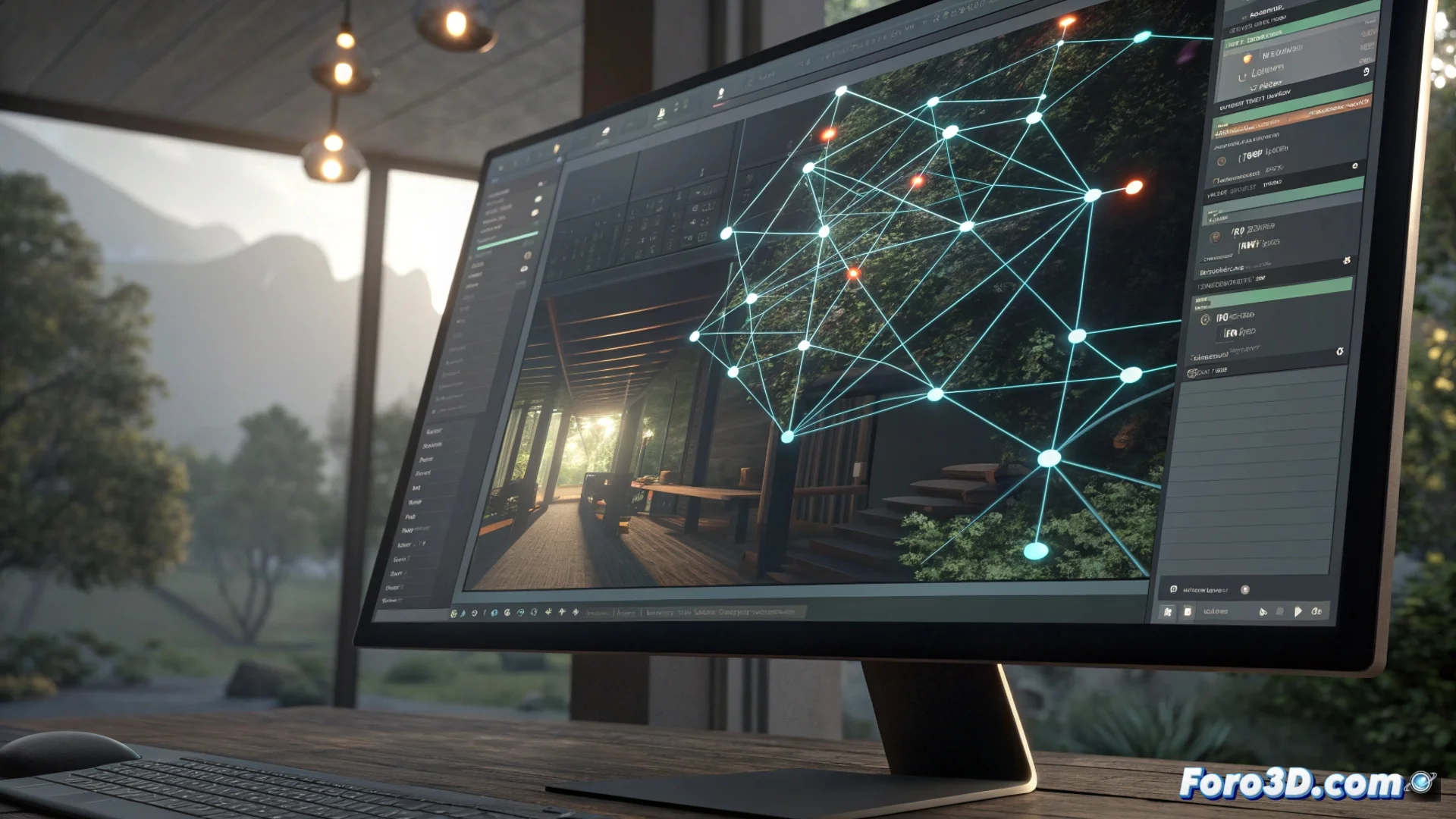
Maya's Node Editor: Visually Connecting Scene Elements
At the core of Autodesk Maya lies a fundamental tool for the digital artist: the Node Editor. This interface acts as a graphical canvas where each component of a 3D scene is represented as a node that you can connect to define how information is processed. 🧩
A Graphical View of the Data Flow
Unlike working solely with attribute lists, this editor allows you to see and manipulate connections between shaders, deformers, lights, and other systems directly. Each node encapsulates a specific function, such as defining a color or applying a geometric transformation. By connecting an output port to an input port, you establish a logical chain for processing data, giving you total control over the final result.
Key Advantages of Using the Node Editor:- Total Visual Control: You perceive the information flow at a glance, helping to debug scenes and understand how each effect is generated.
- Build Complex Effects: You break down sophisticated processes into manageable steps, such as linking a noise node to a shader and then to geometry displacement.
- Reuse and Organize: You can group nodes into custom frames to keep extensive networks orderly and readable, facilitating reuse of parts in other projects.
Visual complexity may seem overwhelming, but it is precisely where detailed control resides for creating advanced materials, animations, and lighting.
Intuitively Create and Adjust Materials
For developing shaders, the Node Editor is especially powerful. Instead of adjusting parameters in isolated windows, you see all maps, utilities, and material nodes interconnected in a single space. This includes mathematical operations to combine textures or conditional nodes to create masks.
Features to Optimize Material Work:- Full Context: You work with all shader elements on a unified canvas without losing the overall view of how they interact.
- Iterate Quickly: Visual clarity allows you to experiment with different configurations and see changes in real time.
- Maintain Order: Tools for grouping and organizing nodes are essential for handling projects with hundreds of connections without confusion.
The Foundation for a Professional Pipeline
Mastering the Node Editor is essential for any artist who wants to go beyond the basics in Maya. It's not just about connecting dots, but understanding and directing how every aspect of a 3D scene is built, from seemingly simple materials to more complex rigging systems and effects. This graphical working methodology is what transforms an idea into a precise and controlled visual result. 🚀