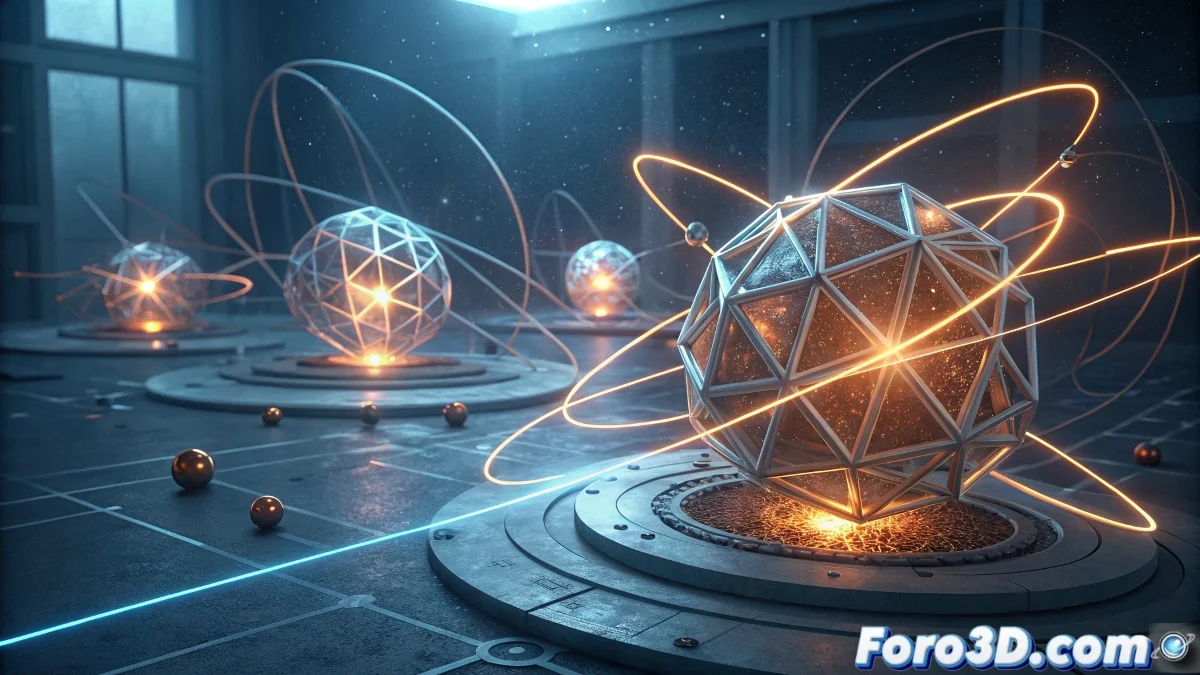
Mathematicians Discover Hidden Reset Button for Complex Rotations
A team of mathematicians has discovered a hidden "reset button" in the fundamental laws of three-dimensional rotation. The finding reveals that almost any complex sequence of rotations applied to an object—from gyroscopes to qubits in quantum computing—can be completely undone through an elegant procedure: scaling all rotation angles by a common factor and repeating the entire sequence twice. This discovery has profound practical implications for advanced technologies like nuclear magnetic resonance and the precise manipulation of qubits in quantum computing, where exact control of rotations is crucial. 🔄
Phase 1: Researching the Mathematical Principle and Its Applications
Before opening Blender, thoroughly study the mathematical principle of rotation resetting. Investigate concepts of rotation algebra, SO(3) groups, and quaternions. Understand how scaling angles by a common factor and repeating the sequence lead to net cancellation. Gather references on: complex rotating objects (gyroscopes, molecules in NMR, qubits), mathematical visualizations of 3D rotations, rotation sequence diagrams, and specific technological applications. This foundation will allow you to create a mathematically precise visualization of the phenomenon.
Key Mathematical Concepts to Research:- Theory of rotation groups SO(3) and SU(2)
- Representation of rotations using quaternions
- Composition of rotations and their algebra
- Scaling properties in rotational transformations
- Applications in quantum error correction
- Implementation in radiofrequency pulses in NMR
Phase 2: Blender Setup and Optimization for RTX 3060
Set up Blender 3.0+ to leverage the RTX 3060 with 12GB of VRAM. Enable OptiX denoising and configure Compute Device Preferences to use the GPU. The RTX 3060 will efficiently handle complex physics animations and transformations thanks to its 3584 CUDA cores. Set Color Management to Filmic and configure the scene with metric units for mathematical precision.
The RTX 3060 allows for visualizing complex mathematics in real-time, making the abstract tangible.
Phase 3: Modeling the Demonstration Object and Reference Systems
Create a complex 3D object with defined symmetry that clearly shows rotations. A subdivided icosahedron with different colors per face works ideally. Add coordinate systems and reference axes (global and local). Implement animated directional arrows showing the instantaneous axes of rotation. The RTX 3060 will allow working with detailed geometry and multiple reference systems simultaneously.
Phase 4: Implementation of the Sequential Rotation System
Develop a keyframe animation system that applies a complex sequence of rotations around multiple axes. Use Empty objects as rotation pivots and apply transform constraints to create compound movements. Implement custom drivers that control rotation angles through mathematical expressions, allowing dynamic adjustment of the common scaling factor. The RTX 3060 will smoothly handle these complex nested transformations.
Example Rotation Sequence:- Rotation 45° X-axis + 30° Y-axis + 60° Z-axis
- Sequence: R_x(θ₁) → R_y(θ₂) →