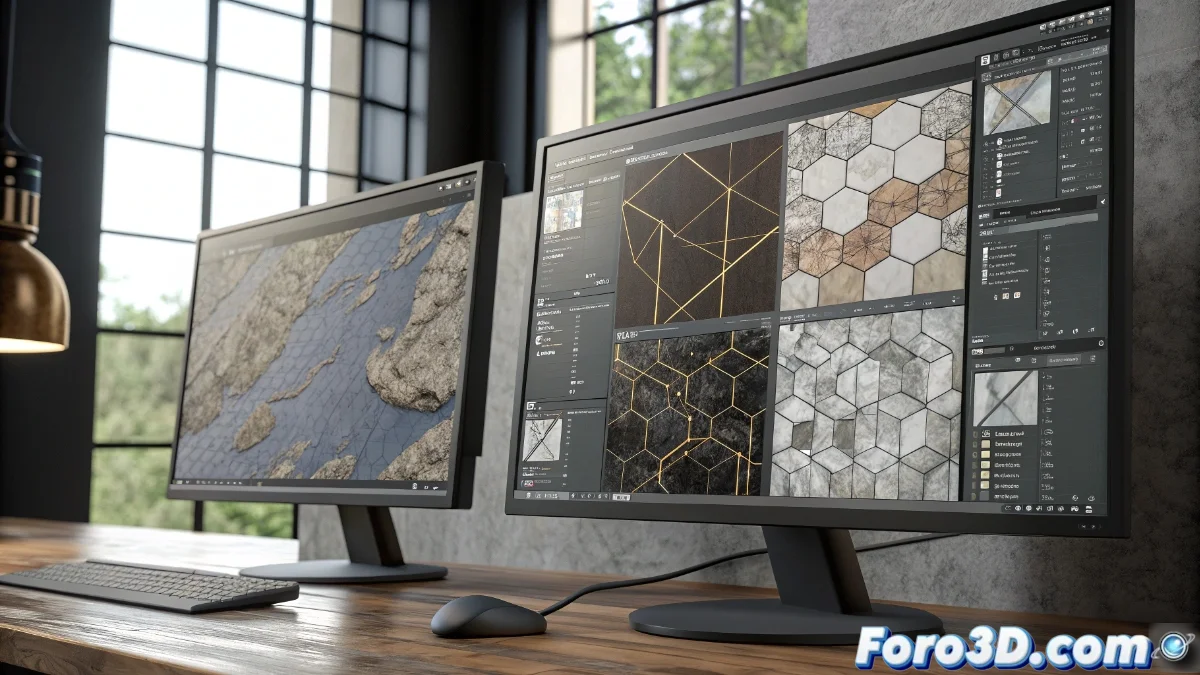
Material Maker vs Substance 3D Designer: comparison of procedural modeling tools
In the fascinating world of procedural modeling, two tools stand out for their distinctive approaches: Material Maker as a open-source and free alternative, versus the established Substance 3D Designer from Adobe. Both allow creating complex materials through node-based systems, but their philosophies and capabilities present significant differences that we will analyze in depth. 🎨
Approach and development philosophy
Material Maker is characterized by its accessible learning curve and an active community that constantly contributes to its evolution. In contrast, Substance 3D Designer offers deeper professional integrations within established production pipelines, along with a more extensive library of resources and documentation. The choice between them often boils down to the specific use context. 💡
Main differences in philosophy:- Material Maker: Community development, open source, and free access
- Substance 3D Designer: Professional ecosystem with enterprise support
- Collaborative approach vs established industrial pipeline
The real choice is not between free or paid, but between community flexibility and professional stability
Node architecture and workflow
The organization of nodes in Material Maker follows intuitive categories like generators, filters, and transformers, facilitating the rapid creation of basic and complex materials. Substance 3D Designer features a more granular and specialized system, ideal for advanced techniques like height mapping and high-precision textures. Both systems allow real-time preview, although Substance offers greater customization in this aspect. ⚙️
Workflow features:- Intuitive interface vs advanced specialization
- Customizable preview in both systems
- Different approaches to node organization
Performance and export in real projects
In terms of performance, Material Maker stands out for its lightweight nature and efficient operation even on modest hardware, exporting in common formats like PNG or EXR. Substance 3D Designer requires more resources but better optimizes textures for engines like Unity or Unreal Engine, with native support for PBR channels. Integration with other Adobe tools provides significant advantages in large studios, while Material Maker is ideal for independents or projects with budget limitations. 🚀
Technical considerations:- Hardware requirements vs export efficiency
- Support for professional game engines
- Export formats and compatibility
Conclusion: choose according to specific needs
The final decision between these tools fundamentally depends on the production context. Material Maker offers an extraordinary solution for independent projects and learning, while Substance 3D Designer provides professional stability for complex pipelines. The choice often boils down to prioritizing time spent setting up nodes versus time explaining inconsistencies in game engines. The key is to honestly evaluate the project's real needs and available resources. 🎯