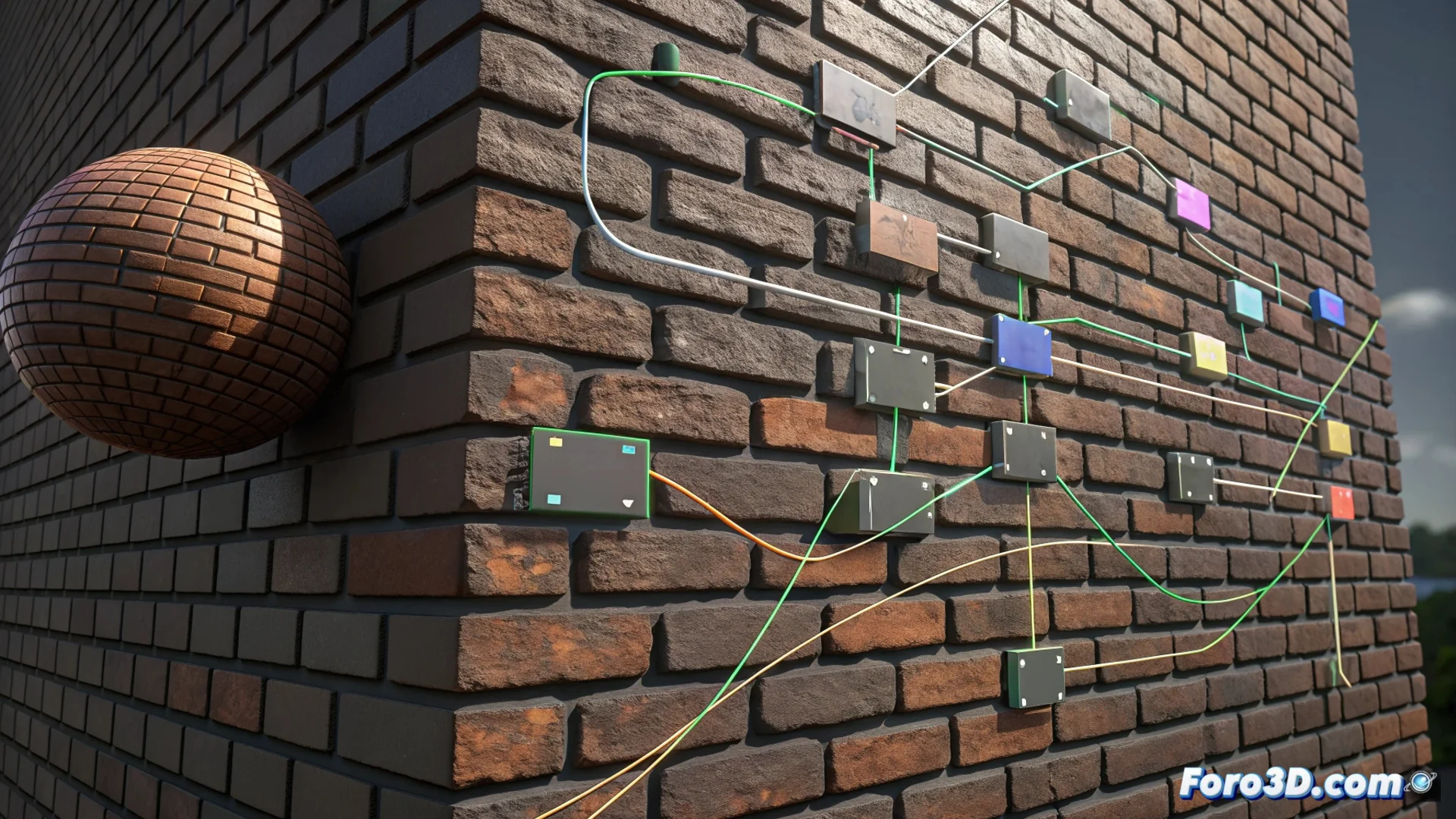
Material Maker: create PBR materials with nodes
In the field of 3D design, Material Maker stands out as a tool dedicated to generating materials for texturing models. Its core is a graphical nodes environment that facilitates designing PBR textures procedurally, without relying on fixed rasterized images. 🧩
Organize the visual workflow
The process begins by placing generator nodes in the workspace. These produce basic shapes, noise, or gradients. Then, the user connects them to filter nodes that modify these patterns, adjusting colors, contrasts, or blending them together. The interface allows previewing each change instantly.
Key phases for building a material:- Generate base patterns with shape nodes, Perlin noise, or gradients.
- Process and distort those patterns using filters and blend nodes.
- Direct the graph to specific output nodes like Albedo, Roughness, or Metallic to export the final maps.
The procedural nature allows scaling any texture to extreme resolutions without losing definition, simply by adjusting parameters.
Advantages of a procedural approach
Being non-destructive and parameter-based, the software provides wide freedom for experimentation. You can adjust the size of cracks in a stone with a slider or iterate designs quickly to create custom material libraries.
Features that define its power:- Detailed control over every aspect of the final material through numerical values.
- Ability to create complex textures like brick, wood, or metal from scratch.
- Freedom to explore node connections, where even a novice user can discover unique patterns accidentally.
A space for technical creativity
Material Maker transcends being a simple texturing tool; it is a laboratory for procedural creativity. It facilitates developing PBR materials ready to use in rendering engines, maintaining a visual and intuitive workflow that rewards experimentation. The result is scalable and fully customizable assets. 🔧