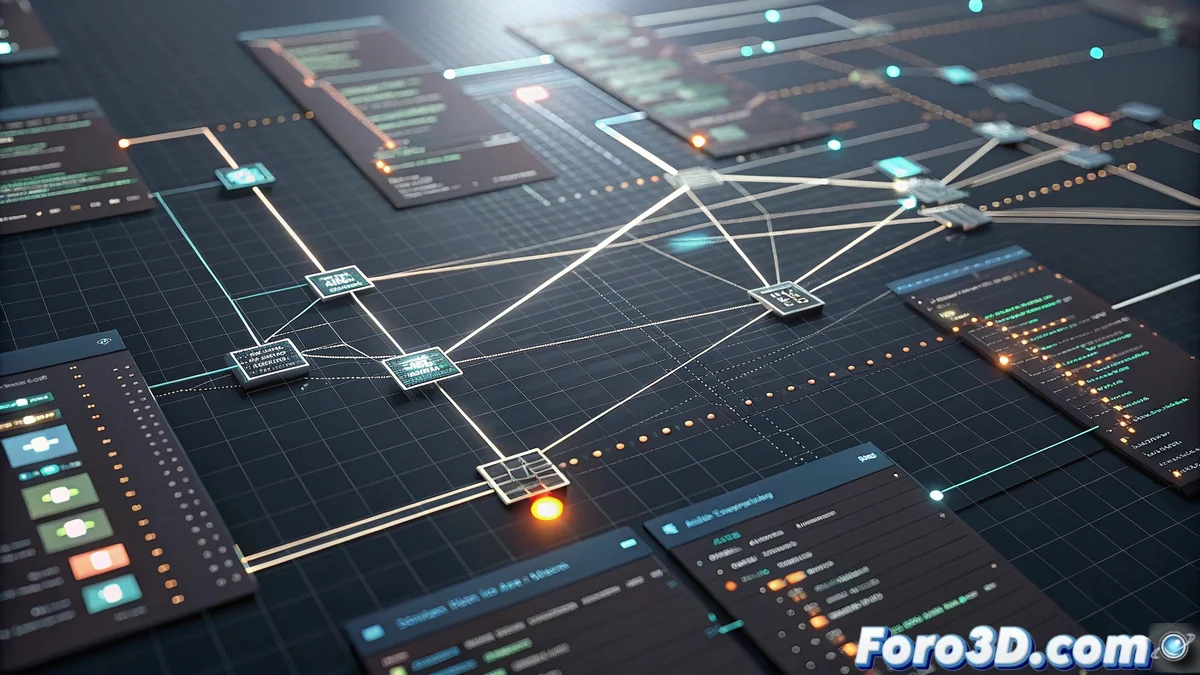
Material Maker Boosts Creativity with Custom GLSL Nodes
The latest version of Material Maker has incorporated a revolutionary feature: custom GLSL nodes. This innovation allows users to transcend the limitations of pre-established nodes, opening up a universe of possibilities for creating unique visual effects and complex procedural algorithms directly within the nodal environment. 🎨
Exclusive Advantages of Custom GLSL Nodes
The implementation of custom shaders within the nodal workflow offers significant benefits for technical artists and developers. The ability to write specific GLSL code enables the implementation of advanced logic that simply isn't available in conventional nodes, from complex mathematical operations to specialized noise algorithms that require pixel-level control.
Main Benefits:- Implementation of advanced shader logic not available in standard nodes
- Ability to create custom mathematical operations and specialized noise algorithms
- Seamless integration with the parameter system for real-time adjustments
The freedom to program custom shaders makes you feel omnipotent, until a syntax error brings you back to the earthly reality of development.
Practical Implementation Guide
To get started with custom GLSL nodes, users access the integrated code editor where they define inputs, outputs, and the main shader body. It is essential to follow standard GLSL conventions and optimize the code to avoid performance issues that could affect the working experience.
Recommended Best Practices:- Start with basic examples like simple color manipulation before tackling complex shaders
- Consult the official documentation and participate in specialized communities for collaborative learning
- Keep the code efficient to prevent performance bottlenecks during execution
Integration and Optimized Workflow
Custom GLSL nodes integrate seamlessly within the Material Maker ecosystem, allowing users to reuse existing code or experiment with new ideas without leaving the nodal editor. This coherence in the workflow significantly accelerates the iteration and development process, maintaining project organization while exploring maximum creative expression. 🚀