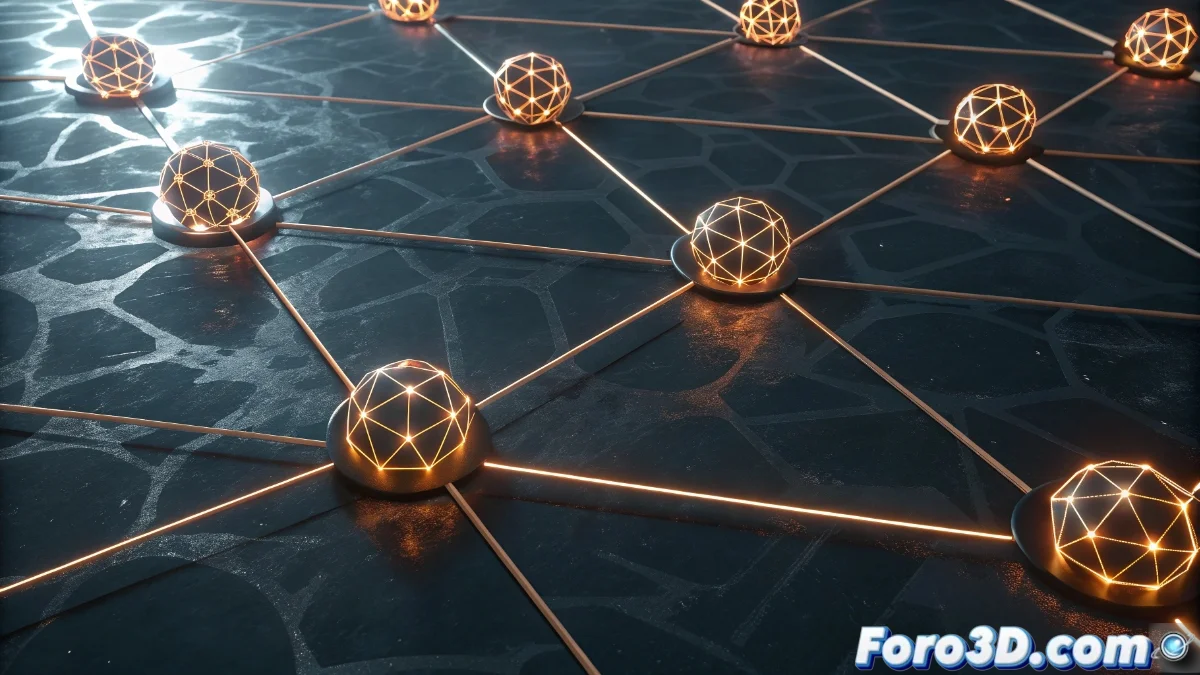
Material Functions in Unreal Engine 5: Creation and Practical Application
Material Functions in Unreal Engine 5 are an essential tool for designing modular visual effects within the material system. These functions group complex operations and nodes into reusable blocks that can be implemented in multiple materials, promoting efficiency and uniformity in project development. By centralizing an effect in a single function, technical artists eliminate redundancies and ensure that updates are automatically reflected in all linked instances 🎨.
Development and Customization of Material Functions
To create a Material Function, navigate to the Content Browser and select the option to create this asset in the corresponding menu. Once the function editor is open, design the node network that defines its behavior, using specialized inputs and outputs to link with main materials. It is crucial to specify data types on the connection ports to ensure compatibility, as well as assign clear names that simplify identification in various contexts 🔧.
Key steps in configuration:- Selection of the Material Function option in the Content Browser to start creation
- Design of the node network with well-defined inputs and outputs to ensure interoperability
- Assignment of descriptive names to the ports to facilitate their use in parent materials
Material Functions are like Lego pieces that fit perfectly into any material, avoiding rebuilding the logic from scratch every time.
Implementation in Standard Materials
When incorporating a Material Function into a conventional material, drag it directly from the Content Browser to the material graph and connect it to key ports such as Base Color, Normal, or Roughness. This enables the application of elaborate effects, such as noise patterns, distortions, or custom lighting systems, without repeatedly replicating the node structure. Reuse not only accelerates creative iteration but also minimizes errors, as the centralized function ensures identical behavior in all its instances. Additionally, functions can be nested to build scalable effect libraries tailored to project demands ⚡.
Advantages of integration:- Acceleration of the creative process by reusing complex logics without rebuilding them
- Reduction of inconsistencies and errors thanks to the centralization of effects
- Ability to nest functions to create scalable effect libraries
Final Reflections on Their Utility
Creating an efficient Material Function can be compared to solving a challenging puzzle, where each piece must fit precisely. However, the intelligent reuse offered by these functions frees developers from reinventing solutions for each new material, consolidating an orderly and productive workflow. By mastering their creation and application, teams can maintain visual coherence in their projects while significantly optimizing development time 💡.