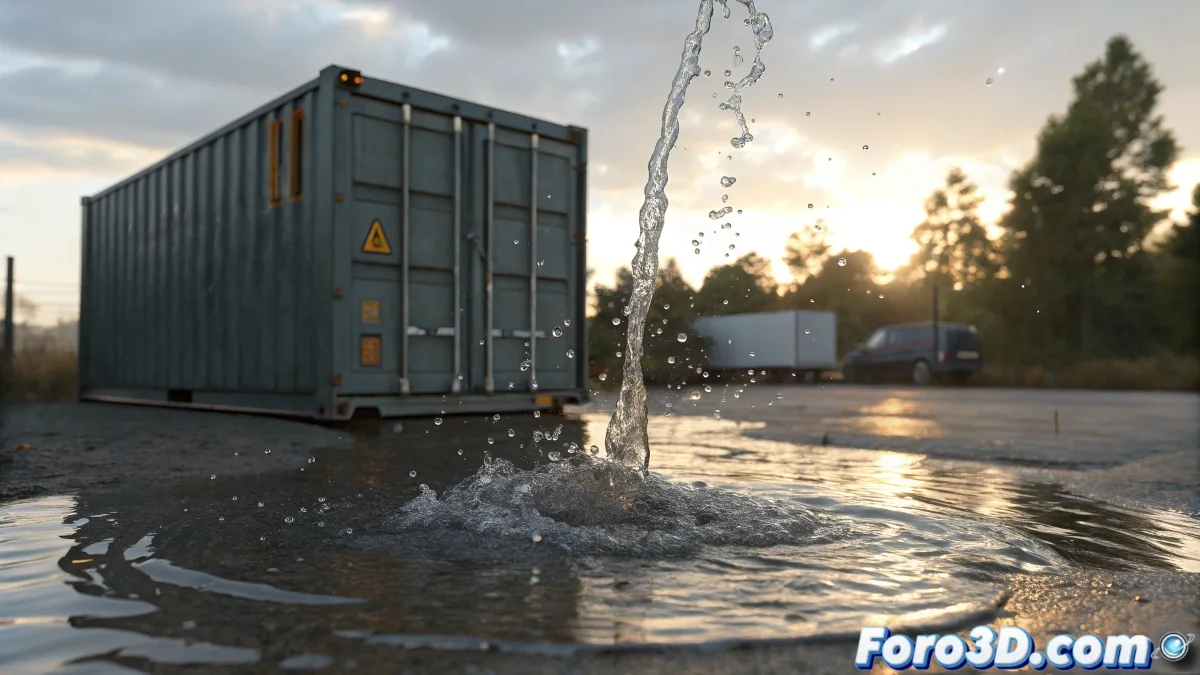
Digital Water in Maya: From Puddle to Ocean Without Drowning in Nodes
Animating water in Autodesk Maya used to be like trying to tame a river with your bare hands 🏞️. Today, thanks to tools like Bifrost and nParticles, it's easier to create everything from a trickle of water to a tsunami… although the software still has its quirks sometimes.
Bifrost: The King of Realistic Water (Patience Included)
For simulations that impress, Bifrost Fluids is the option. You just need:
- An emitter (your digital faucet).
- A container (so the water doesn't literally flood your scene).
- Colliders (because even virtual water crashes into walls).
After hours of simulation (and several coffees ☕), you turn the result into a smooth mesh and apply materials with Arnold. The trick: adjust the IOR to 1.33 to make it look like real water… or vodka, depending on the project.
nParticles: The Quick Solution When the Client is Pressuring
If time is tight, nParticles offers:
- Lighter simulations (ideal for fountains or static jets).
- Control with forces like gravity or wind (without overdoing it, or it gets out of control).
- Option to convert it into blobby surfaces for a liquid appearance.
With nParticles, the water behaves… until you decide to add turbulence and everything turns into a giant washing machine.
Lighting and Materials: The Soul of Water (Digital)
Without a good HDRI and Area Light lights, even the most detailed sea will look like melted plastic. Adjust:
- Transparency and reflection (to make it look wet).
- Refraction (for that effect of "where's my render key?").
Avoid Disasters: Cache First, Cry Later
The golden rule: simulate in a separate scene and save the cache before integrating it into your final project. That way, if Maya decides to recreate the great flood, at least you won't lose days of work 🌊.
In the end, animating water in Maya is like surfing: at first you fall, but with practice, even the wildest waves can be tamed. Or so say the brave ones who haven't seen their PC crash yet! 😅