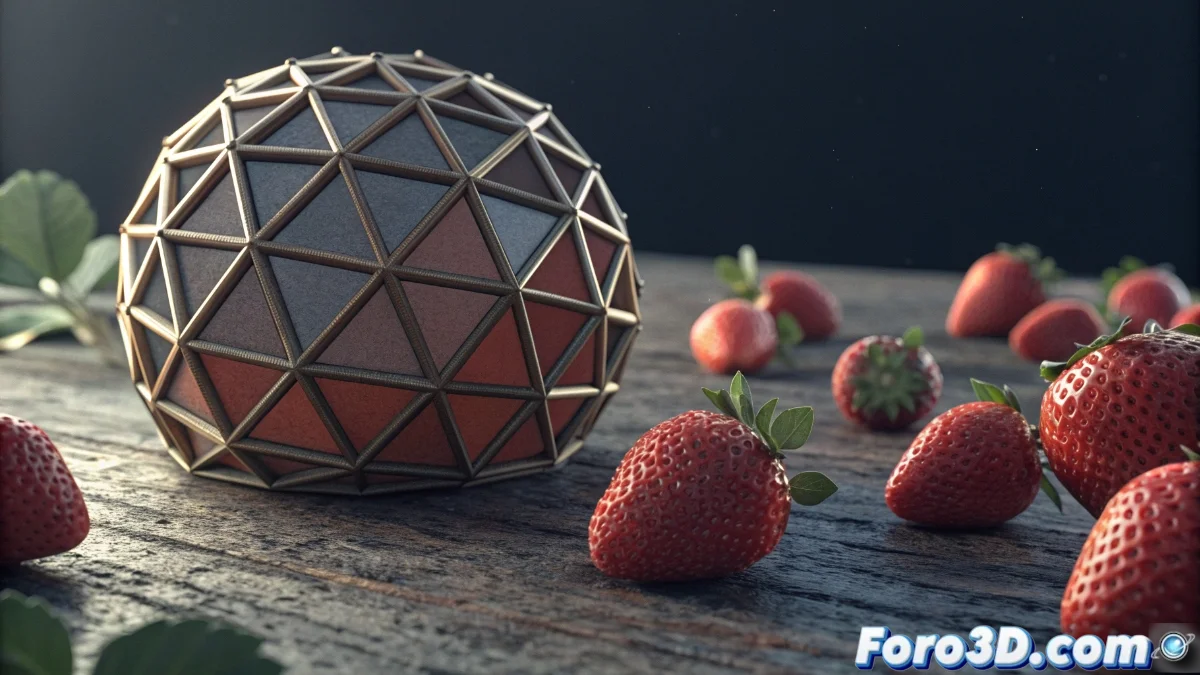
Mastering the Surface Deform Modifier in Blender 5
The Surface Deform modifier in Blender 5 represents a significant advancement for adhering objects to complex surfaces with extraordinary precision. This tool is especially valuable in character animations and visual effects projects where elements must faithfully follow the topography of the target mesh. 🎯
Essential Modifier Setup
To implement this powerful modifier, start by selecting the object you need to deform and add Surface Deform from the properties panel. Assign the target object in the corresponding field and meticulously adjust the influence parameter according to your specific needs. The precision of the deformation improves substantially by increasing the resolution of the target mesh, as the algorithm uses vertex density for detailed calculations.
Fundamental Parameters:- Falloff: Controls how the influence progressively decreases toward the edges, avoiding abrupt transitions
- Bind Option: Activate it to calculate the initial influence based on the current position when the adjustment is not optimal
- Influence Animation: Allows animating the influence factor or using vertex groups to control specific areas
The order in the modifier stack is crucial: place Surface Deform after deformation modifiers but before those that affect topology.
Practical Applications in Real Projects
This modifier demonstrates its true potential in situations such as simulating clothing garments that dynamically adapt to a moving character, or for attaching labels and details to irregular surfaces. In the field of professional visual effects, it is used to integrate 3D objects into filmed plates, ensuring they naturally follow the contours of the environment.
Optimization Tips:- Use low-resolution proxies for calculation when working with high-density meshes that affect performance
- Combine Surface Deform with other modifiers like Mesh Deform or Shrinkwrap for more robust solutions in complex cases
- Always test the setup over a full range of poses or animations to verify deformation stability
Final Considerations
The Surface Deform modifier establishes itself as a superior solution compared to alternative techniques thanks to its ability to calculate the influence of each individual vertex on the surface, generating more natural adjustments free of artifacts. Although it may occasionally present challenges with extremely complex geometries, its correct implementation opens up unlimited creative possibilities in animated productions and VFX projects. The key to success lies in deeply understanding its parameters and experimenting with different configurations until achieving the desired results. ✨