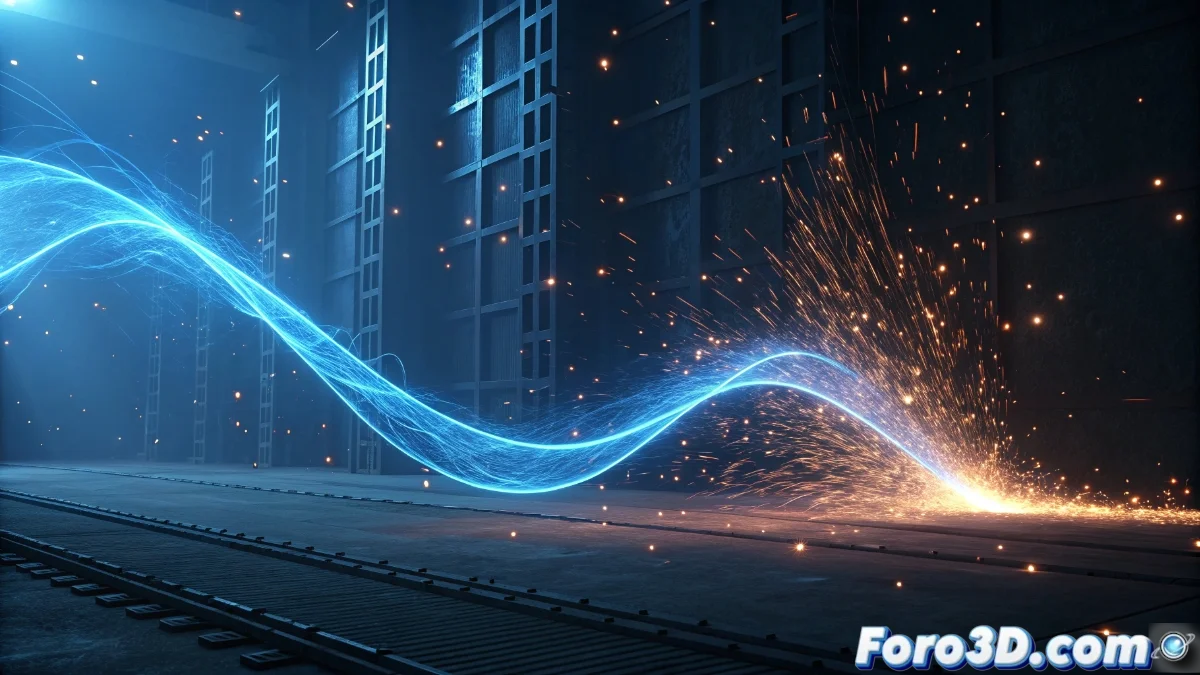
Mastering the Ribbon Renderer in Unreal Engine 5 Niagara
The Niagara system in Unreal Engine 5 represents a significant evolution for creating complex visual effects, where the Ribbon Renderer module stands out as an exceptionally versatile tool. This specialized component generates dynamic strips that extend from individual particles, connecting them smoothly to create continuous visual ribbons or animated trails 🎨.
Essential Ribbon Renderer Configuration
Starting with the Ribbon Renderer requires adding the module to the particle emitter within the Niagara environment. Artists can define multiple fundamental properties such as the variable width of the ribbon, which can be modified along its trajectory using animation curves or dynamic values. Assigning custom materials allows complete control over the visual appearance, leveraging specialized textures and advanced shaders for effects like gradual transparencies or complex lighting responses ✨.
Key Configuration Parameters:- Dynamic Width: Control via curves for variations along the ribbon
- Custom Materials: Implementation of specialized textures and shaders
- Emission Sequence: Configuration of particles for continuous ribbon formation
The native integration with the engine ensures that these ribbons respond organically to environmental forces and dynamic events, providing precise control over visual behavior.
Creative Applications and Performance Considerations
Dynamic ribbons find diverse applications in interactive projects and cinematics, ideal for representing elements like motion trails, comet tails, magical weapon traces, or energy connections between objects. To maintain optimal performance, it is crucial to set limits on the maximum length of the ribbons and control the number of generated segments, thus avoiding overloading the particle system 🚀.
Essential Optimization Techniques:- Length Limits: Control of maximum extension to avoid overload
- Smart Culling: Selective processing based on visibility and distance
- Modular Combination: Integration with wind forces and collision systems
Advanced Implementation and Best Practices
The true power of the Ribbon Renderer emerges when combined with other Niagara modules, creating complex visual effects that maintain project fluidity. Proper configuration of sequential particle generation allows ribbons to naturally adapt to movements like sharp turns, sudden accelerations, or direction changes, while conditional update options ensure that only visible sections consume processing resources 💫.