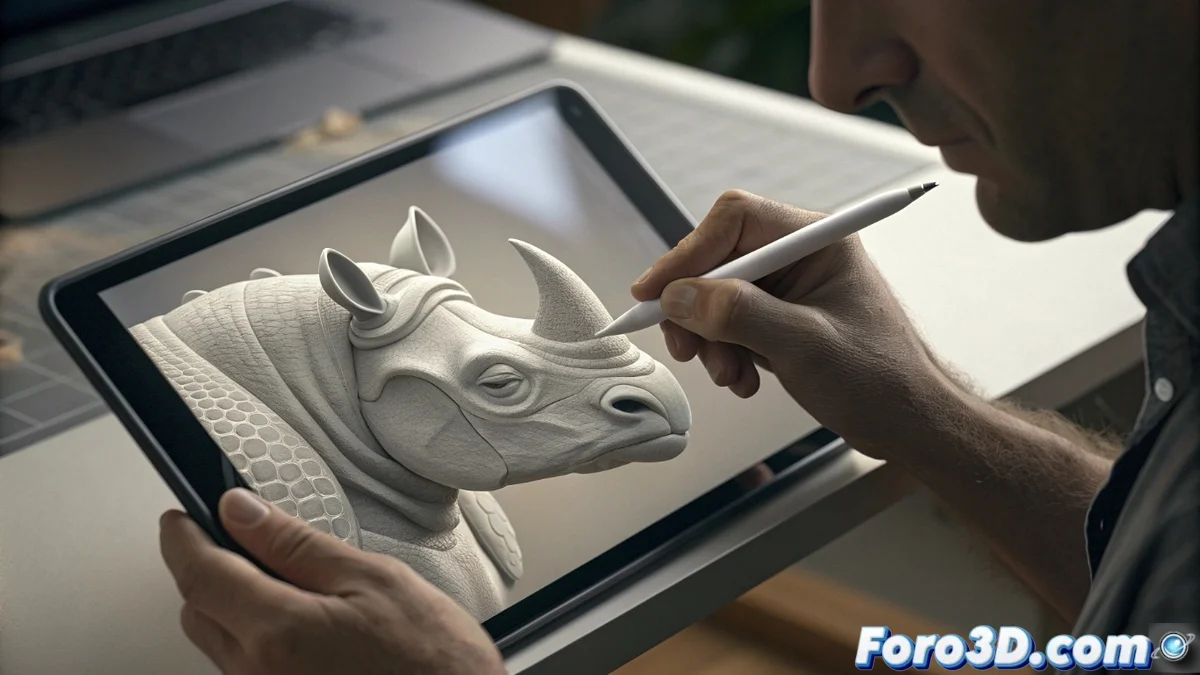
Mastering Symmetry in ZBrushCoreMini for Efficient Modeling
The symmetry tools integrated into ZBrushCoreMini revolutionize 3D model creation, allowing the development of perfectly balanced shapes with minimal effort. This functionality is essential for artists seeking to optimize their time while maintaining professional quality 🎨.
Symmetry Setup and Activation
To start using symmetry, users must access the Transform / Gizmo 3D menu or simply press the X key. The system automatically mirrors each stroke on the opposite axis, offering total flexibility in configuring radial symmetry or mirror mode.
Available customization options:- Adjustment of the number of instances for complex patterns
- Modification of orientation according to project requirements
- Precise control over symmetric details like eyes or repetitive elements
Perfect symmetry can duplicate errors too, giving you double the reasons to use Ctrl+Z
Applications in Real Projects
This technology eliminates the need for manual duplication and tedious alignment, significantly accelerating the creative workflow. It is particularly valuable for sculpting human faces, designing symmetric vehicles, or creating natural elements with regular patterns.
Main use cases:- Development of characters and creatures with balanced proportions
- Creation of geometric and organic objects with visual coherence
- Sculpting of natural elements like leaves, flowers, and wings
Creative Process Optimization
Artists maintain absolute control over precision while experimenting with instant variations. This capability not only improves efficiency but also allows creative exploration of different artistic directions without compromising production time ✨.