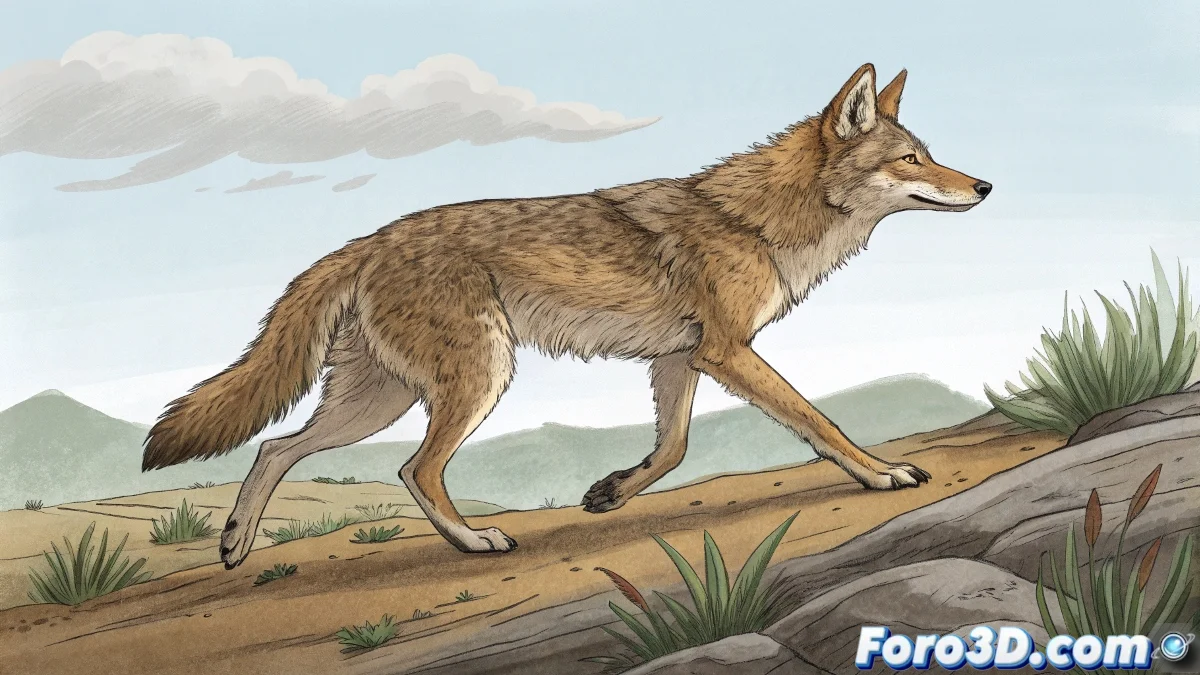
When four legs are better than two 🐾
Quadruped animation: where you discover that making a digital dog walk is harder than teaching tricks to a real one. But don't worry, with a good bone rig and some patience, you'll be able to create everything from an epic gallop to that comic stumble your scene so badly needs.
Digital Anatomy for Beginners
Before animating, you need to build solid foundations:
- Flexible spine: The axis of all animal movement (literally)
- Legs with smart IK: So they don't look like rigid sticks 🌳
- Intuitive controls: If you need 20 clicks to move a leg, something's wrong
Tools That Will Save Your Life
Plugins worth their weight in gold:
"A good quadruped rig is like a good suit: it must fit the character perfectly and allow freedom of movement... without anything falling off along the way"
- Blender: Rigify Animal (the savior of indie animators)
- Maya: Advanced Skeleton (the classic from studios)
- Houdini: KineFX (for those who love nodes)
Secrets of Animal Animation
So it doesn't look like a robot with skin:
- Study reference videos like a professional stalker 🕵️
- Apply weight and overlap to every movement
- Test first with basic walk cycles
Mistakes That Give Away Beginners
Things that will make any professional animator laugh:
- Legs that slide like on ice
- Back rigid like an ironing board
- Head that doesn't follow the body's movement
Remember: if your animation fails, you can always say it's an experimental lab animal. Science fiction justifies everything. 🔬