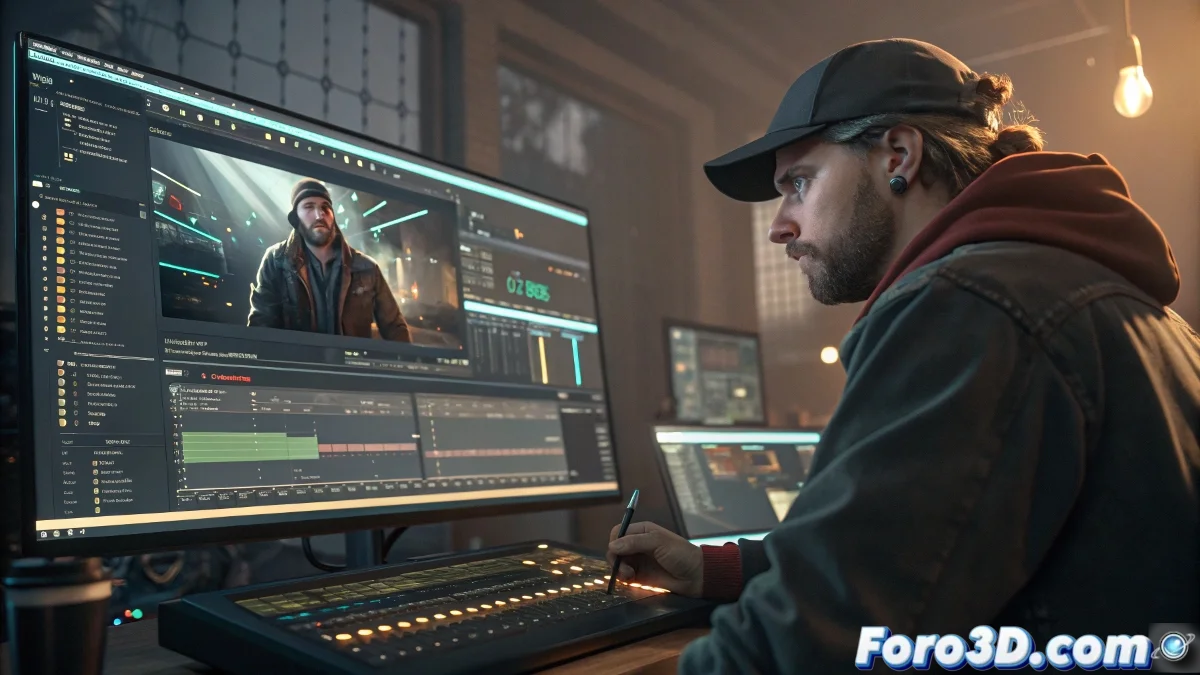
The art of animating without straight lines in Cinema 4D
If you thought animating in 3D was like following the steps of a cooking recipe, get ready to discover the wild world of non-linear animation. 🎬 Since Cinema 4D implemented its Motion System, playing with movements has become as fun as mixing Legos from different sets (and without stepping on a piece barefoot).
Non-linear animation is like having a universal remote for your movements: everything is under control, but with the risk of losing the remote between the sofa cushions.
Motion clips: the animated building blocks
Imagine that every animation was a video clip that you can drag, stretch, and combine at will. Well, that's exactly what motion clips offer. The process is so simple that even your cat could do it (well, maybe I'm exaggerating a bit):
- Traditional animation: keyframes, sweat, and tears
- Select Character > Motion Clips
- Voilà! Now you have modular animation blocks
- Profit (as the memes say)
The Motion Mode opens up a universe where mixing clips is as satisfying as making the perfect latte. ☕ And if you make a mistake, you can always blame the software.
When magic meets practical utility
This system shines especially when working with:
- Characters that need organic movements
- Cameras with complex paths
- Machines with moving parts
- Your craziest projects (yes, that one where the octopus plays the saxophone)
The integration with Xpresso and Pose Morph is so smooth that sometimes it seems like the program reads your mind. But be careful, because then the license bills come and bring you back to reality. 💸
Playing well with other programs
In the real world, Cinema 4D doesn't live isolated like a digital hermit. It works great with:
- Blender and its powerful NLA Editor
- Houdini for effects that would make your GPU cry
- MotionBuilder when you need professional animation control
Formats like FBX and Alembic are the Esperanto of 3D graphics, allowing all these programs to get along as well as roommates who buy their own toilet paper. 😊
So the next time someone talks to you about their 300 manual keyframes with nostalgia, kindly remind them that we live in the future. And if they insist, you can always offer them a floppy disk as a souvenir. 😉