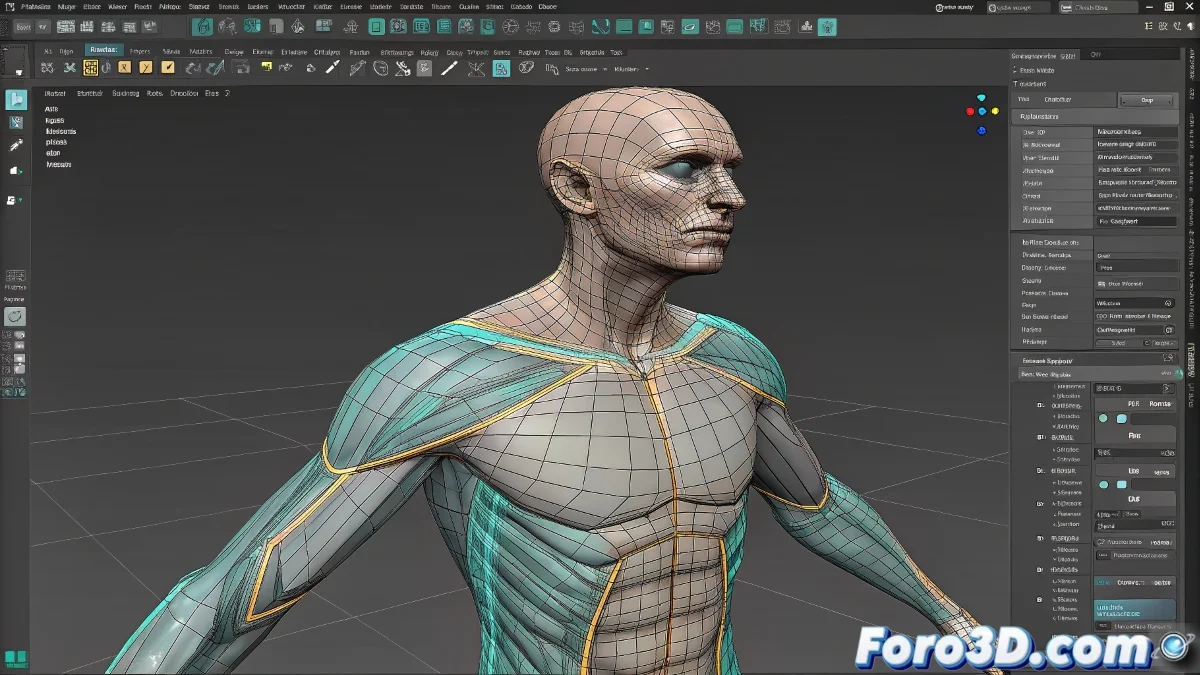
When Folds Decide to Rebel
There are vertices that seem to have the soul of an abstract artist, creating folds that would make any animator cry. 😭 The Skin modifier does a decent job, but for those problematic areas like armpits or groin, we need to call in the specialist: Skin Morph. It's like taking your deformation to the digital physiotherapist.
The Dynamic Duo: Skin + Skin Morph
This combination is the Batmobile of animation:
- Skin establishes the base deformation (80% of the work)
- Skin Morph corrects that 20% of rebellious vertices
- Together they create the illusion that you know what you're doing
Quick Guide to Using Skin Morph Like a Pro
- Identify the problematic pose (that angle where everything breaks)
- Create a Morph Target with the bone in extreme position
- Edit the mesh as if it were digital clay 🎨
- Test, curse, adjust, and repeat
A well-applied Morph Target is worth a thousand hours of manual weight adjustments. But ten poorly applied Morph Targets can create a monster worse than your worst nightmares.
Mistakes That Will Turn Your Character into a Nightmare
Avoid these deadly sins of Skin Morph:
- Morph Targets that overlap like teenagers at a party
- Vertices with weights that sum more than 100% (that's cheating)
- Forgetting to save versions (autosave is not your friend)
Fun fact: The most difficult vertices to tame are usually in the same areas where humans have real folds. Maybe 3D models are more human than we think. Or maybe anatomy is complicated even in pixels. 🤔
Remember: if all else fails, you can always say it's an artistic style. Who can say you didn't want your character's elbow to fold like an accordion? 🪗 After all, art is subjective... until the client sees it.