Mastering Depth of Field in Unreal Engine 5
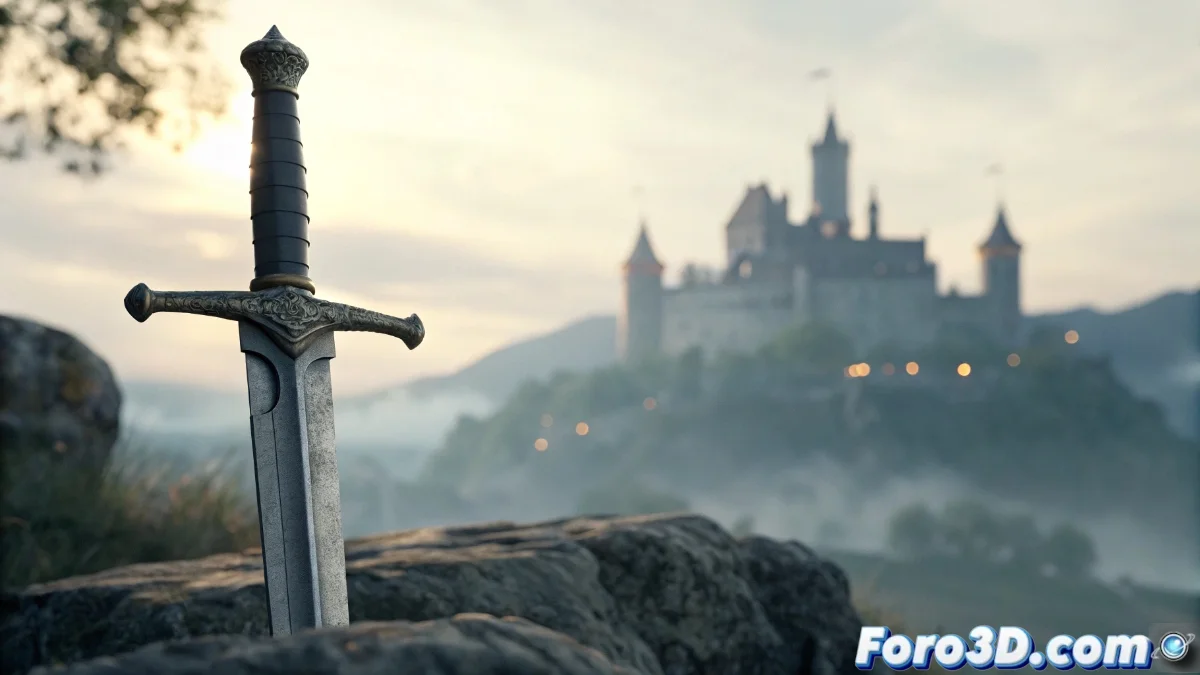
The depth of field system in Unreal Engine 5 faithfully emulates the behavior of real photographic lenses, creating visual effects where certain elements remain sharp while the surroundings gradually blur. This technique not only adds cinematic realism but also serves as a narrative tool to direct the viewer's attention to specific points in the composition 🎬.
Optical Fundamentals and Basic Setup
The engine uses physically accurate calculations to determine which areas of the scene will appear in focus and which will show progressive blur based on the distance to the focal plane. To enable this feature, you must access the Post Process Volume and enable the Depth of Field property. The fundamental parameters include Focal Distance to set the main focus distance, Aperture to control the blur intensity, and Focal Length which simulates different real lens focal lengths 📷.
Essential Configuration Parameters:- Focal Distance: Defines the exact plane where objects will appear perfectly sharp
- Aperture: Controls how much elements outside the focal plane blur
- Focal Length: Determines the field of view and affects depth perception
Poorly configured depth of field can transform an epic space battle scene into a confusing and abstract visual experience, similar to a feverish dream.
Advanced Techniques and Performance Optimization
Unreal Engine 5 offers multiple calculation methods to adapt to different visual needs and performance requirements. The Gaussian option provides smooth and efficient blur, while Bokeh generates more realistic circles of confusion with customizable shapes, ideal for scenes with point lights in the background. To maintain optimal performance in complex projects, it is crucial to adjust the Sample Count or use the Mobile Depth of Field version in development for devices 🚀.
Optimization Strategies:- Sample Reduction: Decrease the Sample Count in complex scenes to improve fps
- Mobile Method: Implement Mobile Depth of Field for projects targeted at devices
- Real-Time Testing: Constantly verify the visual impact with the game view active
Practical Tips and Common Mistakes
Incorrect setup of depth of field is one of the most common errors affecting visual quality. When a scene starts to look like an impressionist painting due to poorly adjusted focal distance, it's time to review the basic parameters. Remember that even the most experienced artists need "virtual glasses" to fine-tune these settings. The key is to find the perfect balance between visual impact and engine performance, creating immersive experiences without compromising application smoothness 🎯.