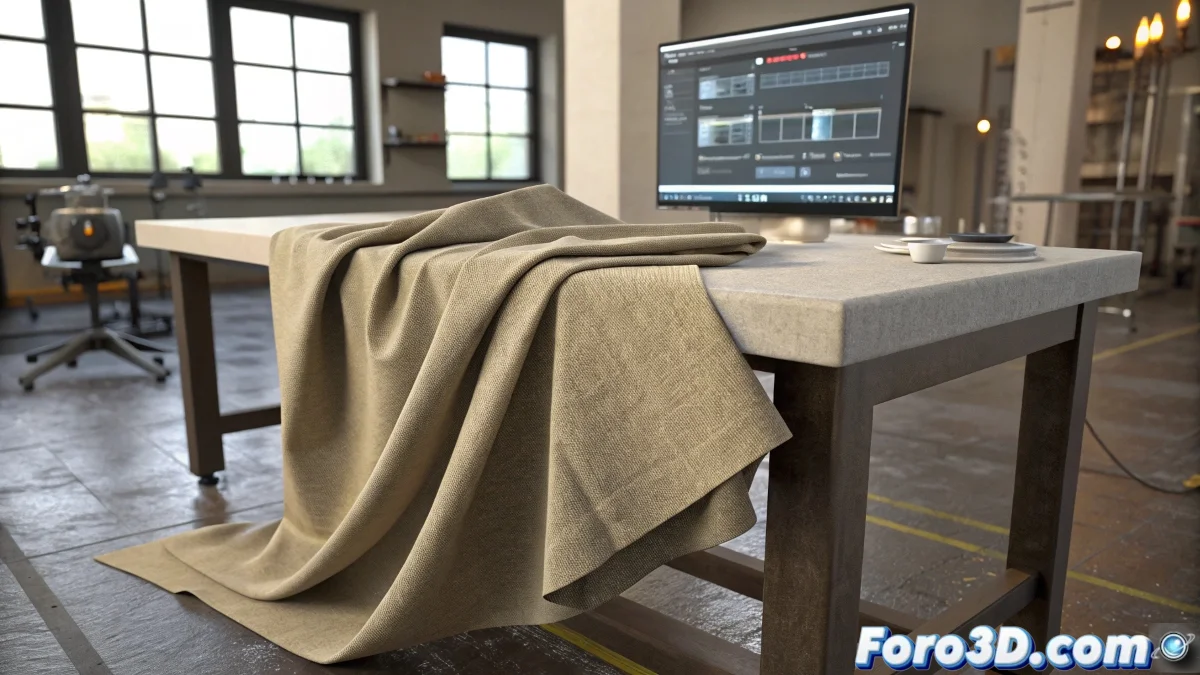
When Virtual Fabrics Come to Life (and Drive Us Crazy) 👗
In the fascinating world of 3D animation, few things are as satisfying -and frustrating- as watching a cloth simulation behave exactly as we didn't want it to. Fortunately, tools like SimCloth in 3ds Max allow us to create realistic movements without having to animate every fold manually.
The Right Order: Don't Put the Cart Before the Horse
To get decent results with SimCloth, you must follow a logical sequence:
- Animate the main object first (character, furniture, etc.)
- Properly set up the cloth parameters
- Run the simulation and pray it doesn't turn into a disaster
- Adjust the parameters and simulate again (repeat until you get something usable)
"A successful cloth simulation is like a good marriage: it requires patience, constant adjustments, and accepting that it won't always turn out as planned."
Tricks to Stay Sane in the Process
To maintain your sanity when working with cloth simulations:
- Start with low-quality simulations for quick tests
- Carefully adjust gravity and friction parameters
- Use appropriate collision layers to avoid penetrations
- Be patient - each simulation is a new surprise journey 🎢
When Physics Rebels
If your cloth decides to behave like an independent being with artistic aspirations:
- Check that the mesh has enough geometry
- Verify that the collider objects are properly configured
- Try different stiffness and damping values
- Consider splitting the simulation into more manageable segments
Remember that in the world of cloth simulations, like in real life, sometimes you have to let things flow naturally. If your virtual blanket ends up looking like a flag in a hurricane, maybe it's time for a break. Or better yet, present it as "digital abstract art". 🎨
And now, if you'll excuse me, I'm going to try to get this curtain to stop dancing like it's in an 80s music video. Pro tip: if you see it starting to form faces, you've probably exceeded the healthy coffee limit. ☕