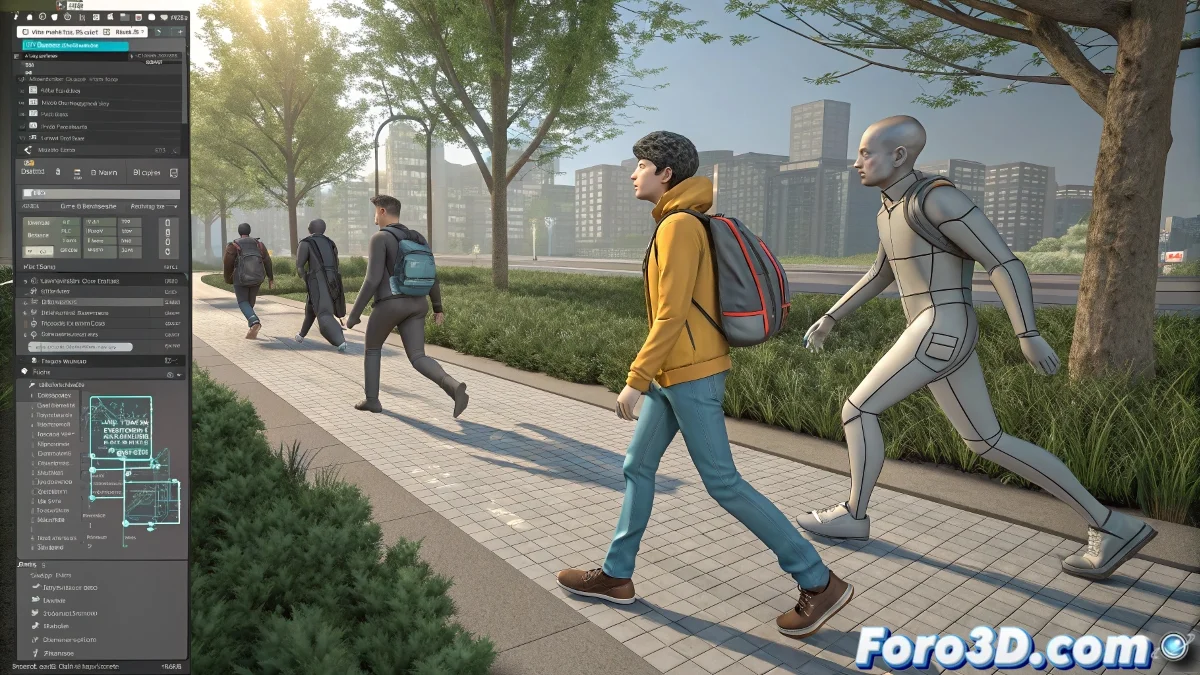
When Your BIP Files Walk but Don't Move Forward 🚶♂️🌀
You import a perfect walk animation and... your character stays marching in place like a soldier on guard. It's not a bug, it's the nature of BVH/BIP files, designed for "in place" animation. The magic is in separating the cyclic motion from the global displacement.
Formula for Walks that Traverse Scenes
- Import the animation into the Biped (File > Import BIP)
- Check In Place mode in the Motion panel
- Create a dummy and make it the parent of the Biped
- Animate the dummy moving through the scene
"A Biped without a dummy is like a car without wheels: lots of motion but it doesn't go anywhere" — Unwritten Law of Character Studio
Professional Techniques for Crowds
For scenes with multiple characters:
- 📍 Use Path Constraint on dummies for predefined paths
- 📍 Instance multiple Bipeds with the same animation
- 📍 Slightly vary the speed and timing between them
The Art of the Perfect Loop
With the Motion Mixer:
- 🔁 Drag your BIP clip to the timeline
- 🔁 Duplicate and overlap clips to create repetitions
- 🔁 Adjust transitions with blend curves
- 🔁 Use Ease In/Out for smooth splices
For short animations (8-12 frames), the trick is to exactly match the final pose with the initial one in the Track View. Otherwise, your character will seem to slip in every cycle.
Common Problems and Quick Solutions
| Problem | Solution |
|---|---|
| Character slips | Adjust final key on pelvis |
| Feet go through the floor | Enable foot IK temporarily |
| Cycle doesn't splice | Copy first frame to the end |
And remember: if after 3 hours your character still walks like a drunk, you can always say it's a sequel to The Walking Dead. In the 3D world, sometimes errors become styles... until the client asks why all their characters look like they came from a party. 🍻