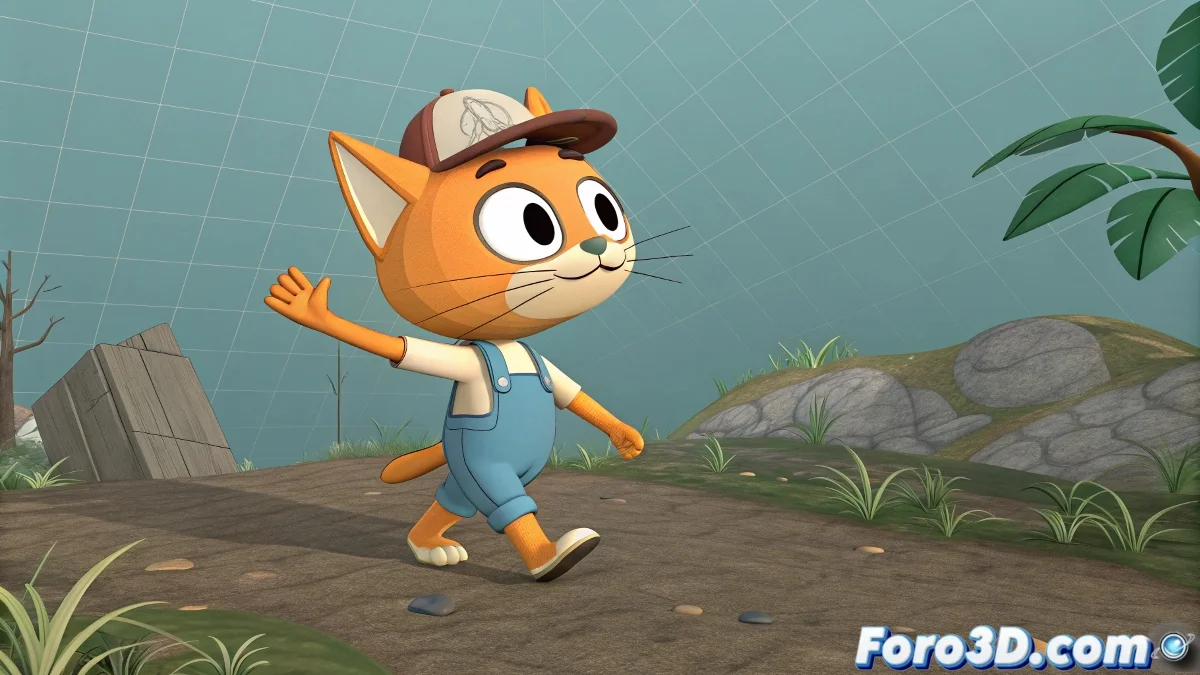
From Walking to Acting and Back: The Art of Transitions in CAT 🚶➡️👋➡️🚶
If you already master basic walk cycles in CAT, get ready for the next level: making your character stop, perform an action, and continue marching without losing fluidity. The magic is in CAT's layer system, which lets you overlay animations like a chef adds ingredients to their recipe. 🧑🍳
The Power of Absolute Layers in CAT
Your walk cycle lives in the CATMotion Layer, but for specific actions you need:
- Absolute Layer: To completely override the animation
- Additive Layer: To add subtle movements without breaking the base
- Weight Control: To progressively blend the layers
"CAT has more layers than a family drama, but each one serves a different purpose" - Anonymous Animator
Stopping the Character Elegantly ✋
The secret is in the Hub node, the master control of movement:
- Create an Absolute Layer over your CATMotion
- On the key frames, freeze the Hub's position
- Adjust the CATMotion layer weight to 0% during the pause
- Animate your action (wave, look, etc.) in this same layer
- Gradually reactivate the CATMotion Layer
Tricks for Smooth Transitions
Avoid making your animation look like a robot with Parkinson's:
- Use Timewarp to smooth abrupt speed changes
- Experiment with weight curves instead of abrupt changes
- Try CATMixer to chain pre-animated clips
- Add anticipations before stopping and starting
When Things Go Wrong... 🆘
Common problems and their solutions:
- Jumps when reactivating the walk: Ensure the final pose of your action matches the initial pose of the cycle
- Ghost movements: Check for hidden keyframes in the Hub
- Robotic transitions: Add 2-3 frames of blend between actions
Remember: CAT was designed to make animation easier... until you try something complex. But with patience and these techniques, you'll soon make your characters walk, act, and walk again with the naturalness of a Hollywood actor (or at least a low-budget extra). 🎬