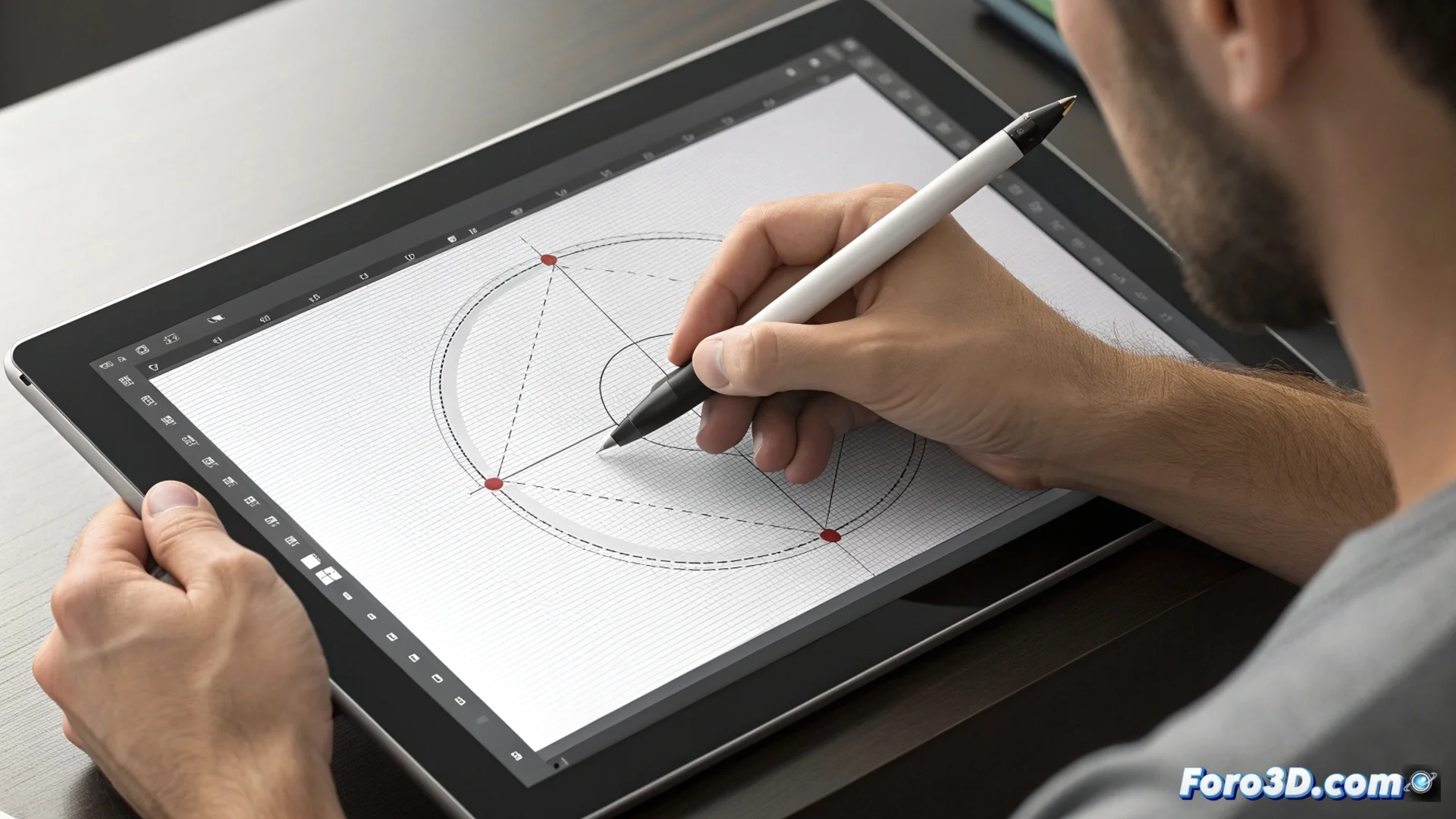
Master the Pen Tool in Adobe Illustrator to Create Vectors
In the world of vector design, Adobe Illustrator's Pen tool stands as a fundamental pillar. This feature allows generating and modifying paths with absolute precision, defining outlines through anchor points and their handles. It is the key to producing logos, icons, and detailed illustrations that maintain their sharpness at any size. 🎨
The Mechanism of Points and Curves
When activating the Pen tool, the cursor transforms. Each click on the canvas places an anchor point. If, after clicking, you hold and drag, the handles emerge that govern the Bézier curves. These arms determine the direction and intensity of the curve entering and exiting the point. To form a closed shape, connect the last point with the initial one. To adjust the result, use tools like Direct Selection and Convert Anchor Point.
Basic Workflow with the Pen Tool:- Clicking sets points for straight segments.
- Clicking and dragging generates points with handles for smooth curves.
- Using the Alt (Option on Mac) key allows breaking the handle linkage and creating angular transitions.
Patience is the best ally for taming curves. The first path is usually a series of uncontrollable lines, but with practice, absolute control is achieved.
Practical Techniques for Gaining Precision
To use the Pen tool efficiently, it is advisable to practice its behavior. An effective strategy is to place anchor points right at the direction changes of the silhouette you want to draw. Using few points usually results in cleaner and more organic curves. The Convert Anchor Point tool is vital for transforming a smooth node into a sharp corner and vice versa.
Tips to Optimize Your Technique:- Plan the placement of points before starting to draw.
- Combine straight and curved segments in the same path to design icons or typography.
- Adjust the length and angle of the handles with Direct Selection to refine shapes.
From Theory to Vector Mastery
The true power of the Pen tool is discovered through direct experience. It is the instrument that enables drawing scalable graphics from scratch, providing total control over every vertex and every curve. Mastering it not only involves knowing its functions but developing the intuition to predict how Bézier curves will behave. This mastery is what separates a basic sketch from a professional and polished vector illustration. ✏️