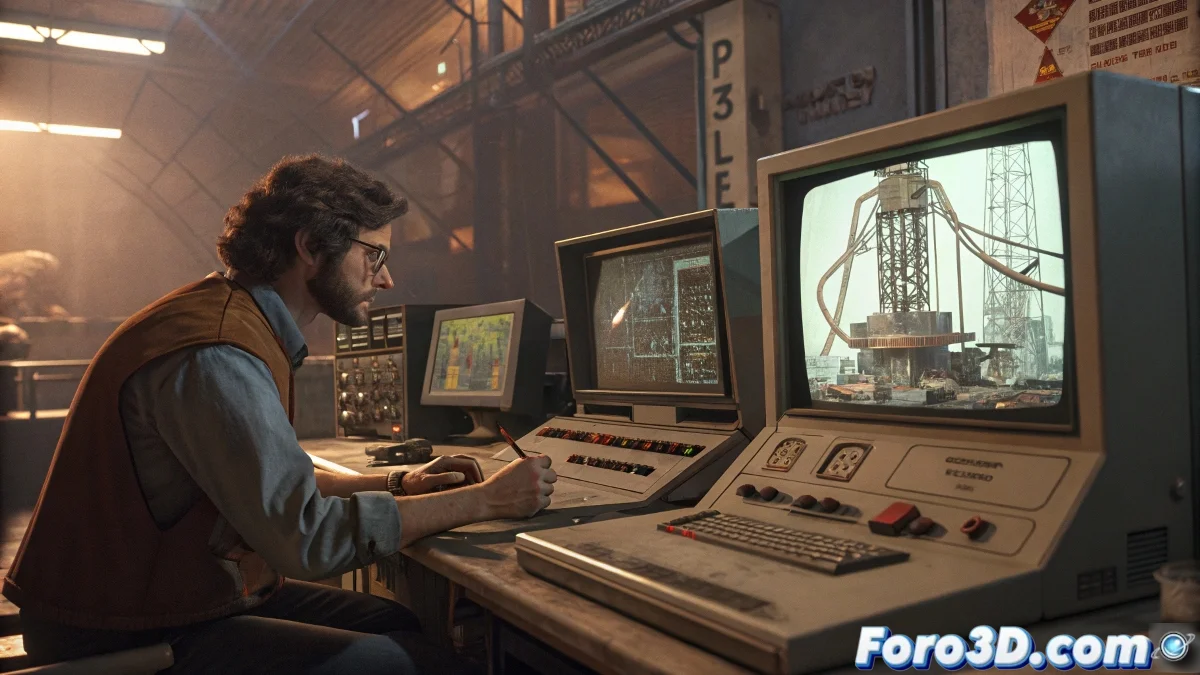
Reactor: The Forgotten Grandfather of Physics in 3ds Max ⚛️
In the trunk of memories of 3ds Max lies Reactor, the physics system that made many artists happy... until more powerful tools arrived. Although today it's a digital dinosaur, learning it can give you solid foundations on simulation. That said, prepare for nostalgia and a few headaches.
"Reactor was like that first old car: it broke down a lot, but you grew fond of it" — Anonymous 3D artist who survived Max 2009.
Tutorials to Tame the Beast
If you decide to venture with Reactor, these resources can save you:
- Archived Official Documentation (Max 2012 or earlier): Tutorials integrated in Help > Tutorials > Reactor.
- CG Online Tutorials: Clear explanations on collisions and rigid bodies.
- 3DPalace: Ideal for understanding the logic behind the system.
Search for terms like "3ds Max Reactor chain simulation" to find hidden gems on the Internet. 🕵️♂️
Forums Where Knowledge Survives
Knowledge doesn't get lost, it just gets archived in:
- CGSociety (ex CGTalk): Golden threads from 2005-2012 with advanced tricks.
- Foro3D.com: Shared setups for springs, chains, and dynamic cloths.
Alternatives That Won't Make You Cry
For current projects, better use:
- MassFX: Autodesk's official replacement, more stable and powerful.
- TyFlow: Free for personal use, does everything Reactor does... and 100 times more. 🚀
Reactor will teach you basic concepts, but as a wise man would say: "Using obsolete software a lot won't make you wake up earlier". Unless you work with old files, invest your time in modern tools. Your peace of mind will thank you.
PS: If you miss Reactor, you can always install a virtual machine with Windows XP and Max 2008 for a nostalgic trip... or to remember why we moved on. 💾