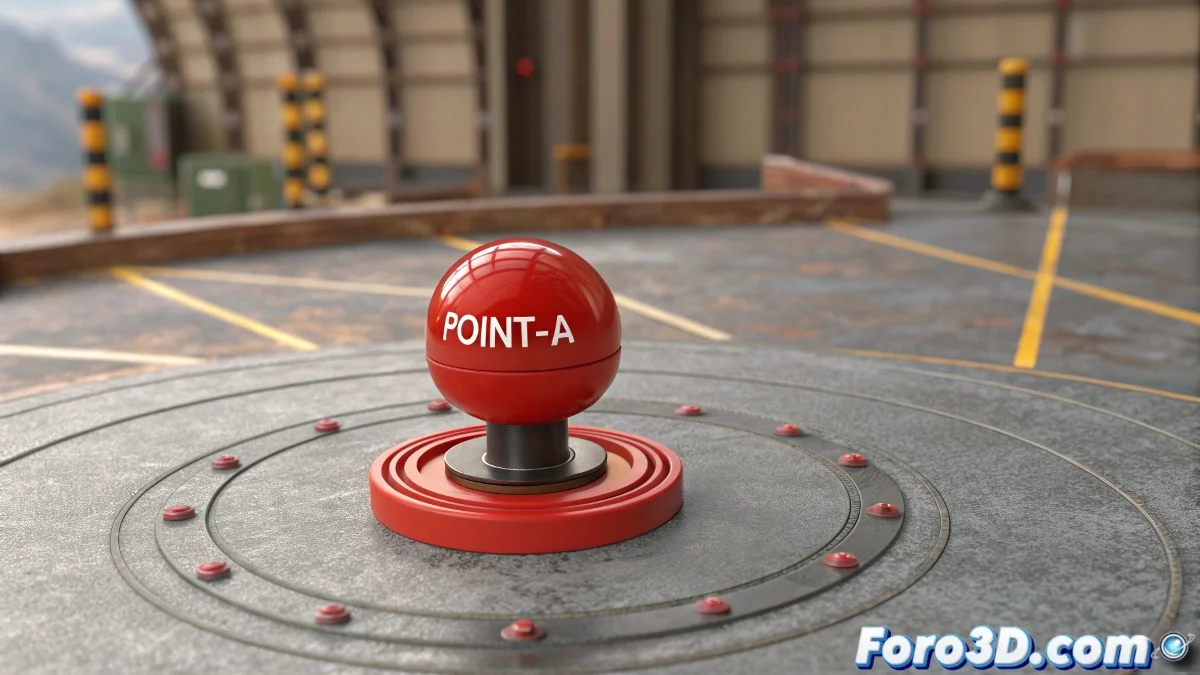
The Art of Rotating Objects Exactly Where You Want 🌀✨
Tired of your objects in 3ds Max rotating around the wrong points? Whether you need that red element to dance around point A or create precise mechanisms, these two professional methods will solve your rotation problems once and for all. And the best part: they're easier than they seem!
"In the 3D world, controlling the rotation point is like mastering gravity: once you get it, everything flows better"
Method 1: Strategic Pivot Relocation
The direct solution for clean rotations:
- Select your rebellious object and open the Hierarchy panel
- Activate the magic button Affect Pivot Only
- With the help of Snaps, place the pivot exactly at your desired point
- Deactivate Affect Pivot Only to lock the position
- Activate Auto Key and animate the rotation normally
Key advantage: Clean result with a single animated object and no extra elements in the scene.
Method 2: The Power of Controller Dummies
For when you need more flexibility:
- Create a Dummy (Helpers → Dummy) at your rotation point
- Link your object to the Dummy with Select and Link
- Animate exclusively the Dummy with rotation
- Watch how your object dances around the point while keeping its original pivot
Why choose it: Ideal for complex rigs or when you need to keep the object's original pivot intact.
Which Method to Choose Based on Your Case
Pivot change is perfect for: - Simple and direct animations - When working with few objects - Need to keep the scene minimalist
Controller Dummy shines when: - Your object is part of a complex rig - You need the original pivot for other animations - You want independent movement control
Golden Tips for Animators
- Activate Angle Snap for perfectly aligned rotations (15°, 30°, 45°...)
- For continuous movements, switch to Linear Float instead of Bezier keys
- Use Loop in the rotation controller for cyclic animations
- Save versions of your file before moving important pivots
On foro3d you'll find practical examples of both methods applied to real cases. Because we've all gone through the "why the hell is it rotating around nothing?" before discovering these secrets. 😅
Quick Solutions to Common Problems
If the object moves instead of rotating: Verify that you're specifically animating the rotation parameters, not position.
If the rotation is not perfectly circular: Use snaps when placing the pivot or Dummy for maximum precision.
If other objects move accidentally: Make sure only the element you want to animate is selected.
As experienced animators say: "Controlling the rotation point is the first step to mastering movement in 3D". Now you have the tools to do it like a professional. 🎩✨