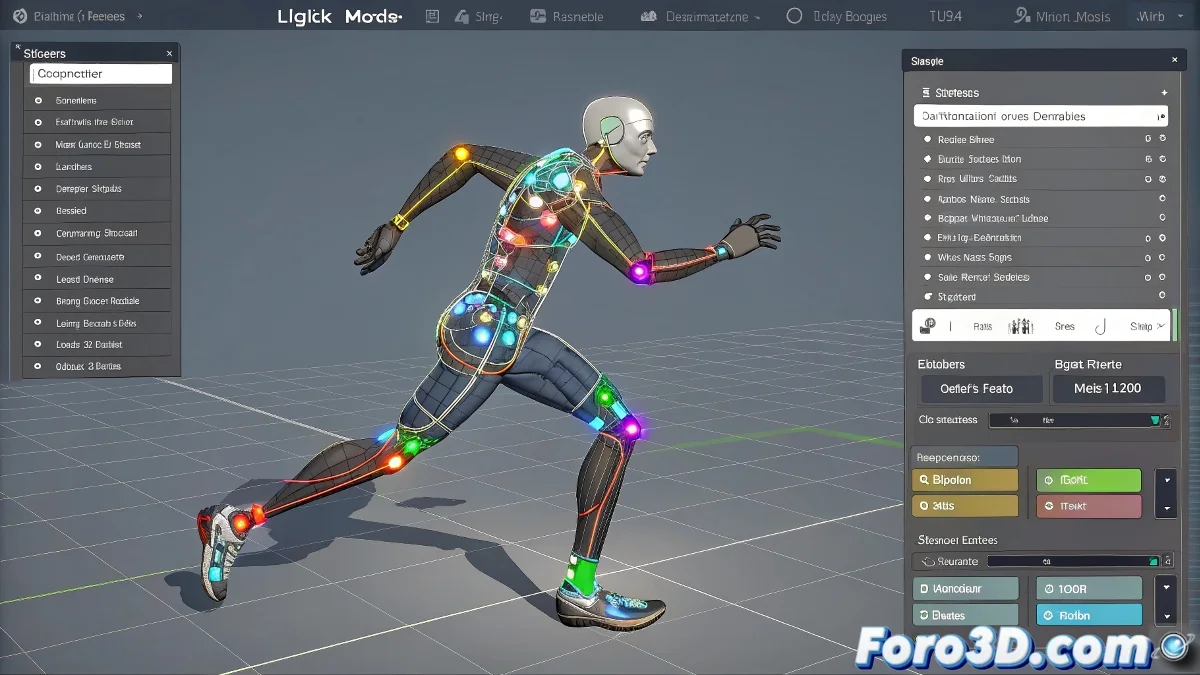
when LightWave's IK Boost wants to help you… but doesn't tell you how
If you're using IK Boost in LightWave 3D and you've stumbled upon functions like Posture Save or Motion Load, you're not alone. It sounds useful, seems simple, but without following the proper steps you can end up with the rig upside down 😵💫. Here we explain how to use them without drama.
🧍♂️ posture vs motion: not the same, but they look similar
- Posture Save saves the local position and rotation of the selected bone. Ideal for copying a pose and applying it later.
- Posture Load retrieves that saved pose. Useful for symmetries or to maintain consistency in key poses.
- Motion Save stores an animation block in a defined time range.
- Motion Load applies that animation to another character or part of the rig, as long as the hierarchies match.
For all this, activate IK Boost (you'll know because you'll see the colored controllers on the bones) and right-click on the correct bone. Otherwise, what you save or load might end up… well, in digital limbo.
⚙️ key steps before saving (and avoiding tragedies)
- Do a Add Keyframe All before saving postures or motions to register all necessary bones.
- Select exactly the same bone when loading a pose that you used when saving it. If not, nothing happens (literally).
- Files are saved as .pose, .pst or .mot, depending on what you save.
- Organize files by character or type, because IK Boost doesn't show previews. Loading without knowing is like playing roulette with your rigs!
💡 tips for IK Boost to work with you (and not against you)
These tools are perfect for reusing animations like walks, greetings, or expressions. But the secret is in the preparation: consistent bone names, compatible rigs, and order in your files.
And if something gets messed up, remember: you can always edit frame by frame. It's just easier to do it right from the start 😌.
“The curious thing is that these functions exist to make your life easier… but one wrong step and you have a bone dancing alone in the stratosphere”
So, if Posture Load doesn't load and Motion Save doesn't save what you expected, don't worry: it's happened to all of us. The good news is that now you know how to tame these functions like a true professional animator 🎬