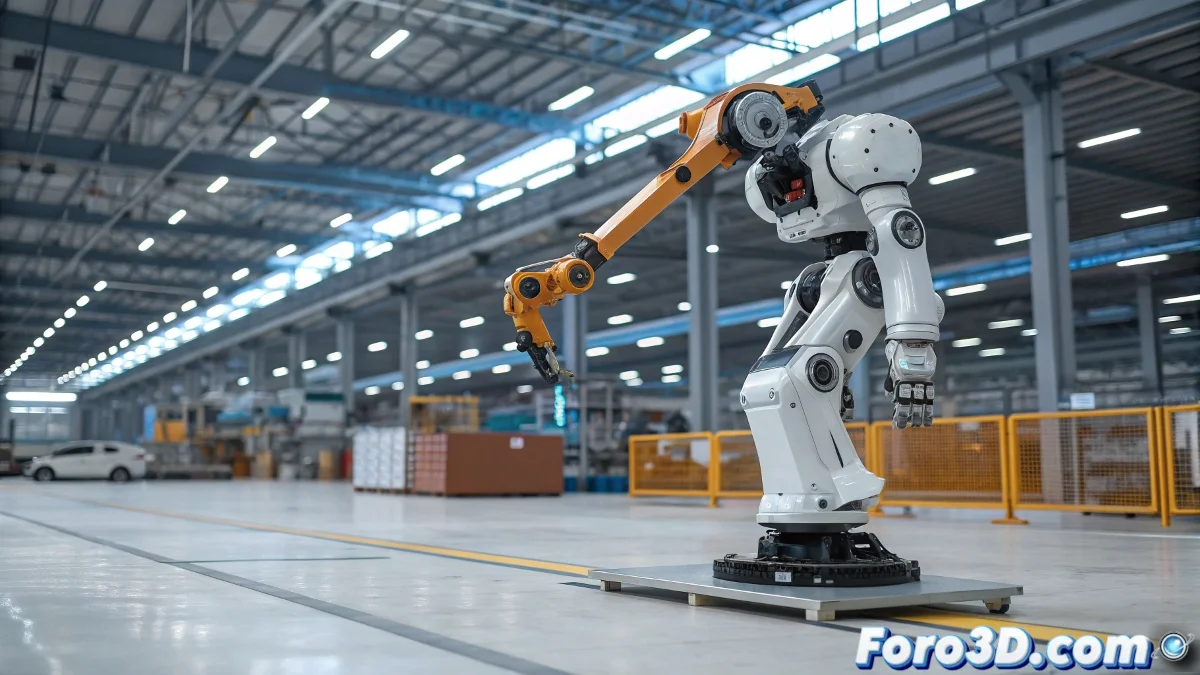
When Your Robot Needs to Move (and Not Like a Rusty Tank) 🤖
Animating robots in LightWave? The combination of IK for legs and joints for mechanical parts might seem like teaching quantum physics to a toaster. But don't worry, with these tips you'll make your mecha move with the elegance of a Transformer (or at least, not look like a pile of animated scrap). 🔧
"In mechanical rigging, IK is the brain and joints are the nervous system. Without coordination, you only get digital spasms"
IK Legs: The ABC of Robotic Locomotion
So your robotic legs don't walk like drunks:
- Clear hierarchy - Bones must be parented like beads on a necklace (but one that doesn't break)
- Precise IK Goals - The foot must know exactly where it's going (unlike some humans)
- Limit rotations - Robotic knees shouldn't bend 360° (unless it's a failed experiment)
Mechanical Joints: The Magic of Secondary Parts
For valves and pistons that move with purpose:
- Create controller Nulls (the useful ghosts of 3D)
- Assign smart constraints (like a GPS for mechanical parts)
- Adjust stretch parameters (so they don't look like stretched gum)
Integration: When IK and Joints Need to Get Along
The secret is in:
Intermediate Nulls - Like translators between two systems that don't understand each other
Gradual tests - First make it walk, then add the smoking pistons
Patience - Because even robots need their time to learn
And remember: if everything fails, you can always say it's a defective prototype from Cyberdyne Systems. But with these tips, we hope your robot comes out more Terminator than Roomba. 🚀