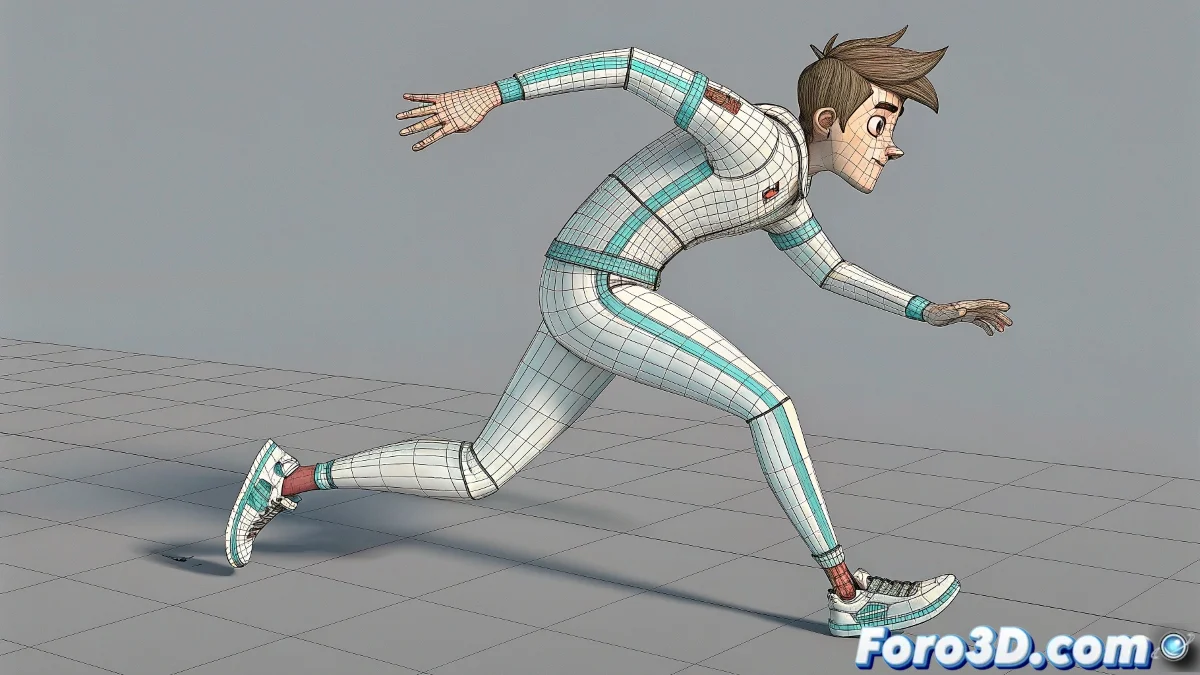
IK/FK Without the Pain: The Art of Changing Your Mind (Kinematics) 🤹♂️
The IK/FK Solver plugin by Joleanes for Maya is like having a magic switch that lets you jump between inverse and forward kinematics without losing the pose. The result? More natural animations where your characters can rest a hand on the table (IK) and then make a dramatic gesture (FK) without it looking like their shoulder popped out. ✨
"A good IK/FK rig is like a good marriage: it needs balance and smooth communication between both parties"
Express Setup in 3 Steps
- Download the plugin from joleanes.com
- Install it in your Maya scripts folder
- Apply the solver to your rig's limbs
Done! Now you have a slider that does the magic of converting IK to FK and vice versa. The character Curiousi in its gallery is the perfect example of this in action.
Pro Animation Tricks
- Use IK for precise contacts (hands on objects)
- Switch to FK for natural motion arcs
- Adjust the slider gradually for smooth transitions
- Test with the Curiousi character before your own rig
Plugin or Built-in Systems?
Modern alternatives include:
- Advanced Skeleton: All-in-one for professional rigging
- mGear: Open-source framework with IK/FK matching
- Rigs Python: Customizable solutions
But the Joleanes plugin is still perfect for:
- Fast productions
- Simple rigs
- Learning IK/FK concepts
On foro3d you'll find discussions on when to use each method, plus downloadable examples to practice. Because mastering IK/FK transitions is like learning to shift gears: at first it feels weird, but then you do it without thinking. 🚗💨
As veteran animators say: "The best IK/FK system is the one that makes you forget you're switching between them". And with this plugin, you're one step closer. 🏆