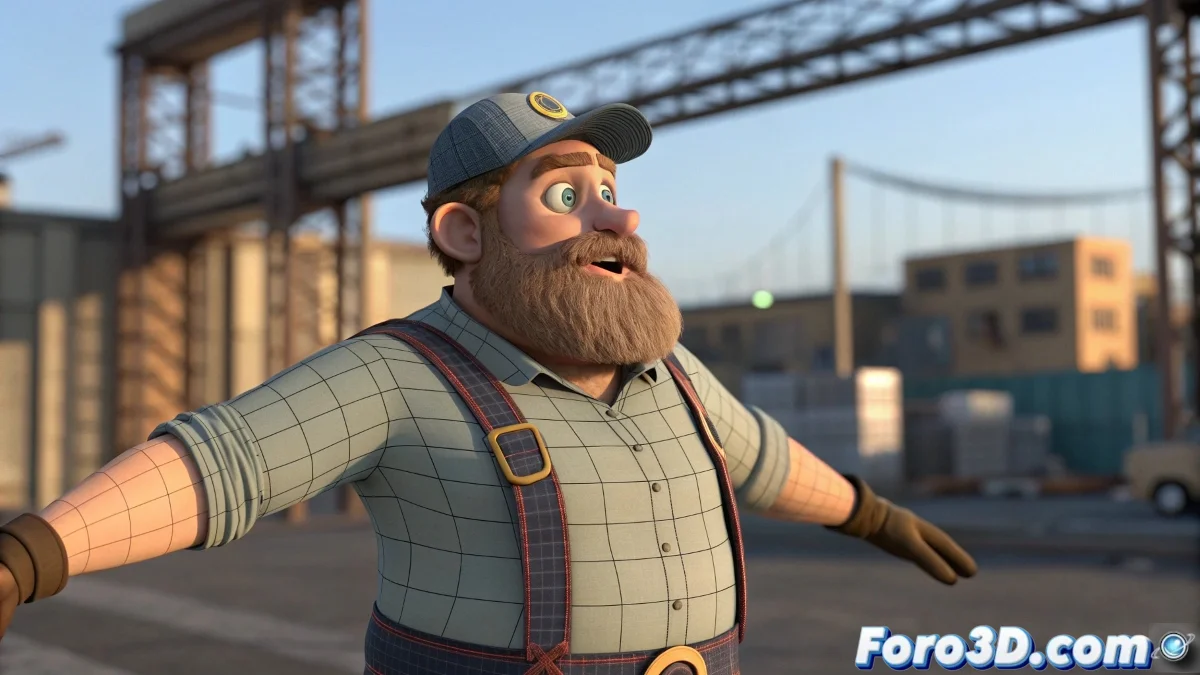
When Your Sleeves Pierce More Than Your Existential Problems ✂️
Animating in Blender and those annoying sleeves seem determined to merge with the arms? Fear not, the combination of shape keys and drivers comes to the rescue. That said, prepare for a digital therapy session where you'll be part psychologist, part mathematician, and a full rigging artist. 🎨
"Drivers are like toxic relationships: if you don't set clear boundaries (values), everything will end in emotional deformation... I mean, geometric"
The ABC of Deformation Correction
To tame those problematic areas:
- Weight Paint first - Solves 80% of problems like a functional adult
- Shape Keys afterward - For that 20% of drama that needs special attention
- Strategic Drivers - Like precise medication for chronic deformations
Setting Up Drivers That Won't Ruin Your Life
To prevent your shape keys from becoming rebellious:
- Test first in Local Space (like talking privately before shouting in public)
- Adjust formulas gradually - +5 degrees of rotation shouldn't trigger the Apocalypse
- Use the Driver Editor - Your magic crystal to predict behaviors
Mistakes That Will Turn Your Character into a Lovecraftian Nightmare
Avoid these horrors:
Conflicting Shape Keys - Like two chefs in a small kitchen
Extreme Formulas - Where 1+1 ends up being 11
Forgetting Backup Versions - Because even 3D gods make mistakes
Remember: if all else fails, you can always say it's a stylized effect. But with these tips, you'll achieve that realism that will make your audience cry... with admiration, not terror. 😉