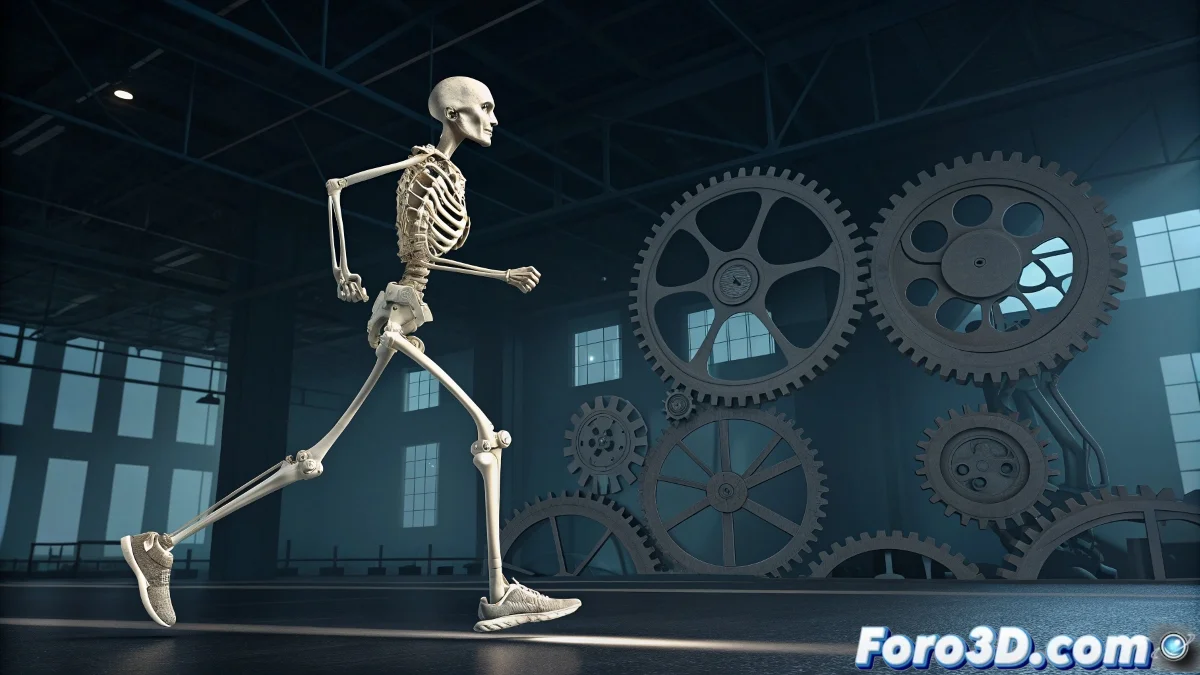
When the Biped Decides It's in Charge 🤖
The Biped system in 3ds Max is like that coworker who wants to do everything their own way: it comes with its own hierarchy and inverse kinematics, and if you try to apply a normal constraint... bam! Menu disabled. It's not a bug; the Biped knows exactly who's wearing the pants here. 😅
Biped is designed for quick character animation, not custom rigging. That's why it resists your standard constraints.
Tricks to Tame the Biped
All is not lost. You can use these techniques to gain more control without the Biped sending you packing:
- Biped Links: The "diplomatic intermediary" between your control and the Biped system.
- Dummy Objects: Like using puppets to control another puppet. 🎭
- Expressions and Scripts: For when you need to be more persuasive with the Biped.
Motion Flow: The Animator's Lifeline
If you need more freedom, Motion Flow is your best ally. It allows you to:
- Create transitions between animations
- Adjust specific movements
- Maintain the magic of inverse kinematics
And if all else fails, you can always temporarily convert the Biped to Editable Biped... though you'll have to deal with its distant relatives at Christmas afterward. 🎄
The Tip That Will Save You Hours of Pain
Before doing anything crazy with your Biped:
Save a copy! That way, when the experiment goes wrong (and it will), you can go back to the starting point without crying in a corner. 😭
Remember: if the Biped still won't cooperate in the end, you can always call it "experimental art" and charge double. 🎨💰